


0taku
Friends of LSPDFR
-
Joined
Everything posted by 0taku
-
From the album: 0taku media
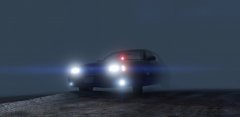
Responding Code3 in some winter fog -
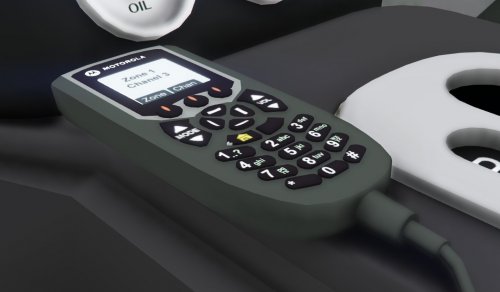 Here is an another early Christmas gift you guys, The Motorola 03 HHCH. Enjoy =======Terms of Use============ 1. Do not claim model as your own 2. Do not convert to other games without checking with me first. 3. When releasing file must be in a locked state. 4. You MAY NOT sell or profit from any part/texuter of this model in any state, personal or public.
 -
From the album: 0taku media
Coming soon, -
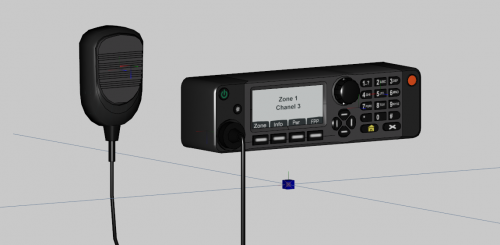 Here is an early Christmas gift you guys, The Motorola APX 8500. This radio is scratch made by me and comes with the PMMN4097 Microphone. Model is around 1380 Polys and some re-size might need to be done. -------------------------------------------------- From motorola's site: A high-speed chase. A massive traffic accident. A natural disaster. First responders must be ready to communicate at a moment’s notice in any situation. The new APX 8500 all-band mobile radio combines unlimited interoperability, secure WiFi connectivity and purpose-built design, enabling ease of installation and removal. It can easily connect to the VML750 LTE vehicle modem via the micro USB interface and utilize the (4G/3G) commercial network to create an in-vehicle ecosystem for offloading data applications in the field, increasing the safety and efficiency of public safety users in and around the vehicle. =======Terms of Use============ 1. Do not claim model as your own 2. Do not convert to other games without checking with me first. 3. When releasing file must be in a locked state. 4. You MAY NOT sell or profit from any part/texuter of this model in any state, personal or public.
 -
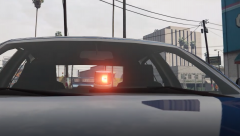
From the album: 0taku media
Video may still be processing -
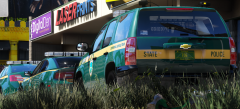 Whats the hex code for the green, it's very nice
 -
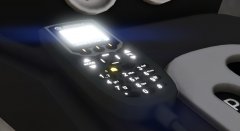
From the album: 0taku media
a Motorola Keypad mic which can be used with most radio boxes like the XTL5000 and APX7500/8500 that have no screen on the radio. Great for detective cars. I WILL release this if there is entrust. I'm also making a APX8500 as well -
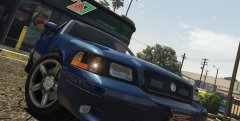
From the album: 0taku media
A small release I'm working which I hope to have out in time for Xmas -
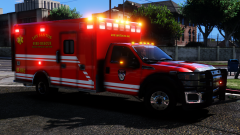
 I've seen one around where I live, but it's Australia
 -
 I thought so.
 -
Is there a mesh guard on the push bumper? Also looking great
-
No, Ford doesn't sell the Explorers over here anymore. I'm just basing my knowledge of images I've seen and comparing to SUV's we sell over here.
-
 What happened to that hood?
 -
-
 Base car or the tuned one
 -
Still looks small for an SUV. SUV's aren't meant to be small.
-
From the looks of it, Your trying to use an ELS model and ELS isn't installed right. Two things 1. Do you have ELS installed? 2. In the ELS folder there is a pack_default folder. In that there should be a file 'modelname.xlm ' so for the police2 it would be police2.xml Also make sure you have all the files needed for ELS. ELS uses scripthook and not RAGEhook like LSPDFR dose
-
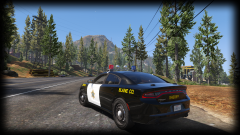 Can't wait for these car's, they are perfect for Blaine county/LS County
 -
S0 the past week or so I've been getting this popup/popover window asking for an authentication login. This only happens on LCPDFR and it cross device (so I also get it on my phone and my tablet) Anyone know what this issue could be.
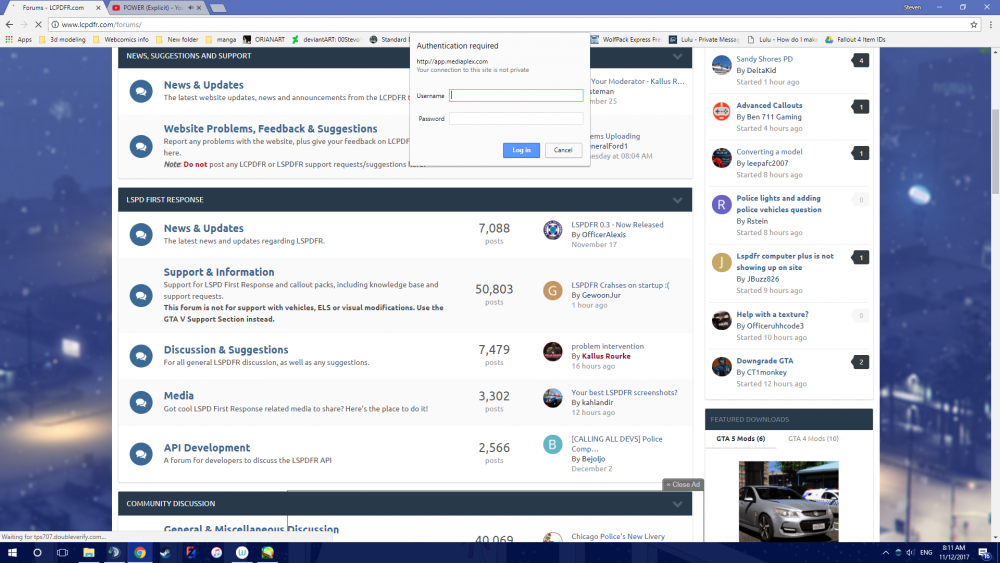
-
looking nice, but I would suggest using another font than comics sans.
-
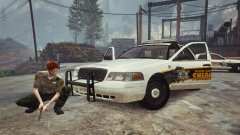 I spy my pushbar
 -
-
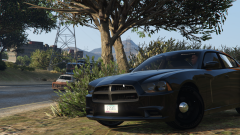 I wouldn't have noticed that mouse if you didn't say anything
 -
From the album: 0taku media
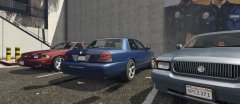
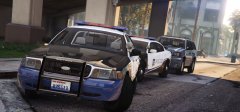
Some LSPD Cruisers parked outside the HQ in LS -
From the album: 0taku media
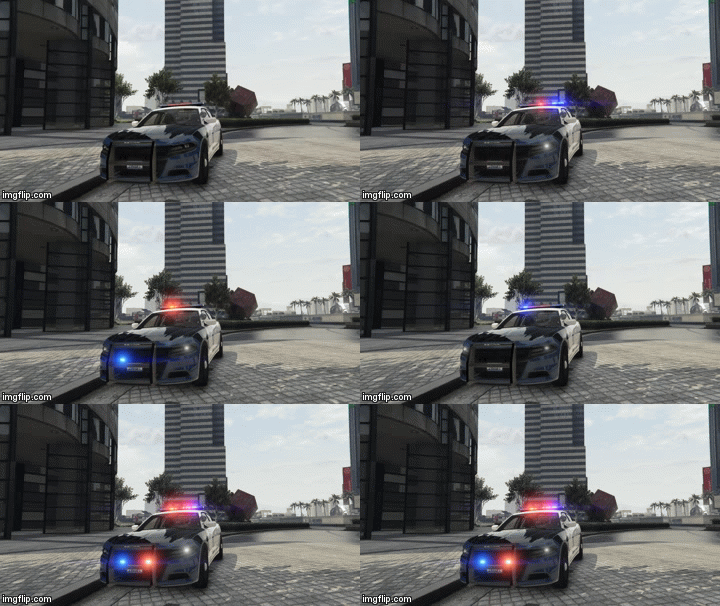
Just a quick gif of the front light layout for the pack I'm working on




