




LibertyDesigns
Members
-
Joined
Everything posted by LibertyDesigns
-
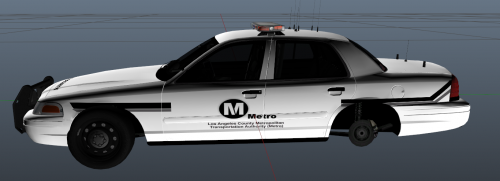 The metro logo is an oval, not how the actual car has it. This actually looks nothing like the actual car:
 -
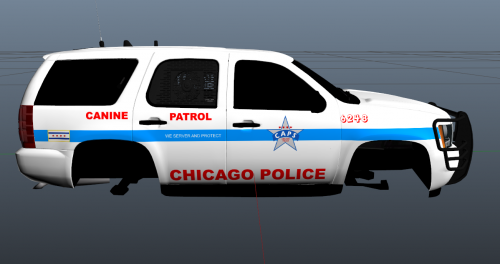 High quality work, but lacks sufficient reflection of actual vehicle. Great start, though.
 -
-
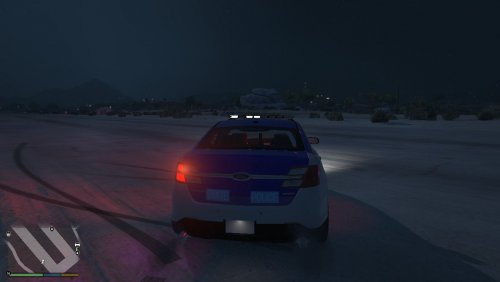 Any in game screenshots so the user knows how they look in game? Even if they're low quality.
- 4 comments
- 1 review
-
-

- 4
-
-
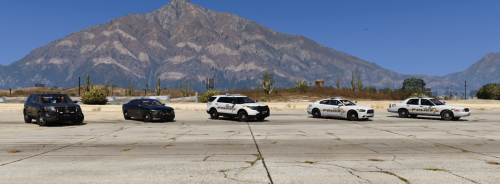 Thanks for re-posting without models included this time
 -
.thumb.png.71e6fb58b05a8743a7f376c86956459f.png) Not a huge fan of British law enforcement vehicles, but this looks exceptionally good! This would actually work well as a security vehicle as well!
Not a huge fan of British law enforcement vehicles, but this looks exceptionally good! This would actually work well as a security vehicle as well! -
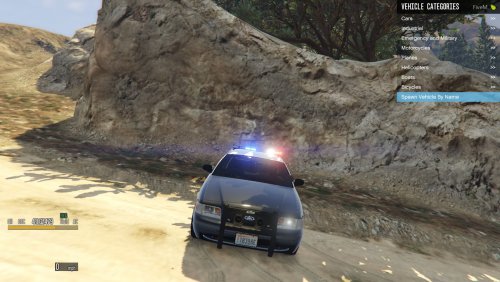 Looks pretty decent. But, I would change the title to "Better Light Settings" or something like it because you are able to install this into the single player version as well. Update: Changed to 5 stars because of title change
- 4 comments
- 1 review
-
-
-
-
-
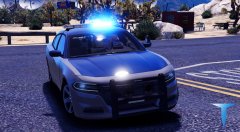
From the album: Eye Candy
-
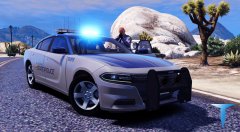
From the album: Eye Candy
-
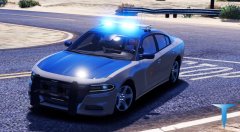
From the album: Eye Candy
-
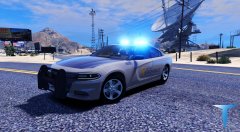
From the album: Eye Candy
-
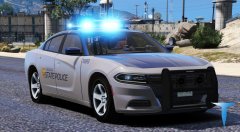
From the album: Eye Candy
-
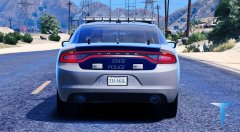
From the album: Eye Candy
-
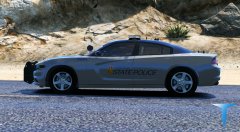
From the album: Eye Candy
-
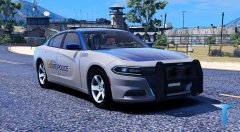
From the album: Eye Candy
-
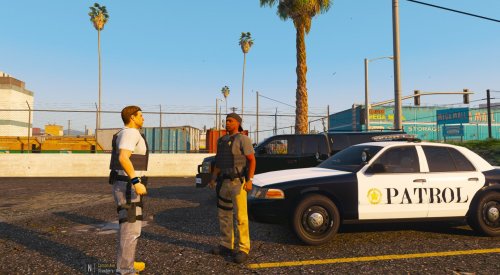 Also probably should add that the entire trunk is white, you missed the rear part of it.
- 8 comments
- 1 review
-
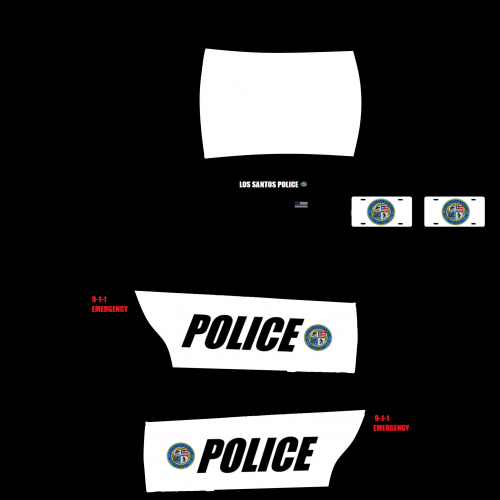 Looks very similar to vanilla car skins, but if that's what you were going for, you hit it right on the spot. But (reason for only 3 stars) please include in-game screenshots! I don't think too many of us will really turn away from your download because of low quality screenshots if that's your problem. Thanks for your time creating this!
 -
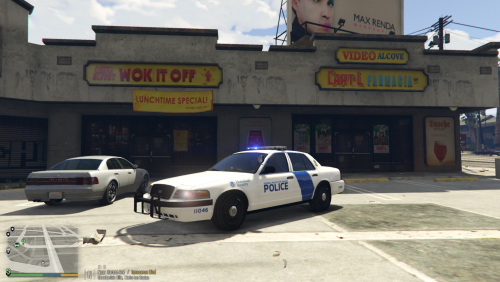 Looks fairly realistic, but is missing the black trim in the rear. Maybe fix it to look like this:
 -
-
 Convenience is something we all love, right? This actually looks nice, but even if your game looks like crap, please please please upload in-game screenshots of the vehicle with the skin on it. It makes all of our lives so much easier to see if we want this in our game or not. Otherwise, you did OK on this. Maybe add a bit more design to it. Other than that it looks good!
 -
![[WIP] Virginia State Police Based](//s3-gallery.int-cdn.lcpdfrusercontent.com/monthly_2018_04/small.20180331024059_1.jpg.ce0b73062608473363e257508e955486.jpg)
From the album: Works in Progress
VSP based liveries in progress

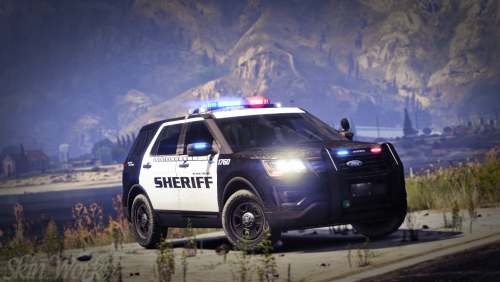
.thumb.png.71e6fb58b05a8743a7f376c86956459f.png)


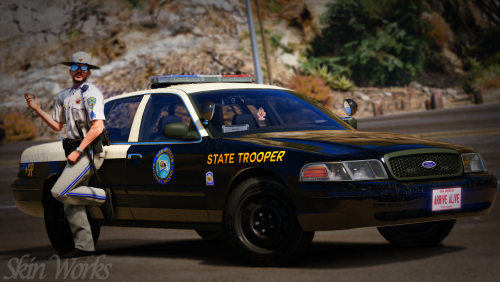
![[WIP] Virginia State Police Based](http://s3-gallery.int-cdn.lcpdfrusercontent.com/monthly_2018_04/small.20180331024059_1.jpg.ce0b73062608473363e257508e955486.jpg)