LibertyDesigns
Members
-
Joined
Everything posted by LibertyDesigns
-
From the album: Eye Candy
-
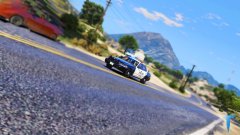
From the album: Works in Progress
-
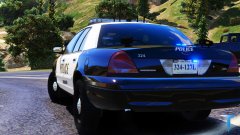
From the album: Works in Progress
-
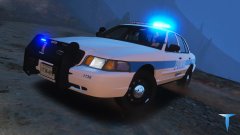
From the album: Works in Progress
-
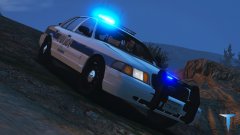
From the album: Works in Progress
-
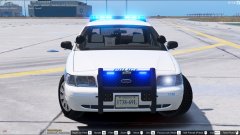 Make Visuals Great again without ENB/reshade
 -
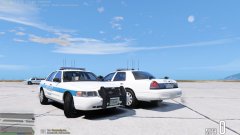
From the album: Works in Progress
-
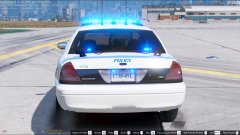
From the album: Works in Progress
-
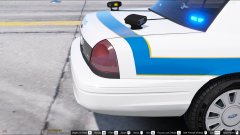
From the album: Works in Progress
-
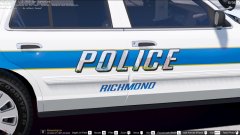
From the album: Works in Progress
-
From the album: Works in Progress
-
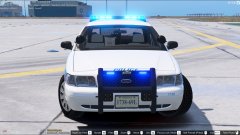
From the album: Works in Progress
-
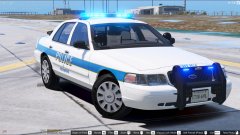
From the album: Works in Progress
-
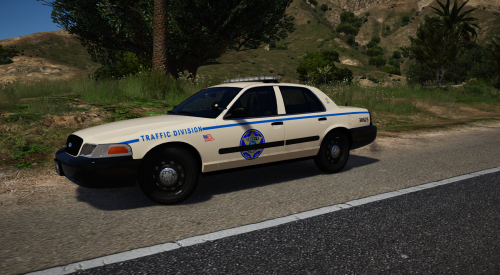 Looks nice, fits with the BC area. Nice job!
 -
-
-
-
-
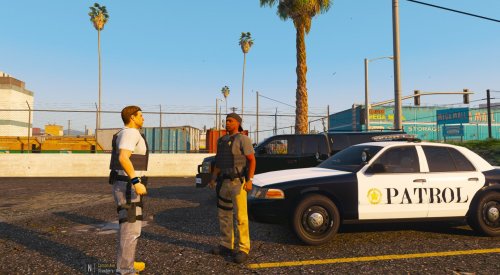 This looks much more realistic than some of the others on the site. One suggestion, though (reason for only 4 stars), the font that says "patrol" isn't the one used on the car. I know, I know, it's hard to find the correct font... I looked around and a non-italicized rockwell bold looks like it would work. If you're using photoshop or something similar to it, make a small white border on the "patrol", then convert it to a smart object, then put a black outline on it and it should look a bit more like the irl vehicle. Great work!
- 8 comments
- 1 review
-
-

- 1
-
-
I'll miss your beautiful models & liveries, dude. Good luck to you & everything you try & hopefully accomplish!
-
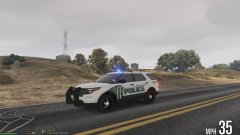
From the album: Works in Progress
-
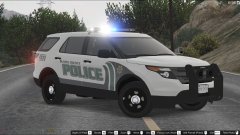
From the album: Works in Progress
-
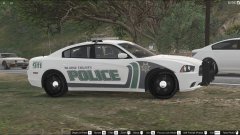
From the album: Works in Progress
-
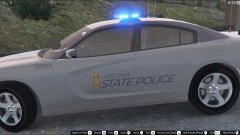
From the album: Works in Progress
-
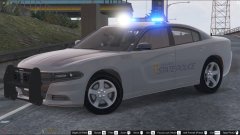
From the album: Works in Progress