LibertyDesigns
Members
-
Joined
Everything posted by LibertyDesigns
-
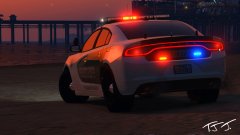
From the album: Eye Candy
-
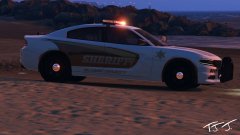
From the album: Eye Candy
-
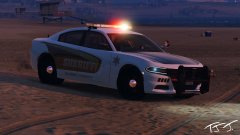
From the album: Eye Candy
-
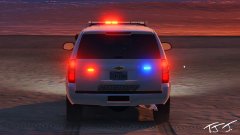
From the album: Eye Candy
-
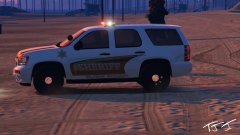
From the album: Eye Candy
-
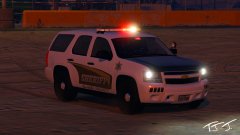
From the album: Eye Candy
-

From the album: Eye Candy
-
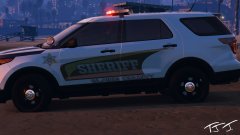
From the album: Eye Candy
-
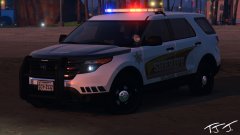
From the album: Eye Candy
-
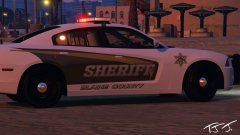
From the album: Eye Candy
-
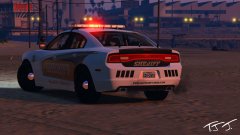
From the album: Eye Candy
-
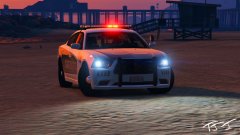
From the album: Eye Candy
-
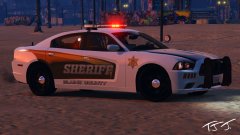
From the album: Eye Candy
-
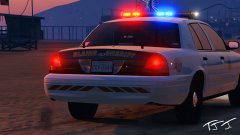
From the album: Eye Candy
-
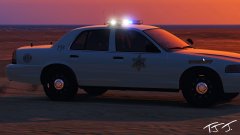
From the album: Eye Candy
-
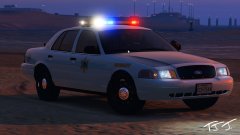
From the album: Eye Candy
-
-
-
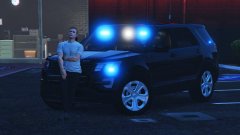
From the album: Eye Candy
-
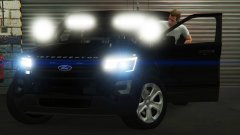
From the album: Eye Candy
-
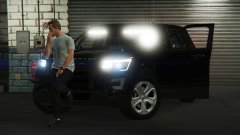
From the album: Eye Candy
-
-
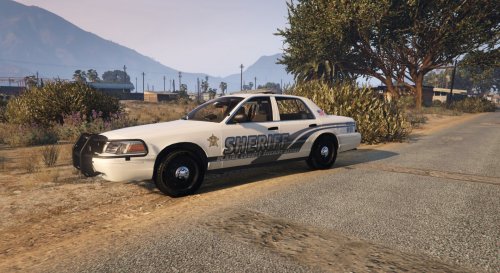 "Sheriff" on the 16 explorer is crooked and not aligned with the design, also didn't make the rear trim black on the CVPI.
 -
-
From the album: Eye Candy
© 2018, TJ Jennings