- 68 downloads
- Version 1.0.0
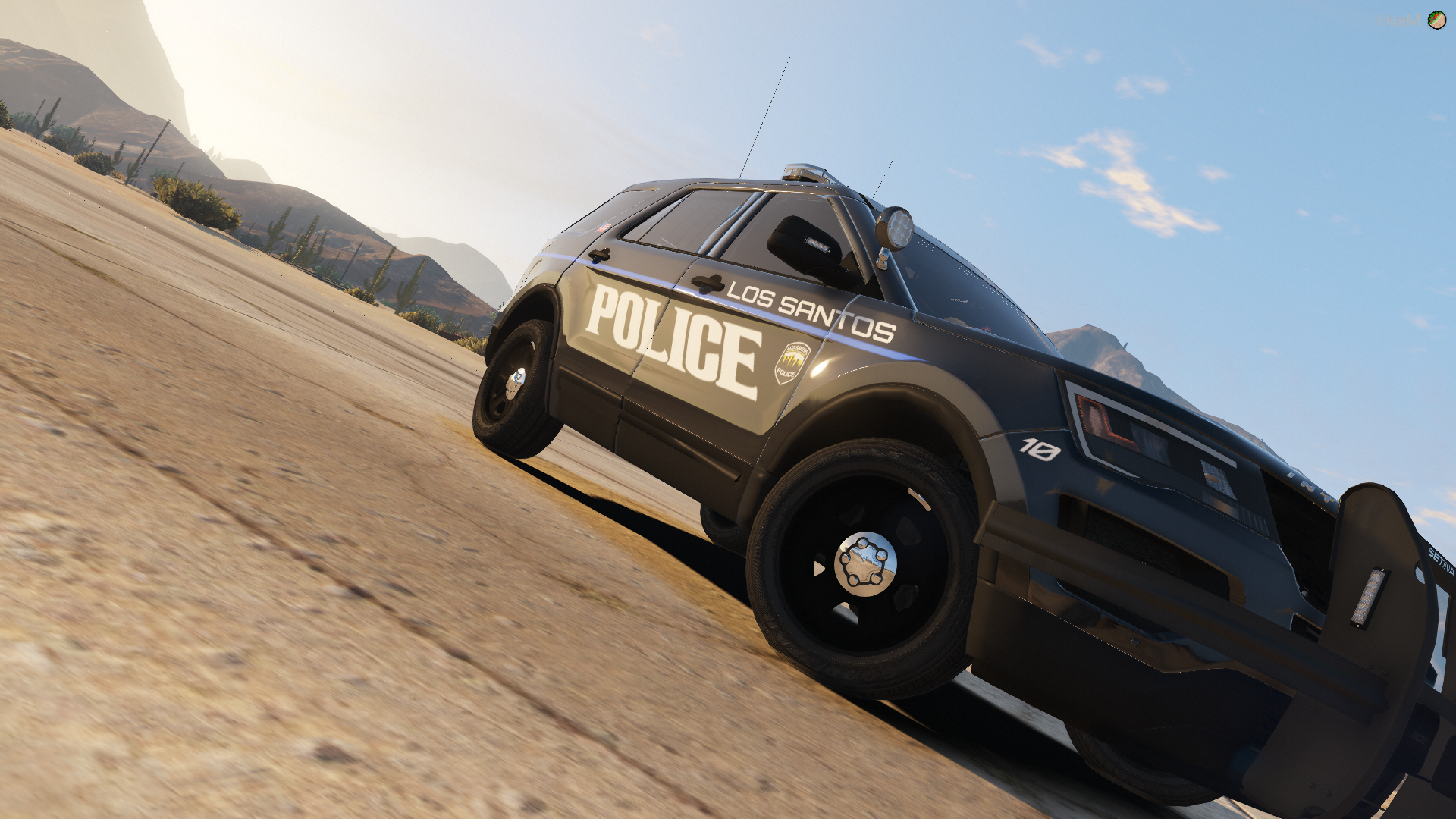
San Andreas State Police Pack based off of Virginia State Police.
Made for WILLRS's Richland County Sheriff Pack. Download it HERE.
To install: (in readme)
1)Make sure that you have installed WILLRS's Richland County Sheriff Pack here, http://www.lcpdfr.com/files/file/18232-els-richland-county-sheriffs-department-pack/
2)Launch OpenIV
3)Navigate to Mods(if applicable) > Update > x64 > DlcPacks > Patchday(Most recent) > Dlc.rpf > x64 > levels>gta5 > Vehicles.rpf
4)find the vehicles you want to install skins on to
5)Enable edit mode
6)Find the .yft file for the corrisponding car and open it
7)Find the picture/file named (VehicleName)Sign(#) and click on it
8)Click on the Replace button and navigate to the skin pack download
9)Rinse and repeat for the desired vehicles
Found a bug? Please Report it HERE.
Yes I am aware that IRL Virginia State Police does NOT use or have a Dodge Challenger Hellcat, I simply included it for s*i*s and giggles.
Please also post any additional recommendations to this skin or for me to make other skins in the comments section .
Known Bugs: (as of 05/11/2018)
Currently working on making the dark blue on the cars darker.
-Miguel R. (Biggiethaman) 5/11/18
Currently working on fixing the grey hood scoops on the challenger, I am trying to make them black, Not the main Priority as of right now.
-Miguel R. (Biggiethaman) 5/11/18
Fixed Bugs: (as of 05/11/18)
(not so much of a bug) Added new screenshots to the download page. (05/11/18)
I personally want to thank you for taking the time to do as little as looking at the download page. If you download it, thank you so very much! Please do me a favor and leave a review and or comment on what you like or what I could have done better.