Spartan300
Members
-
Joined
-
Last visited
-
.thumb.png.1163572ba7e62c78cc31dcdf56472d5f.png) I think it looks good but on the other hand, it looks more like a military soldier
I think it looks good but on the other hand, it looks more like a military soldier- 1 comment
- 3 reviews
-
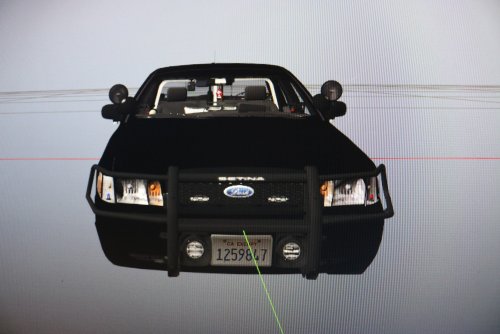 Looks nice I don't really understand what everyone is talking about its UNMARKED
- 9 comments
- 16 reviews
-
-
-
-
-
-
Spartan300 changed their profile photo
-
-
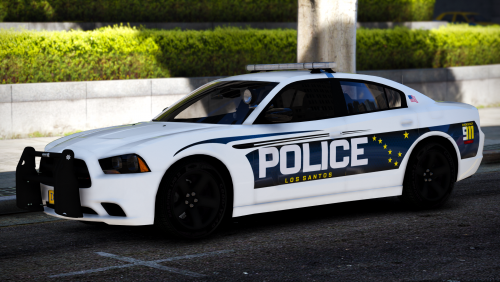 The anchorage police also uses f-150's but I don't know if you seen them but you would most likely see them in south anchorage But they don't use dodge chargers The hummer is unmarked
- 14 comments
- 15 reviews

.thumb.png.1163572ba7e62c78cc31dcdf56472d5f.png)