


FCV96
Members
-
Joined
-
Last visited
Everything posted by FCV96
-
 This looks great; nice work! :D
 -
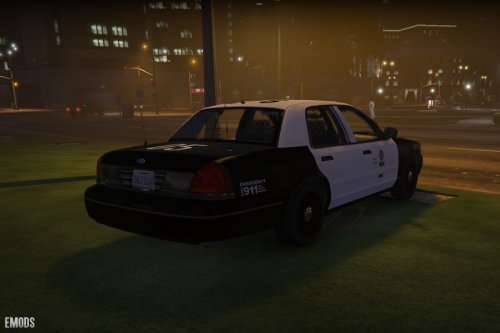 Nice. But can someone please make a fully marked version with the older rotating lightbar that does not have the push bar affixed to the front?
- 20 comments
- 3 reviews
-
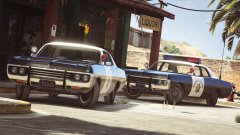 I'll be right back, my jaw dropped so hard that it fell through the floor and into the basement. After I retrieve it I'll continue to gawk.
 -
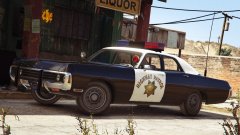 Any time that I see a Federal Twinsonic or an imitation of one I get pretty happy. Even more so when Lund's name is attached to it! A shame that it can't be made to rotate more slowly like an actual Twinsonic, but this is more than I could have asked for regardless!
 -
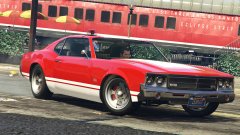 *Sees single rotating beacon light* *Fangirling Intensifies*
 -
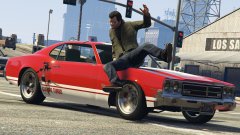 Going for a Zebra-3 vibe, by any chance?
 -
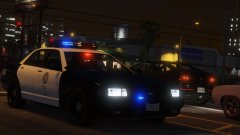 This reminds me of the Whelen 8000 strobe bars.
 -
Not a bad idea, although if I'm not mistaken Cobra mics like that are primarily intended for the civilian market. Perhaps you'd want to switch it to a Motorola product or something meant for professional applications for accuracy's sake in the future.
-
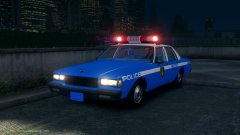 I'm looking forward to this. For the record, the '87 Caprices that were ordered had Signal Scientific Prototypes Mark VII sirens in them, and the later '90 models had PA300s. Both were mounted on the transmission hump in the middle of the front bench. If you need photographs of the former I can provide them. Something about the font looks just a little off to me. It should be made a little bit bigger so that it's touching the top and bottom of the white line. Eurostile bold extended is the proper font if I recall correctly. With that said, good job on this, and I look forward to seeing it released! :D
 -
If any of the siren sounds in V are longer than the original ones (and sometimes even if they're the same length it will do this), the entire audio archive will mute itself, unfortunately.
- 8 comments
- 2 reviews
-
-

- 1
-
-
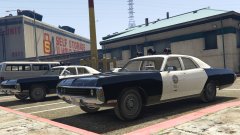 Lund, you're going to be the number one user of my download bandwith at this rate!
 -
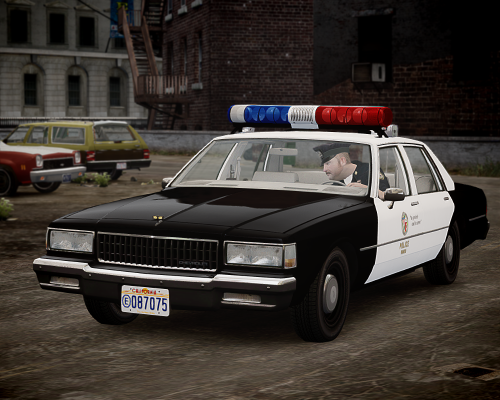 To say these are stunning would be an understatement. Thanks for bringing more classics to IV. :D
- 8 comments
- 4 reviews
-
-
- 3
-
-
The early Federal Signal electronic sirens were always some of my favorites. I look forward to seeing a preview of the siren in-game. Again, it's a shame that GTA V mutes the entire audio section if a single track is too long for its liking.
- 8 comments
- 2 reviews
-
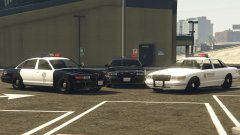 The lightbar on GTA IV's version was incredibly blocky and large compared to an actual Federal Signal Vision, not to mention that GTA IV without an ENB is hideous more often than not.
 -
The Gen 1 Stanier looks fantastic in LSPD livery, especially with the MX7000 lookalike up top.
-
 Dammit, Lundy. I can only click on like so fast!
 -
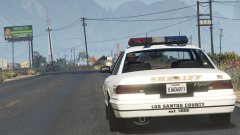 *Nosebleed intensifies*
 -
My mistake. I don't frequent LCPDFR's forums as much as I did before the redesign to be honest. Sorry about the duplicate.
-
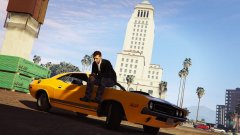 "Nice driving, son."
 -
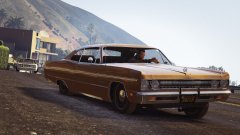 I was ecstatic to see this on GTAV mods. Glad to see that I wasn't the only one!
 -
^ That PA State Police beacon light kicks ass, but that's not meant to diminish the awesomeness of the other beacon lights, cars, and Aerodynic and Jetstream, of course! (I never really cared for the Whelen Edge or other strobe bars.) ----- Ah, how I've missed this thread. I recently came across this photo of a '79 Ford LTD-S.
-
Here's a video that popped up on LiveLeak recently. From what I've gathered, an individual attempted to use a credit card inside of a fast food establishment. The card was declined multiple times (and was likely stolen judging from that individuals inability to say the name on the card later on), and the manager of the store called the police to remove the uncooperative customer. Said uncooperative customer took his phone out and began to record what occurred once he was confronted by the police. The officers deserve commendations all around; just listening to the perpetrator for more than ten seconds is enough to make you want to facepalm repeatedly. Don't forget to hear his ridiculous and wholly fictitious claim of being threatened with being shot toward the end of the footage. www.liveleak.com/view?i=b8b_1423425859
-
It is often said that real heroes don't wear capes. That conclusion was incorrect in this case. RIP Mr. Robinson.
-
This video fits perfectly with this thread, and beautifully represents the absurdity of the notion that an individual of one ethnic background cannot possibly deal with an individual of another one in a fair, just manner.
-
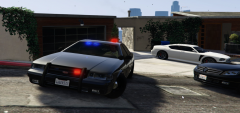 Thankfully there are quite a few of us on here that love older lighting setups. :)

