0sc4r
Members
-
Joined
-
Last visited
Everything posted by 0sc4r
-
 Thank you mate!
 -
 I can't seem to find the tutorial, can you send me it link? Thannk you very much
- 31 comments
- 8 reviews
-
-
How were you able to get it to reflect, then texture it self or the material, I would love to know. Looks freaking great!!!
- 31 comments
- 8 reviews
-
 ok, maybe I should try moving the dummy around
 -
okay, thank you
-
ok, i will try that, what about the doors?
-
@Trooper Goetz any solution to the problem above? and do any of you guys know how to fix window acting like metal plate. when i shoot at it, the window would crack but it wouldn't penetrate and kill the driver inside
-
down and back, can you be more specific?
-
sorry for not getting back to you sooner, got caught up with things. But here are the pictures, i don't know what is wrong. Thank you
-
were you able to get it to work yet?
-
how were you able to fix the takedown lights, I am also having the same problem on my vehicle
-
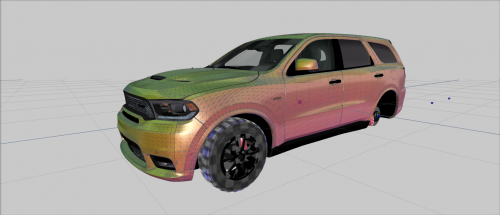
I am having problem with this dodge durango. Whenever I tried to open the doors it will just glitch and go like that. The only way to bring it back to normal i fix the vehicle through simple trainer v. Any suggestion to fix this @Trooper Goetz @Frank Matus
-
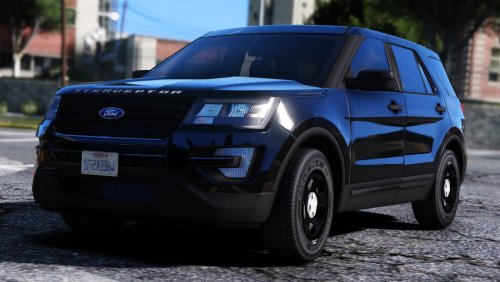 @Thehurk I tried open the z3d file and it keep crashing, any idea why?
 -
https://fileinfo.com/extension/pp2 this might help you understand what a pp2 file is. If you want to mod the yatch, you have to download zmodeler 3 and then import the yatch in zmodeler. When you are finish export with GTA V format. YOu will also need OpenIV
-
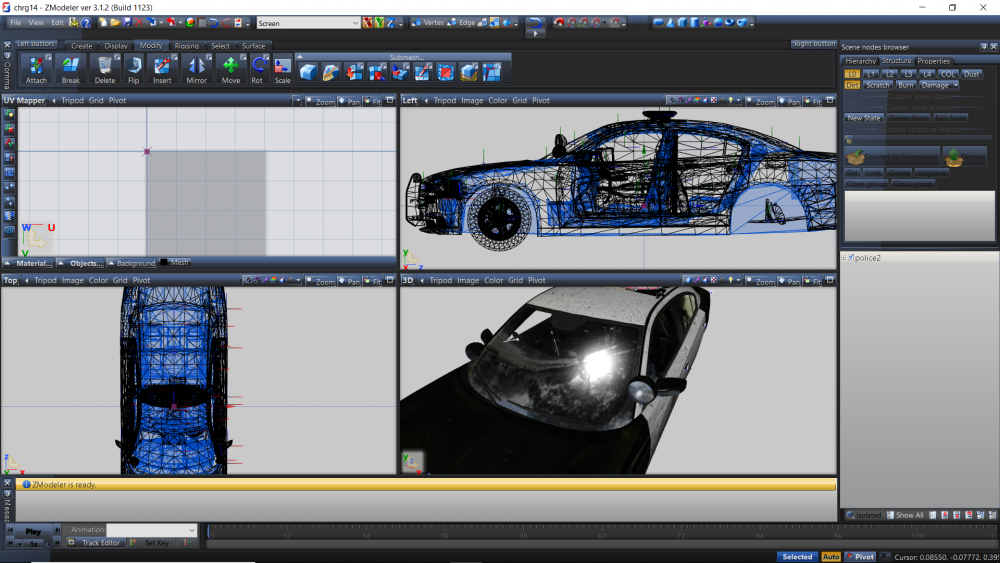
Hi guys, I need help with fixing this vehicle that I made, using @Bxbugs123's 2014 dodge charger model. The dirtmap in z3d looks fine. But when I load it in game it just looks like shit. Can anyone help me fix this problem. I think its my game that is acting out not the car. It looks like normal dirt in the vanilla game without visual mod. I use Visual V latest version 1.0.390 and realistic radiance Please help me. Thank you

-
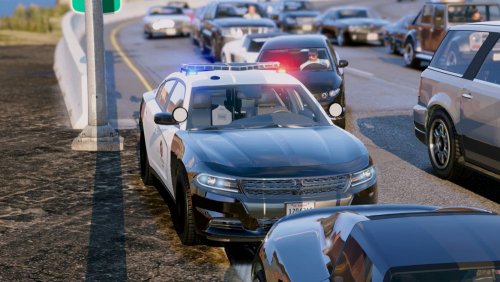 Haha. There is no cruise light in this model. That is how it suppose to be, no worries.
- 38 comments
- 10 reviews
-
you can try search on other platform such as www.gta5-mods.com or gta mod center or you can use the skin from @Beren which is the LSPD one
- 38 comments
- 10 reviews
-
i have try change visual setting (all possible way). This happen to all ELS modded vehicle.
-
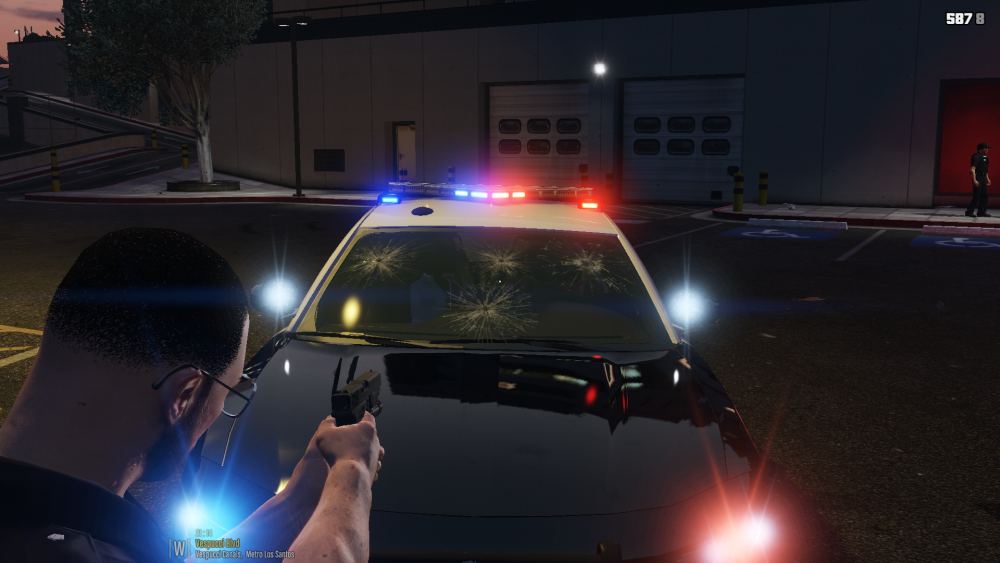
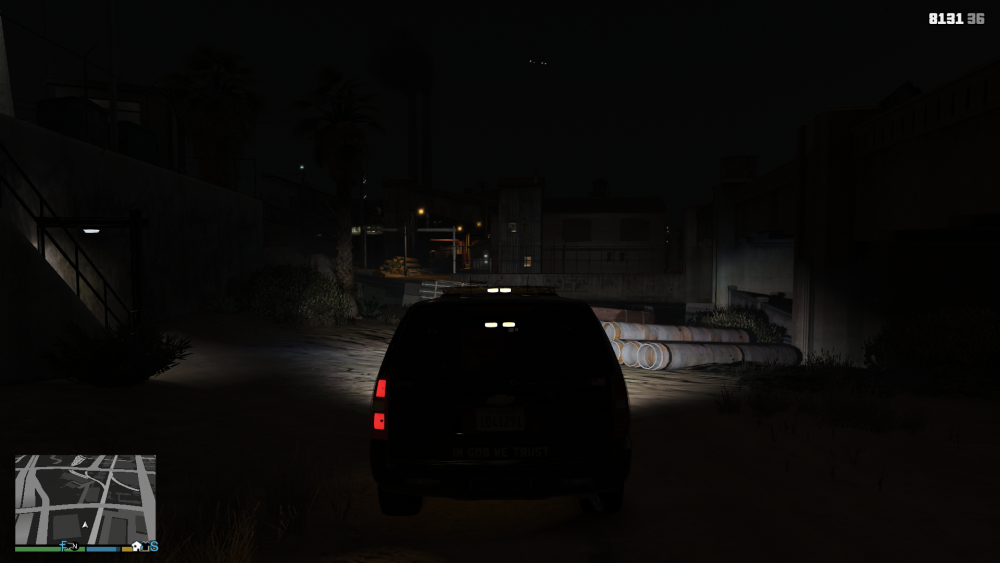
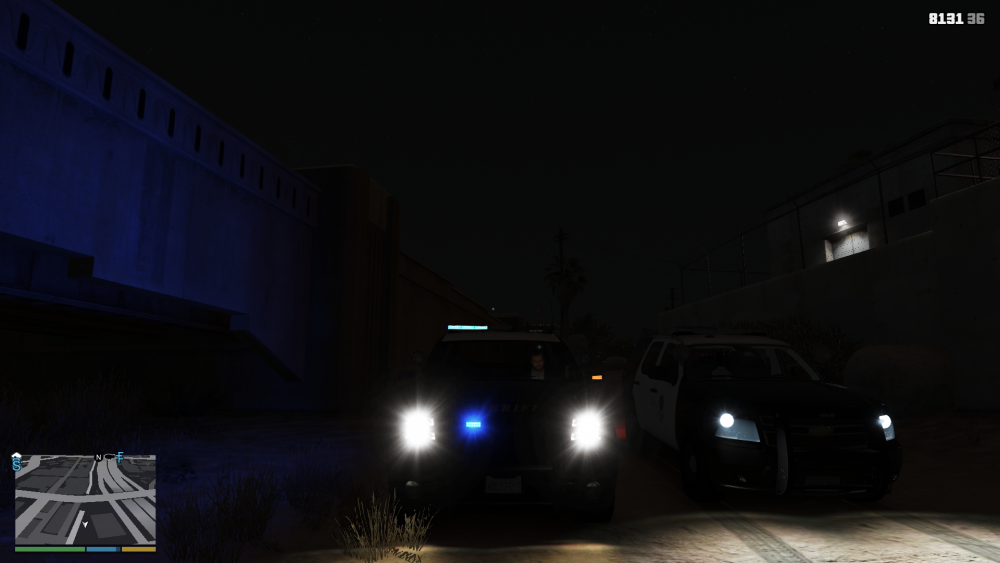
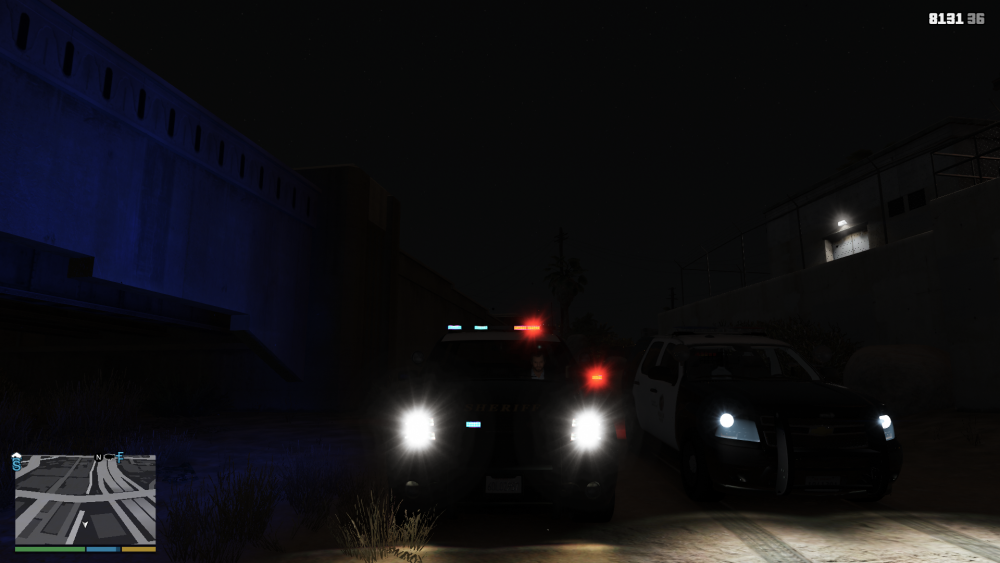
As the title said, there are no corona for modded vehicle. I have try to use different visual mod, different car model even some of my own and i can't seem to get the corona on. I use radiance V and it just make the emis look worst and there is still no corona. I have reinstall once i am considering to reinstall again. The only part that has corona is the headlights and taillights and spotlights. Others part like els light doesn't have Would anyone help me to solve this problem (the charger is game before update and everything look nice
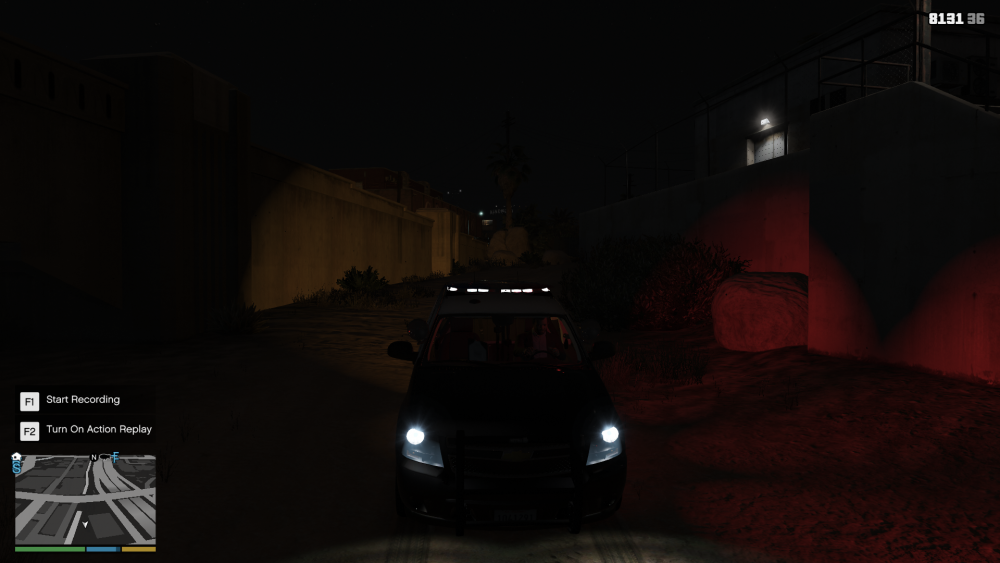
.thumb.png.f58c56fa85e35f30271fc3e88d05b312.png)
.thumb.png.55de10753181db521719090ad1bc092e.png)
.thumb.png.86ac44d7c7d0a92d16b38d4894b554c7.png)
.thumb.png.7e8e26777af96f8fb3ee2ba85857556e.png)
-
Good news coming up, i am free from my work but i got school up coming, but sure there will be more time to work on vehicles for you guys
- 38 comments
- 10 reviews
-
not the 2016 dodge charger that is why the title state fictional but on some newer lapd vehicle there are fedisg valor. oh and for others. i am looking foward to coming back near end of July due to problem complication. Date migbt be moved again
- 38 comments
- 10 reviews
-
Well that depend on the dev they can set ped hostility
-
-
7This is so sad, i have just recently start modding and have a pack that me and my friends put a lot of time in and now we can't mods anymore. Here is a good idea to keep this running. Play the crack version on skidrow and download an older version of rph there are a lot of those reupload on the internet. Remember to check for viruses when using




.png.15697310b61870f729733e6dc080175f.png)
.png.1e91ef34516710a6791f833fb51da83d.png)
.png.6dc85441408a4f9399f9ca19217b4f45.png)
.png.9f3ff0a7a934b51074f02efa292a7656.png)