(1)(1).png.e989199bea7ac60c357778906642b0cc.png)

Narobic
Members
-
Joined
-
Last visited
Everything posted by Narobic
-
It's ok. I once tried to install a vehicle file into a ped file. Didn't quite know how OpenIV worked...
-
You have to use Zmodeler3 and know how to use Zmodeler3. You have to edit the actual vehicle file (.ymt)
-
What do we need to do? Anything other than just play?
-
 Well either way I'm going to be updating a version that includes a 4k version.
- 17 comments
- 4 reviews
-
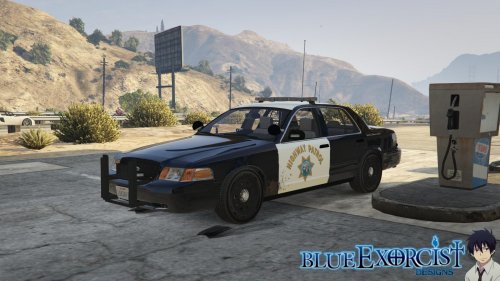
There is a noticeable difference if you're playing on a big monitor or a TV. Things look pixelated at the edges. Some texture templates have everything spread out so the "hgihway patrol" on the back (for example) is very small and when it's stretched out on the car it looks pixelated. Same goes for the motto and on some skins the door textures.
- 17 comments
- 4 reviews
-
Do you mean multiple skins on one car? Because again, as shown in the screenshots, you can have multiple cars with 8k skins. I may end up adding a 4k version instead of a 2k
- 17 comments
- 4 reviews
-
-
However these screenshots were taken using the 8k textures so they do in fact work. I have included a 2k version for those who don't want/can't use the 8k textures :)
- 17 comments
- 4 reviews
-
Makes sense
-
THIS POST IS GREATLY OUTDATED! I WILL BE UPLOADING AN UPDATED VERSION SOON! Ok, so "only a controller" is a slight exaggeration as there are a few things I couldn't include. It's pretty simple how I do it. I use xpadder. What you're about to view below is for advanced users only. Few instructions, ton of files. I just wanted to share my hard work with everyone here ----- Here is the xpadder profile: Xpadder: LSPDFR.xpadderprofile ----- This is absolutely necessary in order to use this xpadder profile properly. It gets rid of certain gamepad controls (You must download set #1) ----- If you have the below mods you NEED the following .ini(s) Custom Backup: CustomBackupLocations.ini Turn Signals: TurnSignals.ini Police Radio: PoliceRadio.ini Shield Mod: ShieldMod.ini Wilderness Callouts: Wilderness Callouts Config.ini Arrest Manager: Arrest Manager.ini LSPDFR+: LSPDFR+.ini Traffic Policer: Traffic Policer.ini EUP: settings.ini Bodyguards: advanced_bodyguards.ini Vehicle Clean: QuickFixOrClean.lua Auto Roadblock: Automatic Roadblocks.ini Spotlight: SpotlightConfig.ini Foot Pursuit Aid: FootPursuitAid.ini Agency Callouts: AgencyCallouts.ini Police Partner: PolicePartner.ini Search Warrant: SearchWarrant.ini I WOULD RECOMMEND LOOKING THROUGH EACH .INI THROUGHLY, TESTING EACH MOD, AND PLAYING AROUND WITH THE XPADDER PROFILE BEFORE COMPLAINING PS: Sometimes xpadder gets stuck. I made it so that if you press 'start' it resets xpadder I hope y'all enjoy
-
Wait what? Where'd you hear about this?!?! :D
-
I like that idea! but I think this should be posted in the mod suggestions forum.
-
Please add an ini to allow us to customize controls, enable/disable callouts, and turn on/off the random pursuits!
-
Just curious: What qualifies you for one of your mods to be featured on the downloads homepage?
-
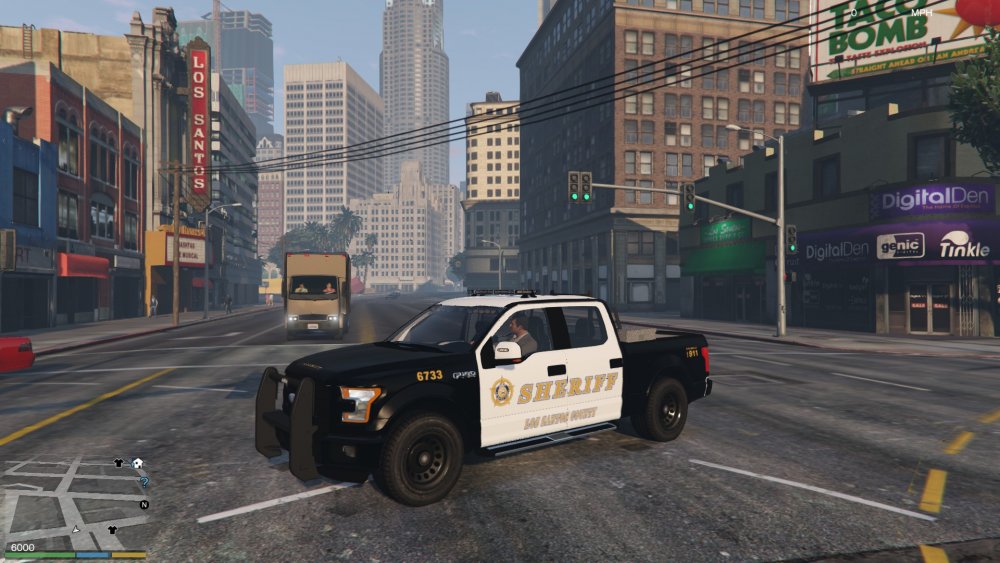
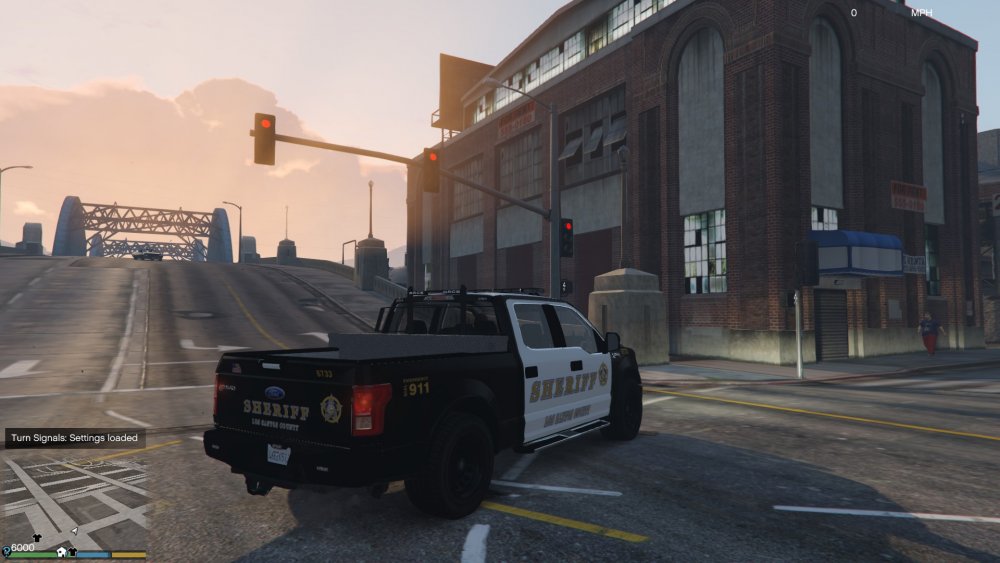
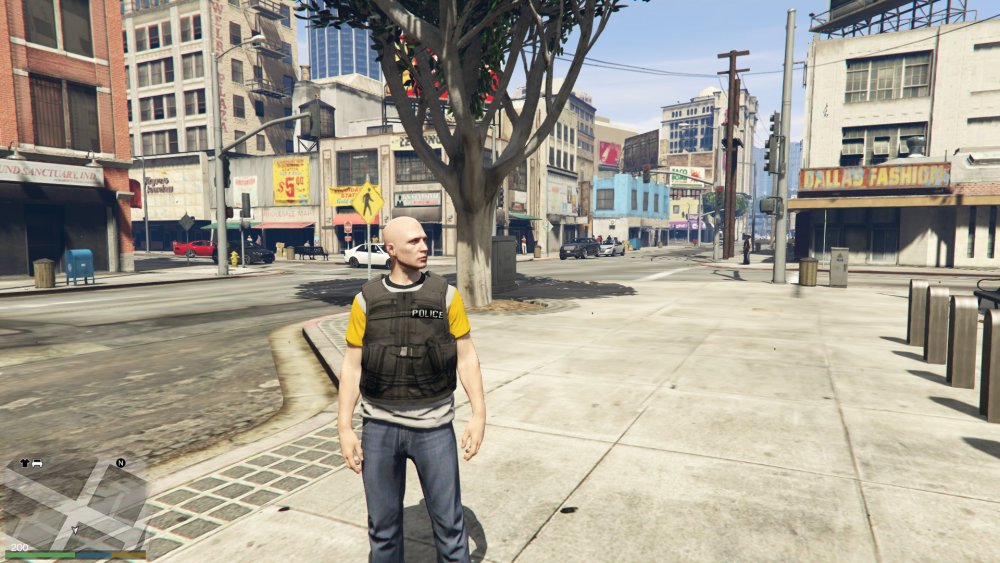
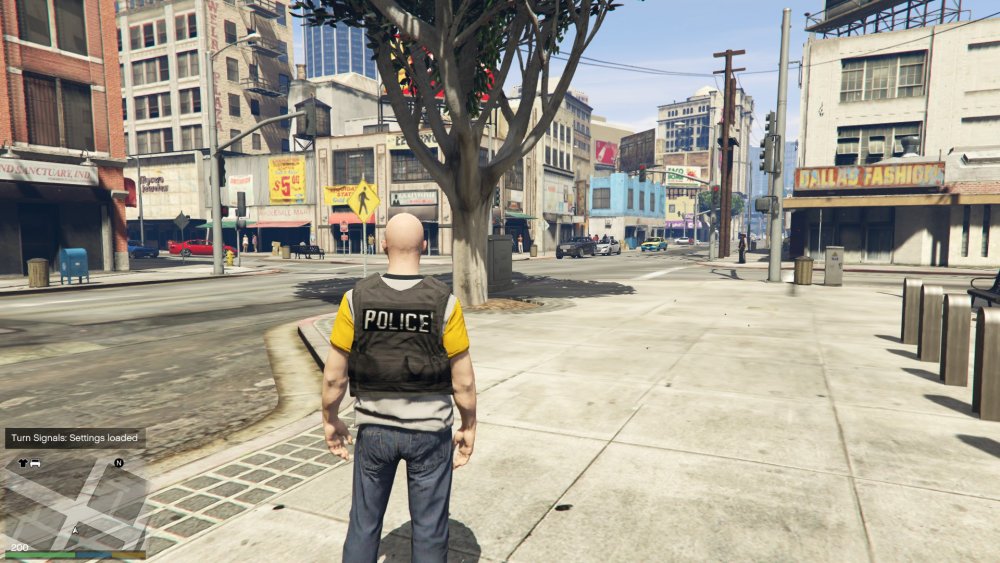
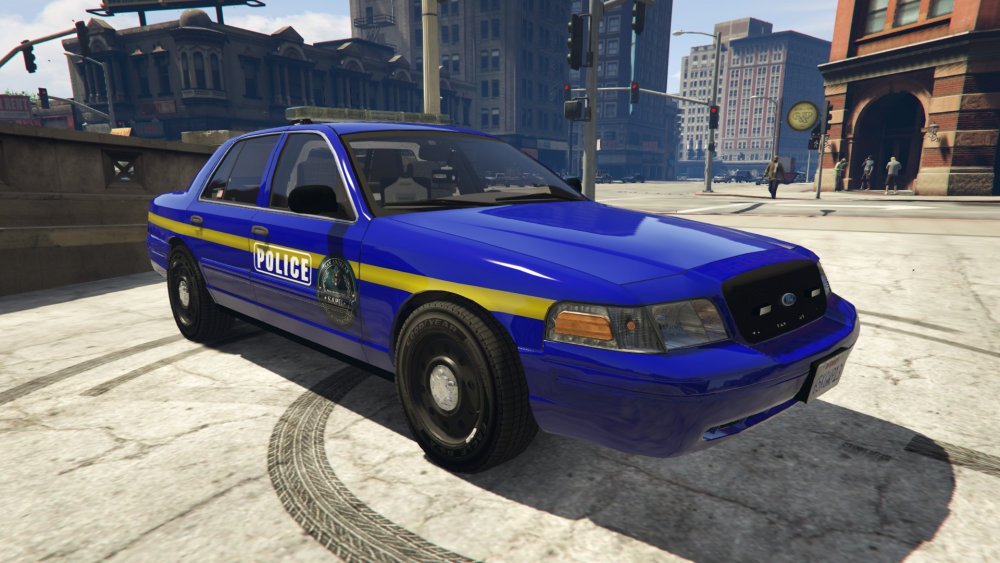
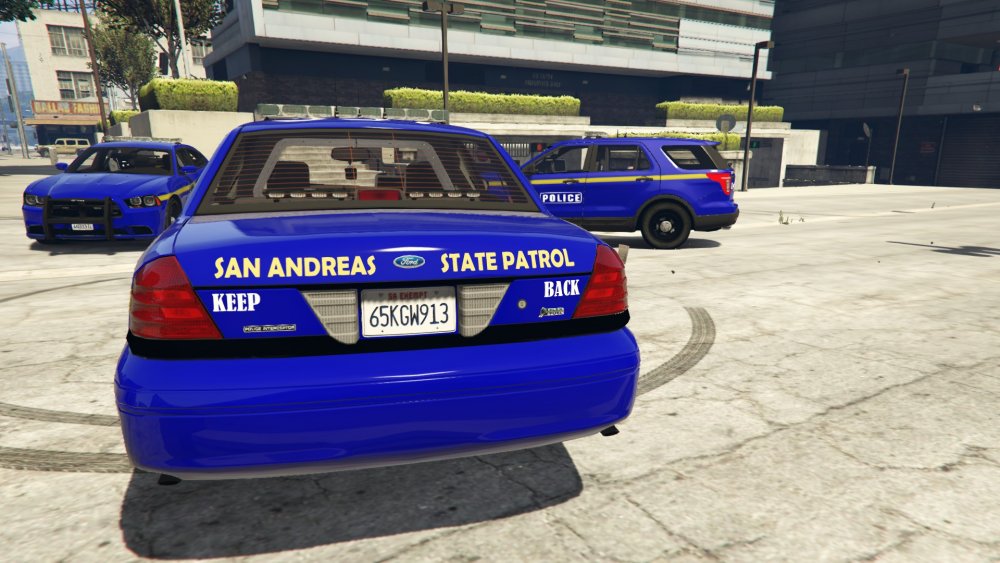
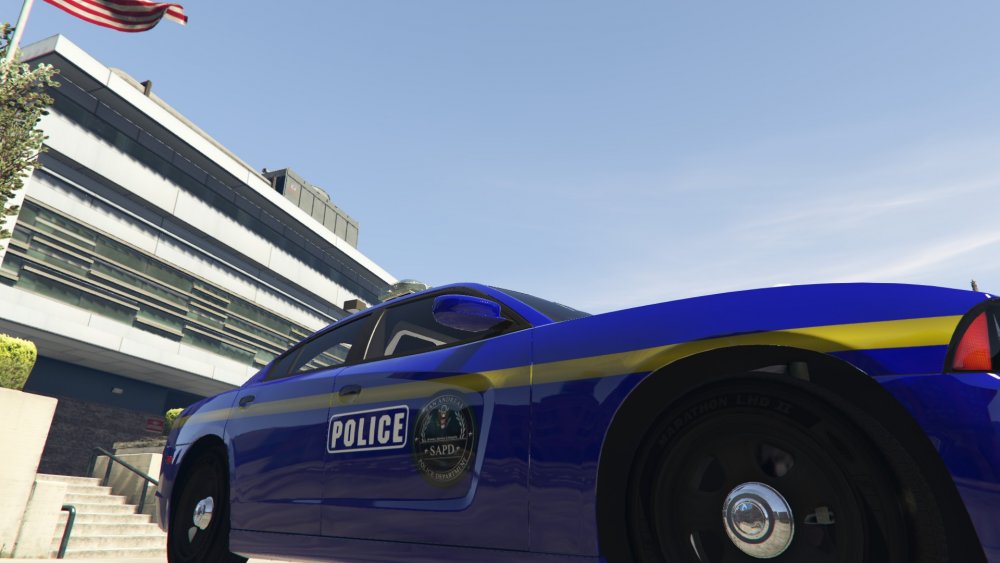
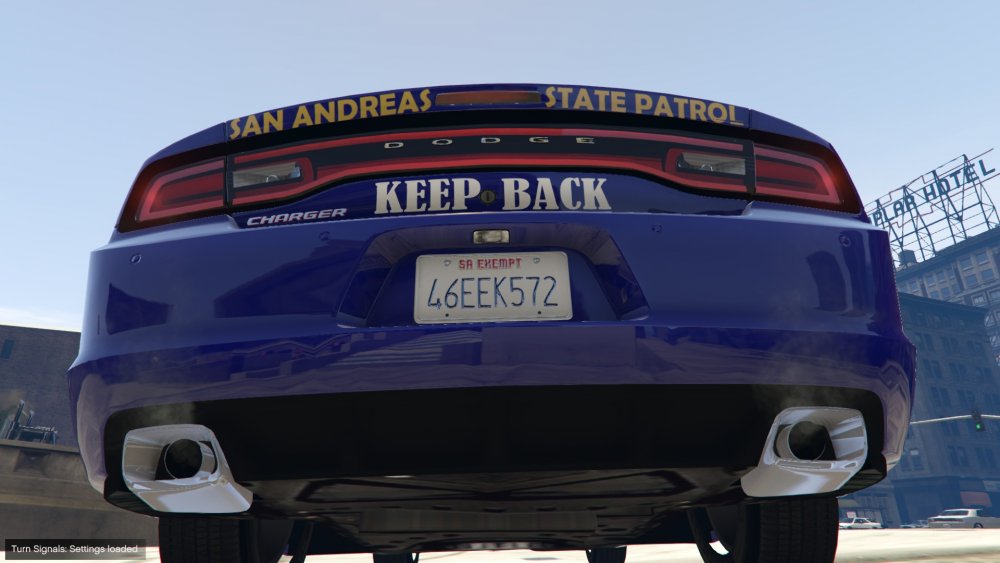
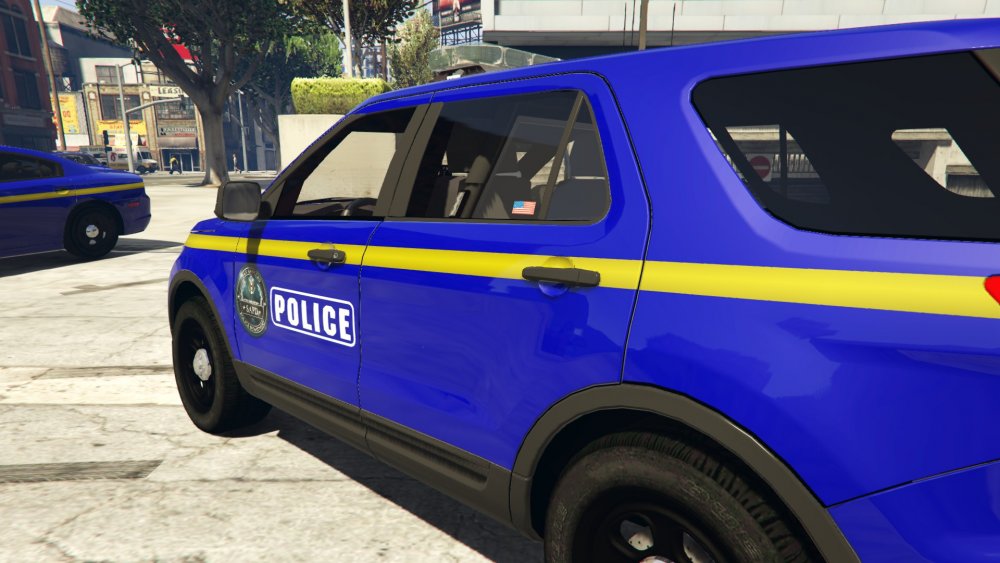
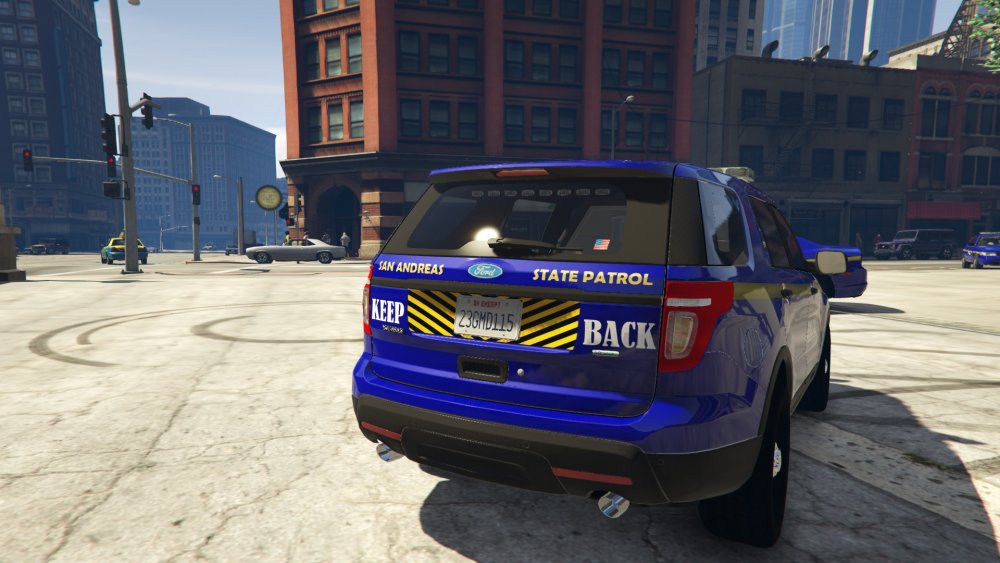
Here you can find my discontinued projects. Sometimes I start a project and just end up not liking it or something didn't work out. Considering that I still put time and effort into the projects I thought that I would share them with you. Some of them are pretty much done so if you would like to finish them and post them on your own just ask me first :) Any questions? Just PM me titled "Discontinued Question" [NEWEST ON TOP] San Andreas State Patrol Pack Charger: SAPD_Charger.rar CVPI: SAPD_CVPI.rar Explorer: SAPD_Explorer.rar SWAT Vest: uppr_diff_008_a_uni.dds Los Santos Sheriff Ford F-150: template.dds Patrick Siren: (PATRICK)0x0D329446.wav
-
I like this a lot better. I'm going to include this on my vehicles. Thanks!
-
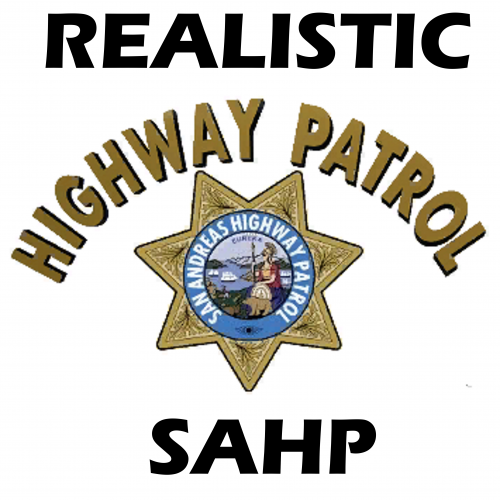
Well my ultimate goal is to make the "new" logo just a higher quality version of the old one. I want to make them look exactly the same but able to be used with 4k textures Well obviously. Like I said I just started it.
-
Hi Y'all. I'm in the midst of trying to recreate the North Yankton State Patrol logo to be high quality. I just started it so all I have so far is "NORTH YANKTON" updated. I'm just having trouble finding the font of the original text. I found a font that kind of works but isn't perfect. Any help or input would be appreciated. Thanks. New Logo: Old Logo:
-
It looks so good!!! I'm so excited! Are we going to be able to customize the vehicles and ped models that the EMS and Coroner arrive in? I want the coroners to match the ones from my Police Radio
-
-
Does anyone know what the OFFICIAL motto is for the SAHP? The modding community uses "Safety & Respect" quite a lot but in doing research I can't find any official motto for the SAHP. Any help?
-
I'll change the motto as I couldn't find what the font was. Thank you for telling me :) I'll fix the star next I get the chance. Thanks for the input :)
- 17 comments
- 4 reviews
-
-

- 1
-
-
-
 Instructions on how to use are in the README This file was made to work with the American Sirens Pack by @GravelRoadCop Video Demonstration: I deeply apologize for the video quality
- 16 comments
- 2 reviews
-
-
- 7
-
-