


(1)(1).png.e989199bea7ac60c357778906642b0cc.png)

Narobic
Members
-
Joined
-
Last visited
Everything posted by Narobic
-
That's why I mentioned placing barriers. I mean automatically instead of having me do it manually.
-
 I might be late to the party but can you add a setting in the .ini to set manual tactics by default?
- 1,178 comments
- 137 reviews
-
 For me I just installed the mod last Thursday. I came here to post about it crashing CONSTANTLY and saw that people were having the same issue.
- 89 comments
- 36 reviews
-
It would be nice if someone could make a proper road close mod. I know that there are barriers with Police Radio, the default "close nearby roads" option, and Stealth's Traffic Control, but it would be cool if someone could create a mod that essentially adds barriers to block off the roads to add just a slight touch of realism to the game.
-
If you read above my comment they explain a glitch while using EUP. It doesn't happen all of the time but sometimes if you're wearing a uniform from EUP and hit the panic button, it'll crash LSPDFR. For me it only happens when someone is shooting at me... which is the time that I need it most...
- 89 comments
- 36 reviews
-
 OOOO! Sounds cool! Is there a thread to follow development of Coastal Callouts?
- 781 comments
- 85 reviews
-
A really cool feature would be to have a percentage of the firefighters on scene go after and put out fires (If there are any around)
- 781 comments
- 85 reviews
-
Great mod other than the EUP glitch. Keep up the good work! Also, this should have integration with Darkmyre's Update Manager so that we can see when there's an update. (Unless it already has update notifications)
- 89 comments
- 36 reviews
-
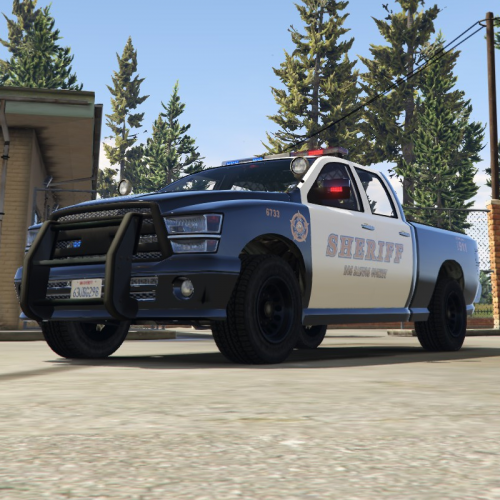 I loved the design and layout that the model comes default with but I wanted the bison to match the original Sheriff2 (Granger) design Instructions in README This is NOT a full model. Just a texture for a model by @Yard1 You can find the model here: Important Information: This mod was made to fit my game. The graphics aren't perfect and definitely not high definition. Please take this into consideration before rating. Please rate the mod for what it is, and not what it should be. Thank you.
 -
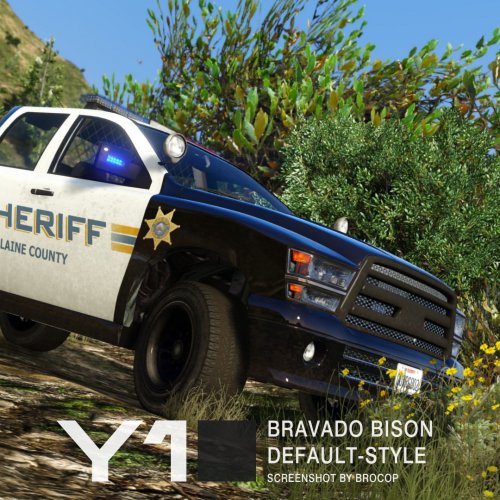 Love the model! Just a small thing in your description: It's "Blaine County" not "Blaine CountRy" (Not a big deal though lol)
- 11 comments
- 4 reviews
-
There's an AC130 mod over on GTA5 Mods but it's honestly complete shit. The idea is there but it doesn't work half the time. I was wondering if someone could recreate the mod to actually work? Here's the original mod: https://www.gta5-mods.com/scripts/cod-mw2-ac-130
-
I try to keep all of my mods in dlc folders so that I don't have to update them every title update. However, I recently downloaded the uvmapped firetruck and it requires me to add FLAG_HAS_LIVERY to vehicles.meta in Update.rpf. I really don't want to have to change this every update... I was wondering if anyone knows of another location to add the flag? My other choice would be to create a copy of the firetruck and make it into its own separate vehicle.
-
Can someone UV map the default in-game firetruck and allow it to support multiple liveries? Edit: NVM. I found one. LoL
-
Could you possibly provide a link?
-
Checking each plugin individually works
-
I don't know if it's just me or if other people are having the same issue. Since RPH 0.44 Rage won't load any plugins on startup. I have the option set to "load all plugins on startup" but it won't. Edit: Checking each plugin individually works
-
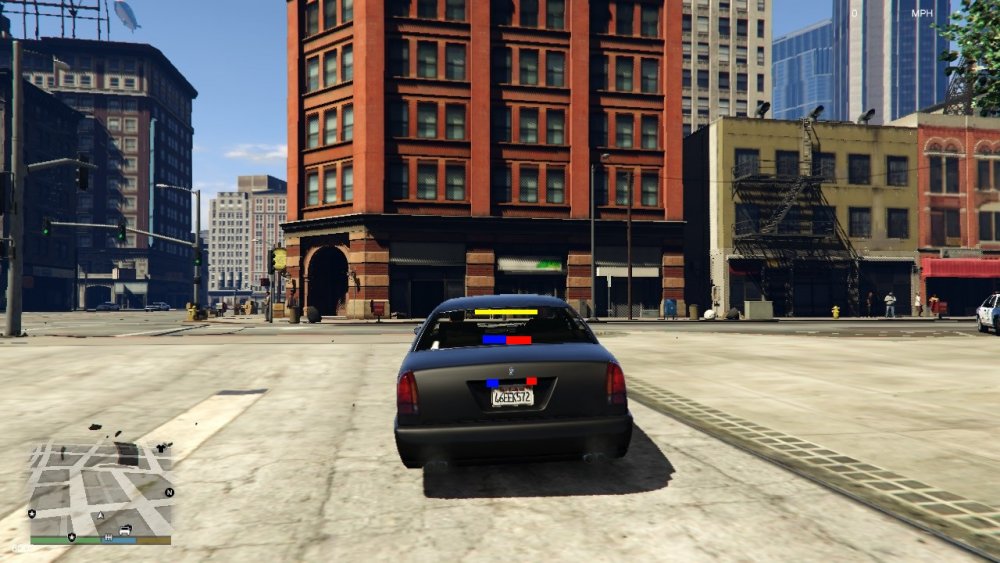
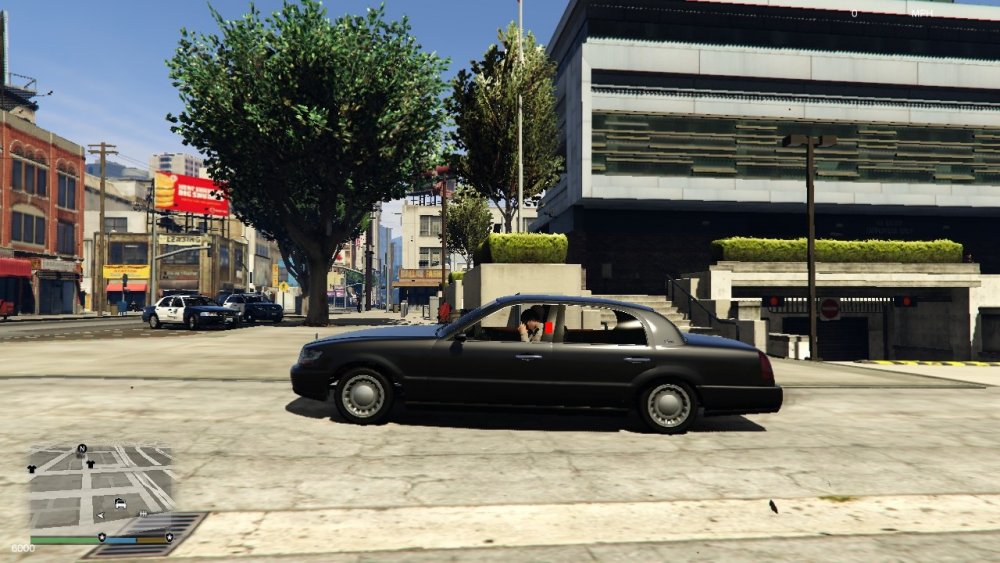
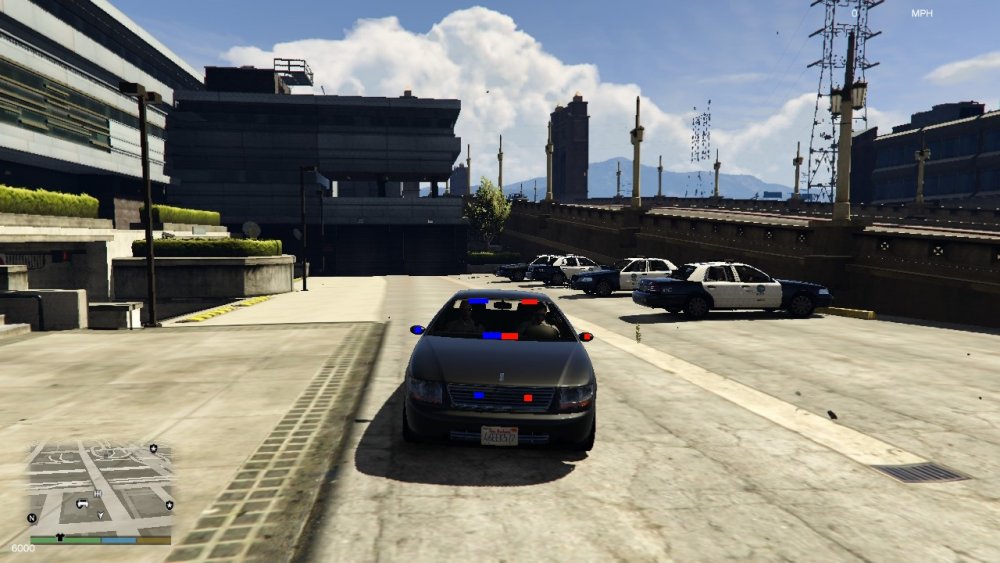
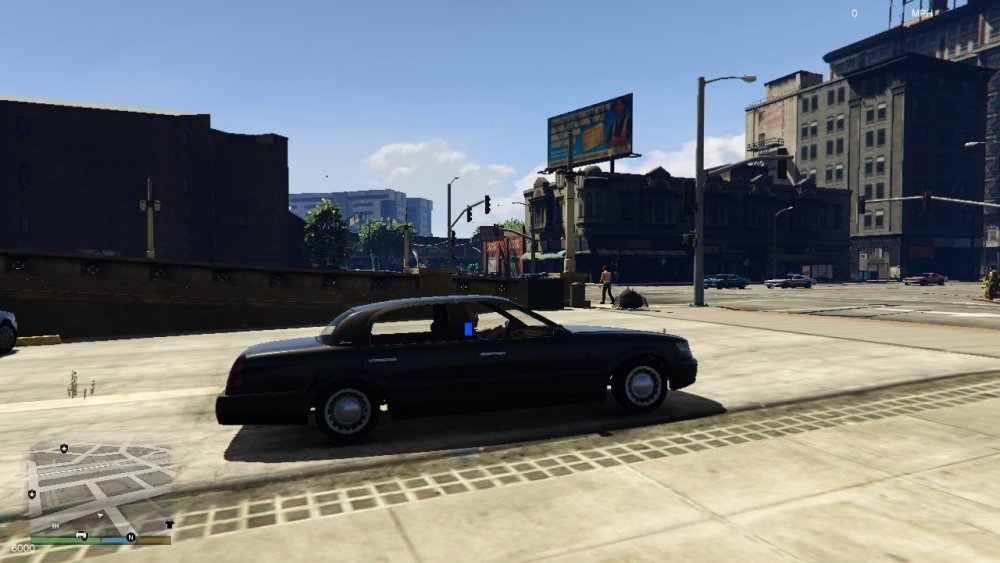
I was looking at the Washington the other day and realized that it would make a kick-ass unmarked police cruiser. I'm not very good (not good at all actually) with making vehicle models but I felt that I would post the idea here where someone could maybe work on it. Now I've made some really terribly edited photos of what I think would look good for the lights. Y'all don't have to use it but if you'd like some inspiration then here you go.
-
Is this a mod in the works or an update?
-
-
Well I feel stupid. I found the issue... It's something so embarrassing. I accidentally deleted one of the required root folder files when updating GTAV...
-
I'm having an unusual issue. For no reason (that I can find) LSPDFR now crashes when I try to load the custom backup menu. Initially, it would ONLY crash when I tried to use it while on the Pacific Bank Heist callout from Albo1125's Assorted Callouts, but today it crashes no matter what. I tried using the default custombackup.xml (unedited). Still crashes. I uninstalled GTAV and ONLY installed LSPDFR and Custom Backup. Still crashes. I don't know what's happening. I tried activating Custom Backup with both my edited LSPDFR backup.xml and the default. Here's the custombackup.xml that I've edited: CustomBackup.xml Here's the LSPDFR backup (which worked before the crashes and still works by itself) backup.xml and here is the RPH log RagePluginHook_05082016_084015.log
-
-
 This crashes LSPDFR every time without fail when I try to open the menu while on the bank heist from albo1125's assorted callouts. Well now it's just crashing in general :/
- 378 comments
- 23 reviews
-
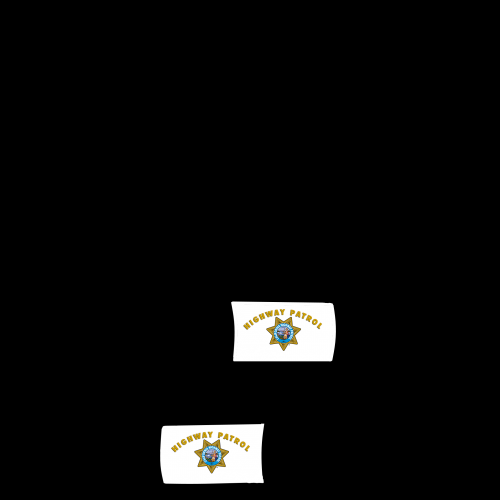 A good idea would be to post screenshots from in-game of the vehicle. The texture looks fantastic though!
- 9 comments
- 1 review
-
I posted a file a while ago which changed the texture for the in-game stockade3 to look like a NOOSE Riot Van. The problem is that it doesn't have light bars and it can only hold 4 people. I was wondering if someone could recreate the riot van with snow textures so that I can use it in North Yankton? Thank you in advance!





