TrooperA1868
Members
-
Joined
-
Last visited
Everything posted by TrooperA1868
-
-
how to i change policeold1 or policeold2 sound to police 3
-
-
-
-
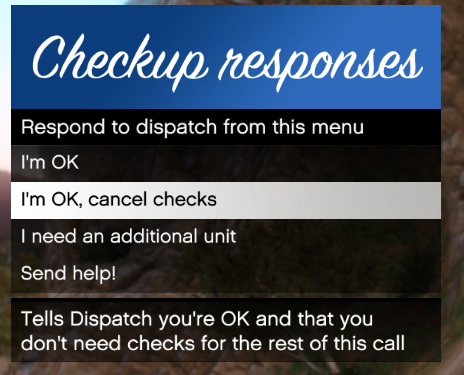 can you make it so i can change the menu start up from F3 to something else i dont see it in the ini
- 82 comments
- 22 reviews
-
-
-
-
-
-
-
-
 omg this is the best slicktop charger on this website plz plz make a lightbar variant
- 65 comments
- 36 reviews
-
 When police smart radio comes out will you update this to be compatible with it because no ones gonna use police radio when that comes out.
- 311 comments
- 39 reviews
-
-
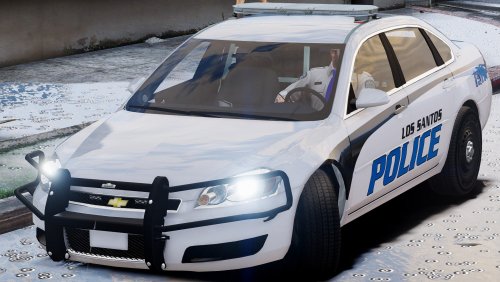 I think the car is great,more antennas and no wraparound would be better. And it makes more sense for the inner lights in the rear to be a Traffic Advisory lights and the rest of the lightbar be red/blue.
- 62 comments
- 12 reviews
-
-
-
-
-
-
-
-