TrooperA1868
Members
-
Joined
-
Last visited
Everything posted by TrooperA1868
-
-
-
-
-
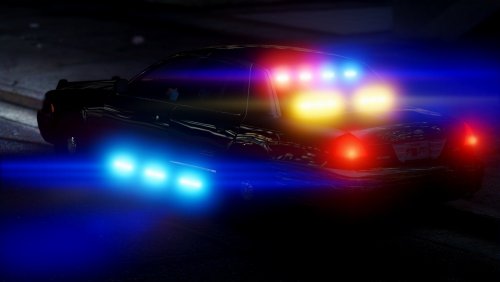
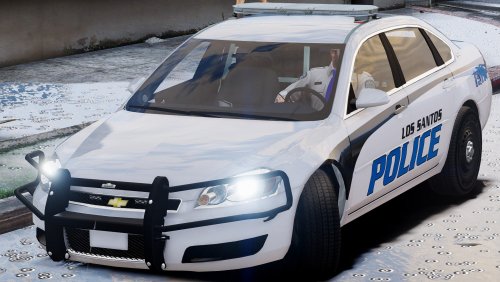 The model is great but the light set up is poor. you need more lights in the front and instead of having the trafic advisor on the light bar you should have it in one bar in the back window also it would be cool to have lights under the tail light (reverse lights) like bxbugs and captain14 impala. Also the red and blue leds in the back are small and not bright.
- 62 comments
- 12 reviews
-
-
-
-
-
-
-
-
-
-
sooon?
-
 Can you plz put scroll lock in the ini so i can change the value of it since i dont have a scroll lock key on my keyboard
- 2,661 comments
- 234 reviews
-
-
-
 Can u release this but in non els cuz I think the light setup is better than ur previous one
- 427 comments
- 75 reviews
-
-
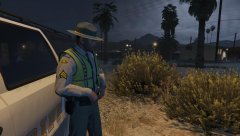 ur making a sheriffs model to!!!!!!!!!!!!!!!11
 -
 I cant wait for this !!!!!!!!!!!!! great job man i cant wait for Christmas ur amazing keep up the good work
- 273 comments
- 61 reviews
-
-
-
 i found the problem you have to remove the orginal files in the SDK folder
- 1,509 comments
- 85 reviews