


Vampyre
Members
-
Joined
-
Last visited
Everything posted by Vampyre
-
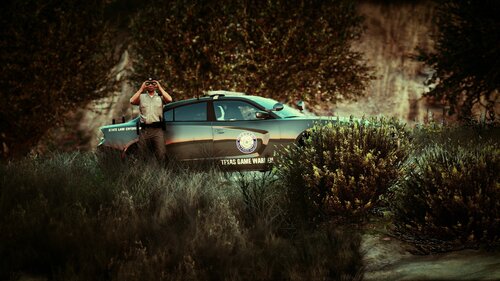 Not taking requests at the moment but maybe in the future. I've got a lot I'm working on already. Also, yes, I'm from Texas.
- 10 comments
- 1 review
-
I saw that as well, I think why that plugin is listed in the stack is because what seemed to have spawned was some sort of vehicle pursuit and the plugin was trying to attach or identify the vehicle, but when I instead initiated a stop on a separate vehicle LSPDFR tried to terminate the ambient event and crashed. That plugin was the last call before it crashed but not necessarily the reason. The previous two crashes also didn't involve that plugin or any other plugins according to the log, but also crashed without a stack trace from RPH just the one from LSPDFR.
-
The below log has 3 crashes all appear to be traced back to LSPDFR and different Ambient Events ending. The first two happened under 0.4.6 then because of the crashes I decided to try out 0.4.7 in case they were fixed and it crashed again with a similar case. RagePluginHook.log I don't necessary need help fixing this but if anyone has confirmed fixes for these or know that the issue is from a third party let me know and I can test or report it to whomever.
-
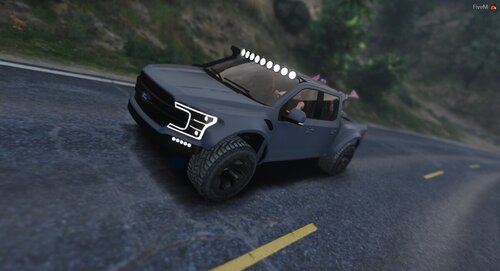 Awesome! I thought it looked cool and too obvious not to be intended but figured I'd mention it lol Great work!
- 3 comments
- 1 review
-
![[WIP] Dallas PD Reflective skins](//s3-gallery.int-cdn.lcpdfrusercontent.com/monthly_2020_03/small.20200328114620_1.jpg.2edae634bdd1f6ef7c6af1ef2a4cbbc3.jpg)
From the album: Vampyre's [WIP] Gallery and Screenshots
-
Random assortment of either projects I'm working on or awesome screenshots from in game.
-
[WIP] Dallas PD Reflective skins
-
 [WIP] Dallas PD Reflective skins
-
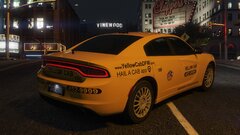 This cab will give you a ride to jail. Drive safe and sober.
-
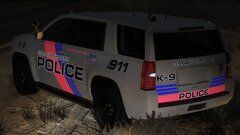 [WIP] Sandy Shores PD Skins
-
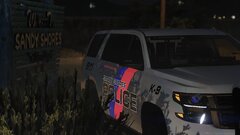 [WIP] Sandy Shores PD Skins
-
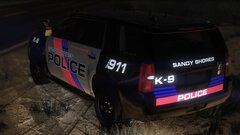 [WIP] Sandy Shores PD Skins
-
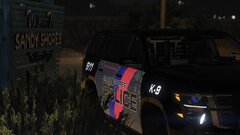 [WIP] Sandy Shores PD Skins
-
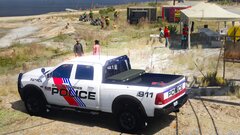 [WIP] Sandy Shores PD Skins
-
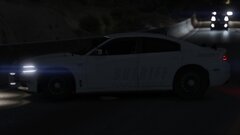 North Texas Criminal Interdiction Unit Charger with Reflective texture.
-
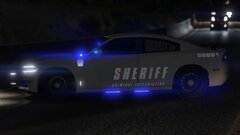 North Texas Criminal Interdiction Unit Charger with Reflective texture.
-
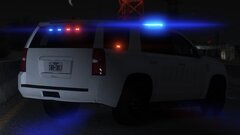 North Texas Criminal Interdiction Unit K-9 Tahoe with Reflective texture.
-
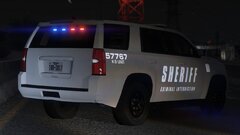 North Texas Criminal Interdiction Unit K-9 Tahoe with Reflective texture.
-
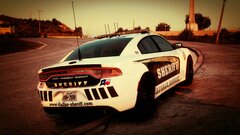 Dallas County Sheriff on the Lookout
-
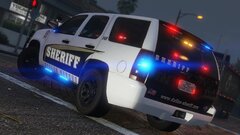 [WIP] Dallas County Sheriffs
-
 [WIP] Tarrant County TX Sheriffs
-
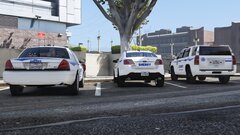 [WIP] Tarrant County TX Sheriffs
-
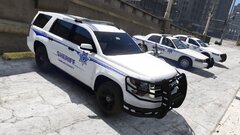 [WIP] Tarrant County TX Sheriffs
-
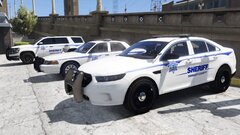 [WIP] Tarrant County TX Sheriffs
-
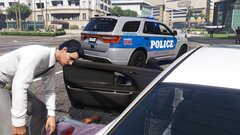 Examining the Scene
-
 Knoxville PD Forensics on scene for OIS
-
-
From the album: Vampyre's [WIP] Gallery and Screenshots
-
-
Is this a bug or did you intend to have a starry roof? Also, any chance to get this templated for some off road liveries?
- 3 comments
- 1 review
-
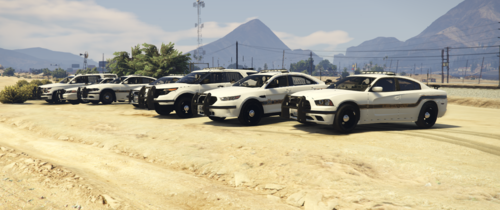 Can't believe they actually have bullet points on their car, like they designed it in PowerPoint 🤣
 -
 Not entirely sure this crash was due to a bug with the plugin or not. Crashed after getting near what I believe was the BOLO'd vehicle. The vehicle was also being used by ScenarioFakeTrafficStop and when I got near it after the fake traffic stop was done entire game crashed. The above log were the last lines, will update further if it happens again similarly.
- 394 comments
- 30 reviews
-
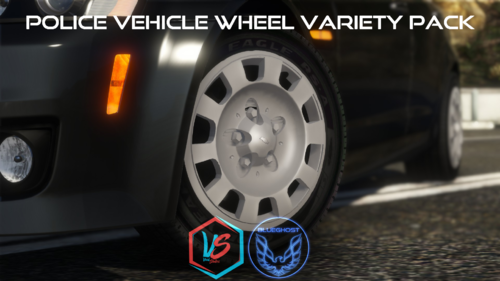 These work with any vehicle from any pack that has normal sized wheels. (i.e. not Bikes, Go Karts, etc.)
- 88 comments
- 18 reviews
-
I would start with checking all of your LSPDFR plugins and removing temporarily anything that is out of date. You have several of Albo's plugins which are known to cause crashes since they haven't been updated in forever and the newest LSPDFR patch might be crashing simply because of those or you may have other plugins causing it.
-
Make sure you have the latest dependencies for ScriptHookDotNet installed. I'm still using the October update for SHDN on the newest GTA version and my scripts have been working without issue. There is also a newer February update but again the older one is still working on the newest game version so I don't think that has been your issue. "Install both the Microsoft .NET Framework 4.8 (or higher, so skip this on Windows 10) and the Microsoft Visual C++ Redistributable Package for Visual Studio 2019 (x64)."
-
Unfortunately sounds like you may just have to reinstall GTA V and start from scratch.
-
@krypticz Please don't respond to months old topics if you need help. Create a new topic, provide a screenshot of your GTA V folder and Plugin/LSPDFR folder with the RagePluginHook.log file from your latest crash, someone will be able to help you then.
-
Try verifying integrity of game files on Steam (Right-click the game in Library and go to Local Files). Once it's verified download RPH again and overwrite the existing files and try loading the game again.
-
The log says it crashed because of multiple access violations that certain files were possibly being accessed by another program. I would recommend first just restarting your computer and seeing if it goes away. A process might have just been stuck in the background.
-
@ViperX5 Try the rest of what I said in my last post if you haven't already. It's also not uncommon, for me at least, to just have random RPH crashes it sometimes takes me 2-3 times to get RPH to load after making changes.
-
@paroxyhemoccult What plugins are you trying to use and where did you put them? The majority of plugins go in Grand Theft Auto V/Plugins/LSPDFR if they're not in that folder then that could be why they're not working. But give us a list of what you have and where you put them. Since they're not loading it won't show up in the RPH log.
-
It sounds to me like some incompatible mod could be the issue, at the very least removing mods temporarily will let you know if the underlying game, RPH and LSPDFR are at least working fine. You don't have to delete mods, just rename your "mods" folder to anything else. Also, open OpenIV go to Tools > ASI Manager and Uninstall the parts you have installed currently. Reboot your computer, then go back to ASI Manager and Install them again. Then if it loads and works without mods or not let us know.
-
@ViperX5 At exactly what step does it tend to crash? Is it before the RPH loading screen in GTA V, at a specific step of RPH loading assets or as it transitions to LSPDFR loading? Since you say it only started crashing with the new version, have you tried removing all mods and see if it loads with just RPH and LSPDFR without mods?
-
-
@ViperX5 That log doesn't have any problems in it that I can see, did it crash that last time you loaded LSPDFR? If it didn't crash the last time you loaded the game, find the Logs folder in GTAV and find the date/time of the last time you think it crashed and upload that file or multiple files if you're unsure.
-
@The teddybear Specifically what is crashing? I assume RagePluginHook is? Do you have Reshade or some other ENB mod installed?

![[WIP] Dallas PD Reflective skins](http://s3-gallery.int-cdn.lcpdfrusercontent.com/monthly_2020_03/small.20200328114620_1.jpg.2edae634bdd1f6ef7c6af1ef2a4cbbc3.jpg)

