
Razontex
Members
-
Joined
-
Last visited
Everything posted by Razontex
-
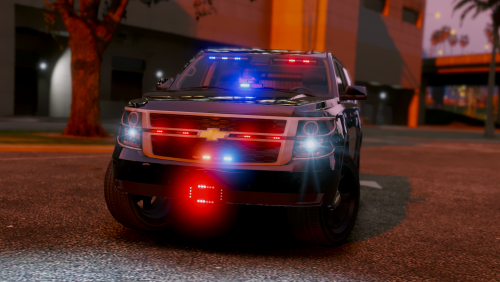
 Another amazing addition added to the police-world of GTA V and LSPDFR. This guy simply won't stop creating great content for us all... Wish I could give more than 5 stars, because that's not enough!
- 168 comments
- 36 reviews
-
-

- 1
-
-
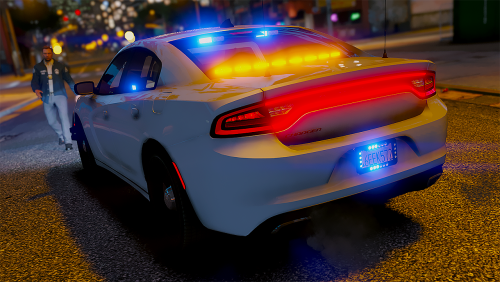 Where is the tissue when I need it? Amazingly nice work with this car! Keep up the great work! Can't wait to see more from ya. Wish I could give you 1000 stars... but LSPDFR.com doesn't let me give you more than 5.
- 24 comments
- 9 reviews
-
-
- 1
-
-
-
-
 After using this for a while (in his BETA program, which is totally recommended to join, to show support). I'm totally amazed by how it is so far, with the radio tones. Getting the chills everytime the tones play. Fucking love it. Can't wait for the rest! Keep up the freaking good great work man! PS: Would prefer giving you 1000 stars, but unfortunately LCPDFR.com can only give 5.
- 30 comments
- 15 reviews
-
-
- 1
-
-
I mean, come on, @JJDawkins. Do you even read the title? t0y's WIPs and Showroom, it's a thread for his WIP cars. Not everyone else's. Go make your own WIP thread instead of posting your WIP's on another one's WIP thread. Thank you.
-
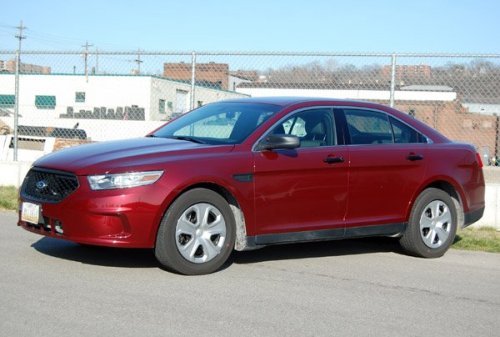 Why upload a solid color texture when the color can easily be changed with the help of a trainer? Please upload something more creative next time, please.
- 14 comments
- 9 reviews
-
-
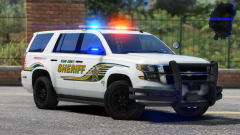 What a sex machine
 -
 Even though you got us real good with the previous upload of April FoolsRadio, it was April Fools day, so what can we expect? :D I've used it through your Loyalte Reward Programme since it's initial released, and never removed it after that time. I am really impressed of the time you spend making great content for us. This remastered plugin is one hell of a masterpiece!
- 1,196 comments
- 127 reviews
-
Sounds exciting, I would love to beta-test this!
-
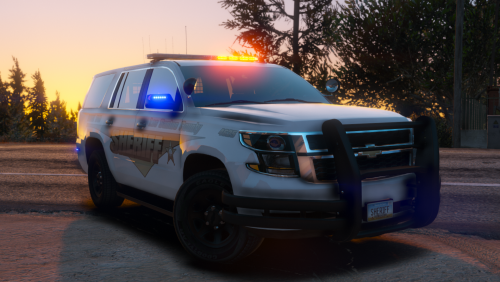
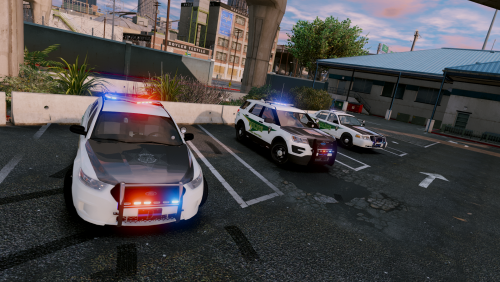 This is one impressively created pack. All though there are a few temporary issues with some of the cars, I am sure this will get fixed whenever you have the time! Well done, Indiana! You sure made one hell of a pack! PS: The sheriff2 Tahoe is ab-so-lu-te-ly beautiful and has the best (and sexiest) lightsetup I've ever seen on a Tahoe!
- 44 comments
- 27 reviews
-
-
- 2
-
-
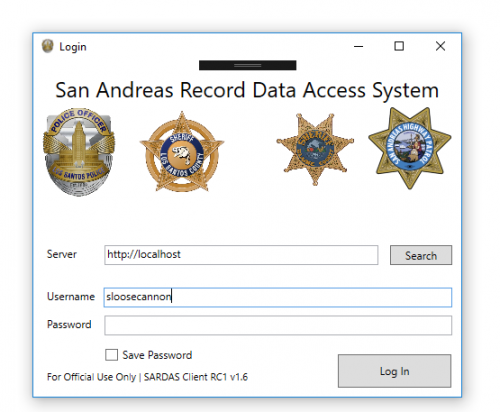 Make sure you installed all of the required files into the GTA V main directory, included Newtonsoft.Json.dll and the Unosquare.Labs.EmbedIO.dll. Secondly, make sure you're using the correct login username and password like what you have in the sardas.ini configuration file. Last, but not least, check that you're actually using the correct IPv4 adress in the Server field. F.ex.: http://localhost:1086 Localhost would therefore be replaced with your IP adress of your gaming computer, like it says in the readme.
- 95 comments
- 17 reviews
-
No. Don't turn off your firewall. That will make it even worse. You have to allow the 1086 port through your firewall on your computer with GTA V on, or else you can't use the plugin. Follow this tutorial on how to allow a port through the firewall http://www.thewindowsclub.com/block-open-port-windows-8-firewall.
- 95 comments
- 17 reviews
-
-
- 1
-
-
-
If you have a spare laptop available like me, including your gaming computer, hit this up! Even though it might be easier to just use the plate checker through the Police Radio or the LSPDFR default computer database, SARDAS adds more realism to it. I've used it since it was announced as a testing/beta version, and been impressed and enjoyed it since the start. It's a really neat feature if you like realism. It might look like a difficult process to set it all up, but honestly, it's not. If you don't know how to unblock ports in the firewall, Google is here for you. Fantastic work, sloosecannon! 10000/10
- 95 comments
- 17 reviews
-
-
- 2
-
-
 Hoooooly damn... This is one hella smokin' pack! I have to be honest here, this is most likely the best (non-CHP) pack I've ever seen been made for ELS. This is definitely replacing my current fleet. You're an extremely great hah! Keep up the amazing work
- 210 comments
- 59 reviews
-
-
- 1
-
-
-
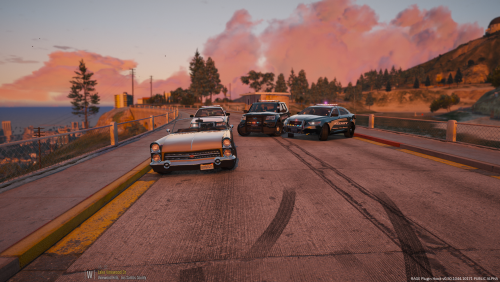 Forget about people giving you low star ratings! This vehicle pack is amazing! I really love the light setup. Can't wait to see more from you!
- 23 comments
- 9 reviews
-
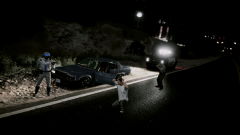 ''We got you at gunpoint! Put your hands behind your head and get down on your knees... slowly.''
 -
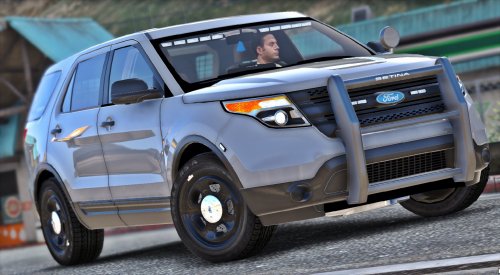 Another amazing vehicle which I am definitely going to add to my fleet, like all your other ones! Mamma mia pizzeria, what a great vehicleria!
- 23 comments
- 14 reviews
-
-
- 1
-
-
The early access release is still up, and you can get it by donating either $20 (or more), or donate $8 per month. I really recommend donating, because it's not only for getting early access to awesome stuff, you also appreciate Albo's hard work.
-
You've most likely installed LSPDFR after Ragepluginhook, which overwrites the newest ragepluginhook version with an ancient one. Make sure to reinstall the latest Ragepluginhook version from here https://ragepluginhook.net/Downloads.aspx And, as Arariel stated, I can not recall seeing any recent gta update released. Do never install LSPDFR after ragepluginhook, it will cause you to get an older none supportive version of ragepluginhook.
-
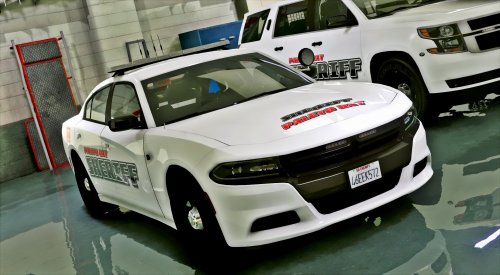 When I first saw it released, I thought it was a typical charger like the other ones, but this one beats them all, definitely. Awesome textures, awesome lightsetup, awesome everything! You've done a great job on all of your cars Keep up the good great work and I can't wait to see more from you! I'd love to give you 1000/5, but the website can only do 5/5, rip.
- 36 comments
- 13 reviews
-
-
- 1
-
-
 Another amazing potato car! This deserves 1000/10 potatoes! AMAZING PS: This car and the dominator engine sound
- 85 comments
- 45 reviews
-
-
- 1
-