


Lapd Code 3
Members
-
Joined
-
Last visited
Everything posted by Lapd Code 3
-
-
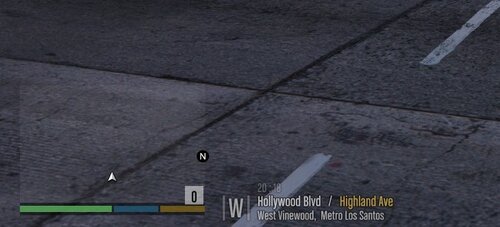 soooo i found workaround this mod for those who still have issues and are under the new update for the spring/summer so new Location for me which 100% worked is Mods>update>update2.rpf>x64>data>lang>american_rel.rpf then replace Global.gxt2
 no pressure pal would you do locations like Terminal/elysian islands/Sandy Shores Airfield and Grapeseed Airfield it be great for Swat/ATF and under a Bridge near LS river Maybe :)
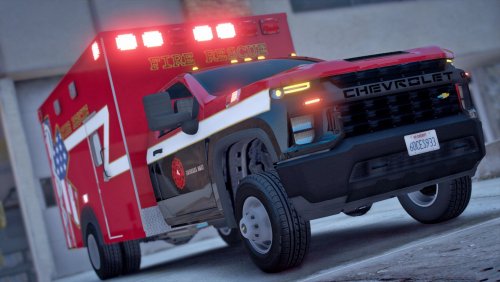 thank you SoCal id really like to see a Proper LAFD one
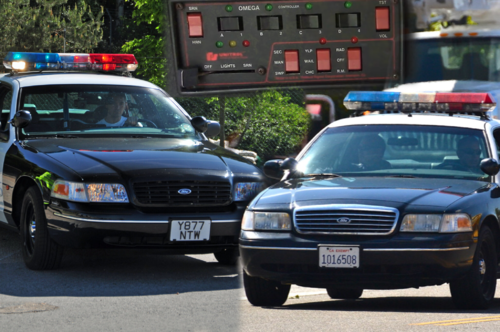
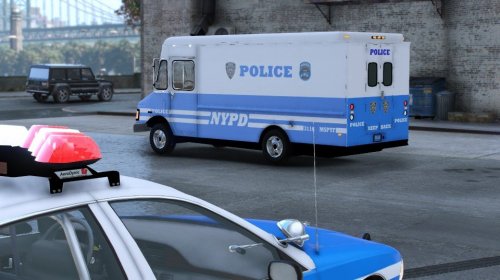 this is so nostalgic i was only 5 when i saw one of these can you do a NYPD ESU Truck 3 Bronx NY Squad
- 15 comments
- 1 review
any 2020 ram ambulances in the future ?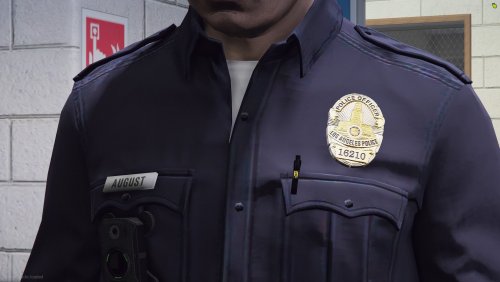 yea somethin to seperate the ones from what we already have but with your own twist
yea cause i use safariland as well also yea that would be nice in a future update will you be doing other badges as well LA related like Port Police LAX LASD and CHP cause im using your badge and it looks well on the uniforms
shoulda kept the pens optional i think its safariland holster
what locations are you planning to add for Weapon Smuggler call thats in Development???
yea somethin to seperate the ones from what we already have but with your own twist
yea cause i use safariland as well also yea that would be nice in a future update will you be doing other badges as well LA related like Port Police LAX LASD and CHP cause im using your badge and it looks well on the uniforms
shoulda kept the pens optional i think its safariland holster
what locations are you planning to add for Weapon Smuggler call thats in Development??? absolutely 🙂 ill wait for update and see how well it plays then
what about for add on police vehicles some of us use custom names for them will they still spawn in the future update
absolutely 🙂 ill wait for update and see how well it plays then
what about for add on police vehicles some of us use custom names for them will they still spawn in the future update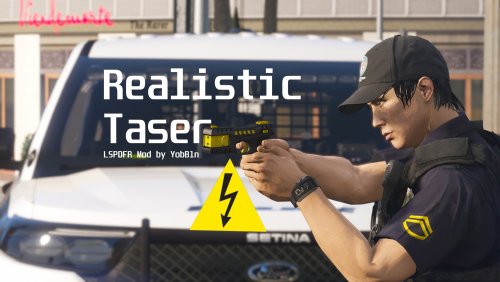 so will this actually stop a suspect from shooting at me while tased the gun seems to go off whenever we do taze em as they hold a firearm
.thumb.png.b1762fcd0a667a8a6ac5f8068c8cbb7d.png) yeah no worries i still use it for SWAT Ultimate backup so thank you for noticing the issue tho 🙂
yeah no worries i still use it for SWAT Ultimate backup so thank you for noticing the issue tho 🙂- 28 comments
- 4 reviews




.thumb.png.48773f37517498491da691ea60596d52.png)

.png.39fa3bf877a1c9553197bfc4193a6b7b.png)
.png.10648d5048e6b7290ad8e885aa5c4821.png)
.png.1f15f56a4f8bb11e76979db812df7e7d.png)
.png.30267a5af94dd9c335751ab2f06aa17f.png)
.png.9c348472be7f0d41fdeabbcd0678e7b9.png)

.png.9cfc13e14644f66798f15811353d1399.png)

.png.65a795ba8d88bdc9f839b9d6d1d22c1a.png)
.thumb.png.b1762fcd0a667a8a6ac5f8068c8cbb7d.png)

Account
Navigation
Search
Configure browser push notifications
Chrome (Android)
- Tap the lock icon next to the address bar.
- Tap Permissions → Notifications.
- Adjust your preference.
Chrome (Desktop)
- Click the padlock icon in the address bar.
- Select Site settings.
- Find Notifications and adjust your preference.
Safari (iOS 16.4+)
- Ensure the site is installed via Add to Home Screen.
- Open Settings App → Notifications.
- Find your app name and adjust your preference.
Safari (macOS)
- Go to Safari → Preferences.
- Click the Websites tab.
- Select Notifications in the sidebar.
- Find this website and adjust your preference.
Edge (Android)
- Tap the lock icon next to the address bar.
- Tap Permissions.
- Find Notifications and adjust your preference.
Edge (Desktop)
- Click the padlock icon in the address bar.
- Click Permissions for this site.
- Find Notifications and adjust your preference.
Firefox (Android)
- Go to Settings → Site permissions.
- Tap Notifications.
- Find this site in the list and adjust your preference.
Firefox (Desktop)
- Open Firefox Settings.
- Search for Notifications.
- Find this site in the list and adjust your preference.