


Lapd Code 3
Members
-
Joined
-
Last visited
Everything posted by Lapd Code 3
-
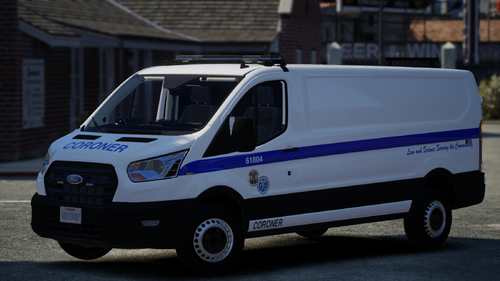 MAJOR UPDATE ADD ON IS ON ITS WAY!
 -
yup sure am 🙂 as soon as i can figure out how to make it add on cause i follow many tutorials and when i do the end result is always the same ...no vehicle spawning
-
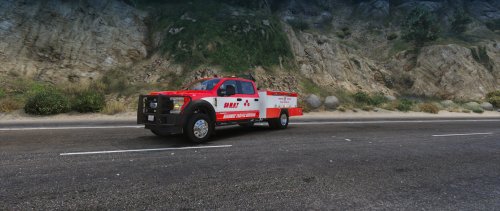 tested this and i gotta say this was nice
 -
i will ill be doing it over from scratch
-
that was the plan you have to check with your ultimate backup or Stop the Ped one of em should have the settings for Arrive With Code 3 Lights as coroner does not use sirens
-
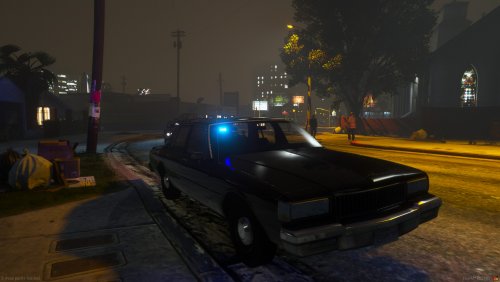 sweet
sweet -
are you still having issues downloading
-
you are very welcome yup that was the plan : ) thank you and i will i know right 🙂
-
puedo si
-
thank you this means alot im sorry but no ELS is the only thing i know how to do
-
2 yrs later this Van w so many downloads thought it was time for an upgrade hope you guys enjoy it New Valor new Side Lights and Grill Lights new Prop Equipment Hope you guys will enjoy it and Its non Els but it does have a XML for ELS users so enjoy everyone Happy Holidays
-
-
its throwback love it very 80's makes me wanna see nypd blue
-
 as a lapd youtuber i approve and will be using this from here on out
 -
-
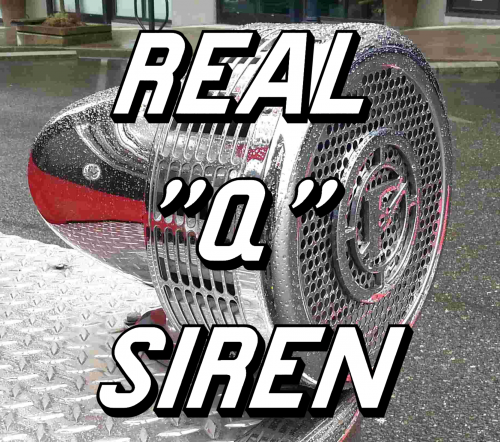 that Q horn should be awarded for the best Q in lspdfr of all time you sir a re legendary as a New Yorker im Proud to Say that siren is a true quality Q siren
- 17 comments
- 5 reviews
-
-

- 1
-
-
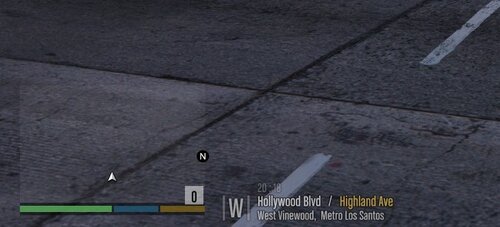 just as it says up there buddy 🙂 open the openiv click edit mode then follow the path if you have a mods folder then go from there till you see globalgxt2 then replace it with the one you downloaded from this page i forgot to mention this only worked for me in SP not 5m
 -
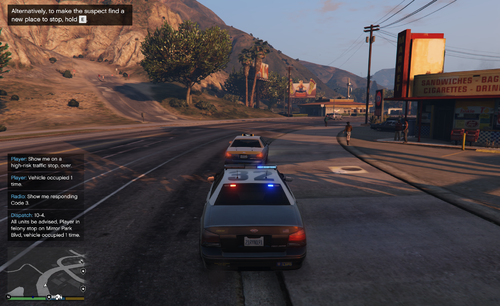 @OJdoesItYOUR PLUGIN ROCKS TO SHOW OFF THIS PLUGIN AS WELL AS HELI ASSIST ILL POST A YT EPISODE TONIGHT
- 241 comments
- 18 reviews
-
-

- 1
-
-
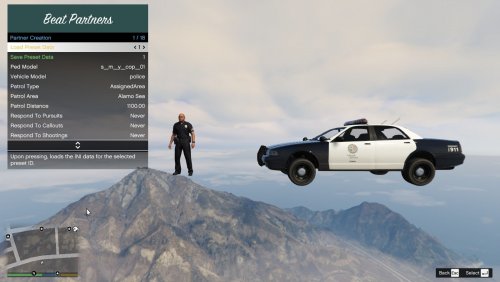 will this work with add on cars and eup npc's?
 -
 Question what if i dont wanna use The keyboard but i use a controller how do i go about changing it to a joystick button
 -




.thumb.png.587623cfaa9c9a3d74d6cae6e24c9638.png)

.thumb.jpg.8c98e1751083d6d4f25c34a2c0506254.jpg)