


Lapd Code 3
Members
-
Joined
-
Last visited
Everything posted by Lapd Code 3
-
-
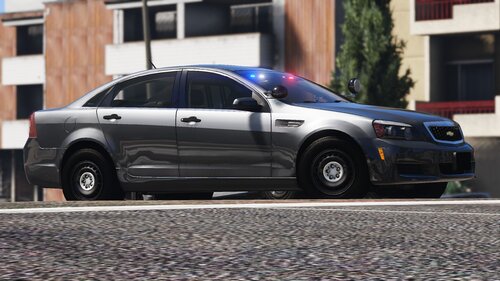 honestly its easier to replace and maybe he still has alot to learn about add-on not everyone has the skills most people here have 🙂 sorry couldn't resist saying somethin
 -
this is amazing can you add a Valor Lightbar version with a Setina Pushbar?
-
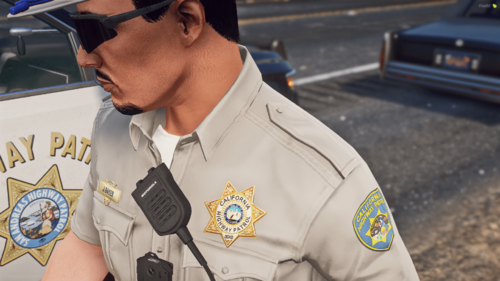 does it come with the chest mic and gloves?
 -
.thumb.png.9f315fb165ee3b76fc8778ebffda740f.png) yes absolutely however heres a better look at CHP vest not saying yours was trash trust me you got creativity pal but heres one for future updates 🙂
yes absolutely however heres a better look at CHP vest not saying yours was trash trust me you got creativity pal but heres one for future updates 🙂 -
-
-
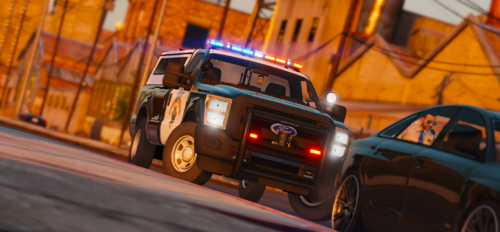 using lspdfr backup data by conansaed with some editing since my vehicles we're all add-ons
 -
-
-
.thumb.jpeg.8bfa019a2216257040b9c7c799744610.jpeg) @Zakkis Shoplifting gonna be Added to this
@Zakkis Shoplifting gonna be Added to this -
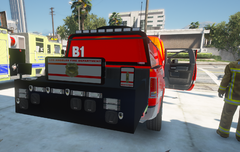
From the album: LAFD BATTALION RAM 2500
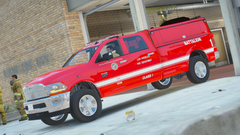
From the album: LAFD BATTALION RAM 2500
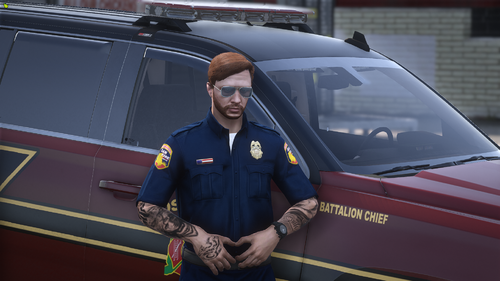 @Blaze's Modifications can we request a non lore version of this along with LAFD? it mean alot to me
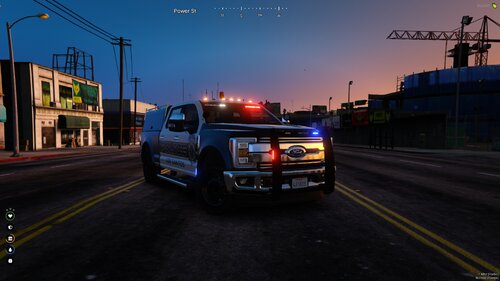 interesting
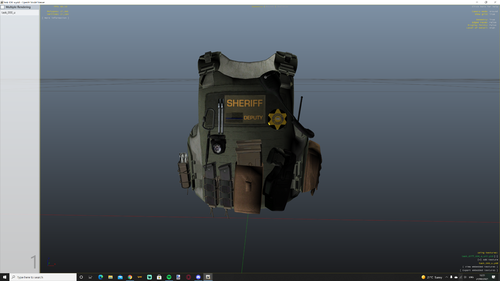 i agree great improvement
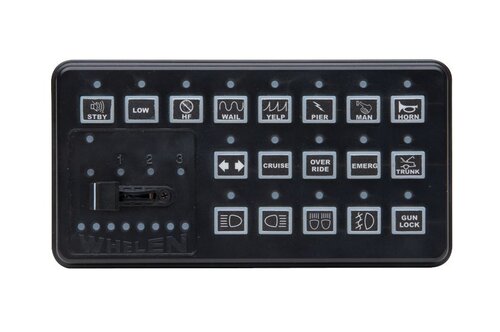 again tried and it said invalid wav file for wail 1 through 4
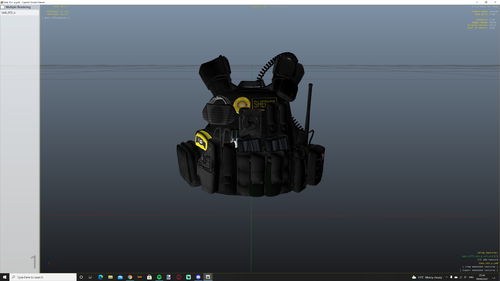 great fictional vest i recommend green for lasd tho im sure you seen the refrences
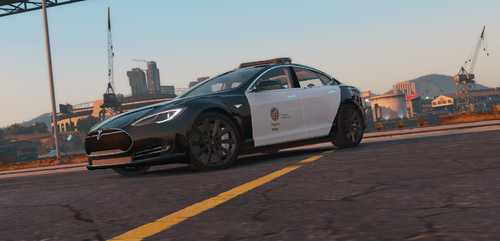 no Sorry this was a Paid model You have to contact the original author of the car Lapd Fusion was a Demonstration vehicle it was not an official LAPD cruiser as it was never used in the field dont like it Dont Download it ....
why cant i import it keeps sayting invalid Wav File i even renamed it to SIREN_WAIL_03 cause thats what im Replacing with main Siren
no Sorry this was a Paid model You have to contact the original author of the car Lapd Fusion was a Demonstration vehicle it was not an official LAPD cruiser as it was never used in the field dont like it Dont Download it ....
why cant i import it keeps sayting invalid Wav File i even renamed it to SIREN_WAIL_03 cause thats what im Replacing with main Siren




.thumb.png.9f315fb165ee3b76fc8778ebffda740f.png)


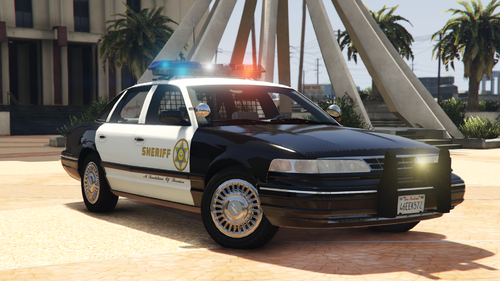
.thumb.jpeg.8bfa019a2216257040b9c7c799744610.jpeg)

.thumb.jpg.99cb3a6cc6b7b83827e5834dc6ecf813.jpg)
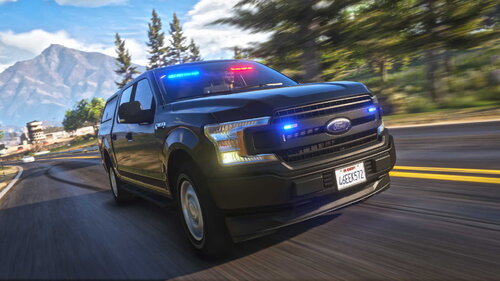
.png.d105ee37fa976817345919641ca765c5.png)
.png.1975b916d5ba4cfd95f274d3297fdfaf.png)
.png.fa31315e1437b255a43542a7c8692dca.png)
.png.1978f2e8c72930ae22398af691f08d60.png)
.png.6355101e97e79346ef7a87856f82d50e.png)
.png.8872cee403bfcbb8a76b8625d1367516.png)
Account
Navigation
Search
Configure browser push notifications
Chrome (Android)
- Tap the lock icon next to the address bar.
- Tap Permissions → Notifications.
- Adjust your preference.
Chrome (Desktop)
- Click the padlock icon in the address bar.
- Select Site settings.
- Find Notifications and adjust your preference.
Safari (iOS 16.4+)
- Ensure the site is installed via Add to Home Screen.
- Open Settings App → Notifications.
- Find your app name and adjust your preference.
Safari (macOS)
- Go to Safari → Preferences.
- Click the Websites tab.
- Select Notifications in the sidebar.
- Find this website and adjust your preference.
Edge (Android)
- Tap the lock icon next to the address bar.
- Tap Permissions.
- Find Notifications and adjust your preference.
Edge (Desktop)
- Click the padlock icon in the address bar.
- Click Permissions for this site.
- Find Notifications and adjust your preference.
Firefox (Android)
- Go to Settings → Site permissions.
- Tap Notifications.
- Find this site in the list and adjust your preference.
Firefox (Desktop)
- Open Firefox Settings.
- Search for Notifications.
- Find this site in the list and adjust your preference.