


Reddington
Members
-
Joined
Everything posted by Reddington
-
Moderator notice: Your post has been split into its own thread. According to the logs everything is working. Please clarify on "not working for me".
-
Nah, it doesn't matter too much. The only thing to keep note of is lightsetting and sirensetting. If it's an emergency vehicle, sirensetting needs to be on 1.
-
Having it changed to the Notepad icon does not mean the file was changed. It's still a .asi plugin, the only difference is that when you double click on it, Notepad is the default program that will open it.
-
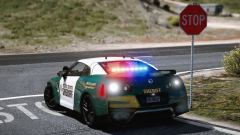 GIMMIE GIMMIE GIMMIE!
 -
-
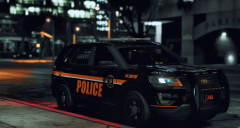 I really, really like this texture. Damn you and all these good looking things.
 -
 @Sebo Specifically, what is the minimum version of RPH you need for this? Also, something else to consider, which might not be do-able. Along with having to get into your vehicle, maybe add an additional option for them to have the driver door open and standing beside the car, like they're actually reaching in to get it?
- 135 comments
- 22 reviews
-
-

- 4
-
-
The ambulance line should be in mods-->update-->update-->common-->data-->levels-->gta 5 and that vehicles.meta.
-
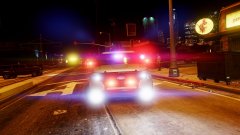 I only drive it if I'm having a redneck day. XD
 -
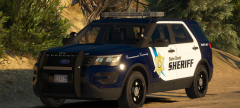 First I've heard about it.
 -
I'm actually lost, what's this freemodders thing anyway? XD
-
#freeModders #freeModders #freeModders #freeModders You're a little late.
-
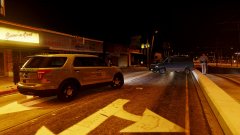
From the album: Red's LSPDFR chaos
-
From the album: Red's LSPDFR chaos
-
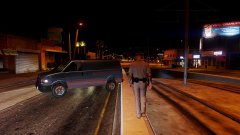
From the album: Red's LSPDFR chaos
-
You might need your eyes checked! :P This topic has been moved to the appropriate forum. Please post in the correct location in the future.
-
mods-->update-->update-->x64-->data for the carvariations. Also, I have a pinned topic in this section which I provide for you a carvariations you can use.
-
Pause the game and go into GTAX V pause menu settings. Look for PostFX and Shaders, set both to high or above. Your topic has been moved to GTA V Support, this is not LSPDFR related. Please post in the correct location in the future.
-
Just look in each texture for red and blue lights. I'm not sure which one is what you're looking for, but it's a start. Where there's red and blue lights is where part of the light texture is.
-
You can change the default patterns in the VCF, but you'd need to edit the actual light texture in the .YTD to change the color of the emergency lights.
-
Ahhh! Open the ELS VCF for the car, and under ACORONAS, look for "Reverse lights". Set that value to 0
-
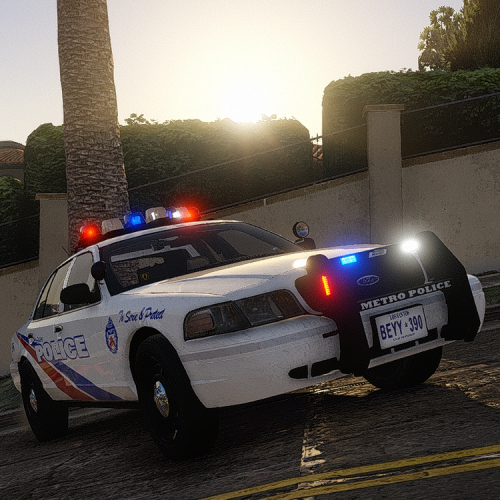 I like my cars sounding mean, so went with the beefy option. DAMN! My vic sounds like such a beast! I now really want real sounds for my other cars. XD Excellent mod, definitely on my "always use" list.
- 40 comments
- 7 reviews
-
-
- 1
-
-
To clarify, do you mean ELS for GTA IV or V? 'Cause you posted in GTA IV.
-
When you say reverse strobes, do you mean the tail lights? or all rear facing lights? This topic has been moved to the appropriate forum. Please post in the correct location in the future.
-
This topic has been moved to the appropriate forum. Please post in the correct location in the future.


