


Reddington
Members
-
Joined
Everything posted by Reddington
-
No, what I showed you, the <Vehicle extra> line was to force an extra on a spawned police car. There's no way, to my knowledge, to prevent extras from being used.
-
Your topic has been moved to GTA IV & LCPDFR Support. Please post in the correct location in the future.
-
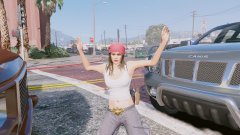
From the album: Red's LSPDFR chaos
-
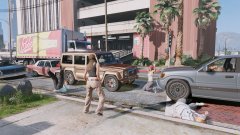
From the album: Red's LSPDFR chaos
-
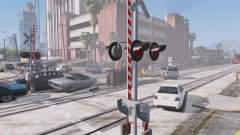
From the album: Red's LSPDFR chaos
-
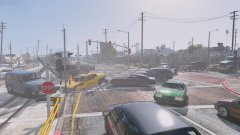
From the album: Red's LSPDFR chaos
-
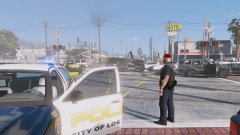
From the album: Red's LSPDFR chaos
-
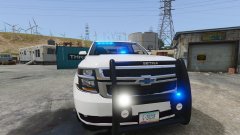
From the album: Red's LSPDFR chaos
-
Please create your own topic. Don't hijack someone else's thread.
-
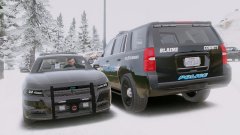
From the album: Red's LSPDFR chaos
-
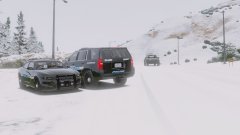
From the album: Red's LSPDFR chaos
-

From the album: Red's LSPDFR chaos
-
-
This isn't really a Rockstar thing. Most games on Steam will not let you play it while it's being updated, and it makes sense. There are some games on different launchers that have a certain download point, where it's not done downloading, but it's playable and the download can continue later if you wish to lay right away.
-
Aside from what FoxTrot said, ELS is not part of LSPDFR, so we have no clue.
-
Go to your profile-->edit profile. Or in the top right of the page, click your name-->account settings-->edit profile. This topic has been moved to the appropriate forum. Please post in the correct location in the future.
-
Your topic has been moved to GTA V Support, this is not LSPDFR related. Please post in the correct location in the future.
-
If you feel this topic has been closed in error, please report this post.
-
Alexander Blade isn't on any forms of social media to my knowledge, so it's just a waiting game. As Bastion stated, you can revert your game if you backed it up previously. However, if you didn't back it up prior to the update, your only option is to wait. Do note that ScriptHookV is not a requirement for Rage and LSPDFR to work.
-
If you feel this topic has been closed in error, please report this post.
-
There is a reason the RPH team remove older versions from their site. Per the RPH website terms, you may not redistribute it. If you didn't back up your game, your only option is to wait. Please note that ScriptHook V is not required for LSPDFR/Rage to work.
-
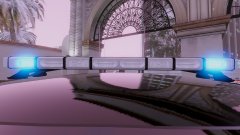
From the album: Red's LSPDFR chaos
-
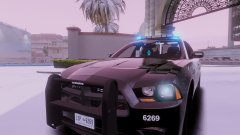
From the album: Red's LSPDFR chaos
-
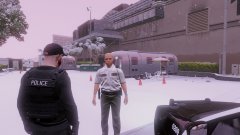
From the album: Red's LSPDFR chaos
-
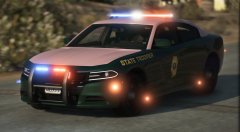 I LIKE!


