


Hullian111
Members
-
Joined
-
Last visited
Everything posted by Hullian111
-
 I can't really make out the logos in the first picture, so I can't determine if it is good or not - someone send me in-game pics, I can't play GTA V.
- 3 comments
- 1 review
-
5/7/2009? 2/10, literally unplayable. /s
-
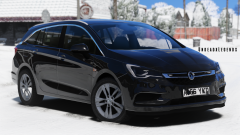 Congratulations, you are now qualified to join the Merseyside Police.
 -
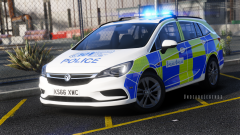 Can kind of agree. Give us these types of liveries back any day.
 -
Once again, I can only access one section of the downloads section, although now it's the central GTA V mods section. I cannot access the GTA IV mods or Dev Resources section again, please fix as appropriate, thank you very much.
-
-
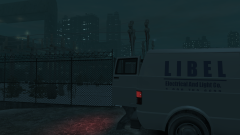
From the album: Hullian111's Gratuitous Misadventures
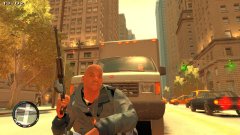
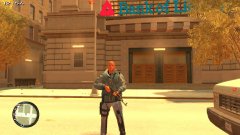
Libel, Liberty City's key electricity maintenance team, have got a job to do almost every day, thanks to Liberty City's slightly-outdated power grid. It is rumoured, however, that their vans seem to always be watching certain people in the city. Some say they even travel in packs... (the phone number has since been removed, I could not get a template)© Hullian111
-
 Please don't.
 -
To reopen an inquiry under the wrong title, I'm deciding to give Zmod3 a bash instead. Now I've heard that Zmod3 doesn't really support GTA IV, but under the 15 day free trial, can WFTs be imported and exported? If not, I'm completely out of the ballpark.
-
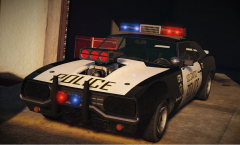 Bloody hell, I remember those cars! Oh, I loved every minute of that DLC.
 -
-
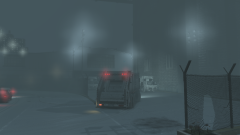
From the album: Hullian111's Gratuitous Misadventures
Below freezing, and working in waste disposal - two places you don't want to be in a city during the winter. But hey, it's a dirty job, and somebody's gotta do it. All to avoid bad memories of the 1981 strike during the rough 1996 winter.© Hullian111
-
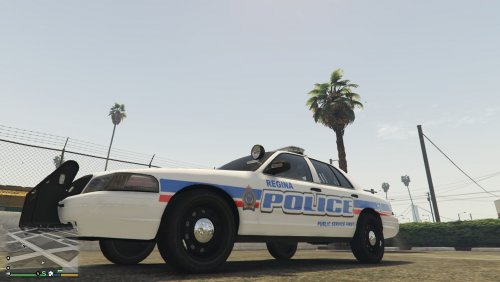
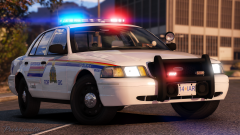 The only good Canadian police force. Everyone else is...ew: Honestly, I'm split.
 -
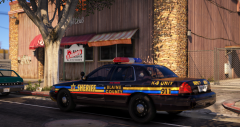 K9s? Sounds like a bust to me.
 -
I try not to face my worst fear, and somehow make them all sod off somewhere else. My hill...for a couple days?
-
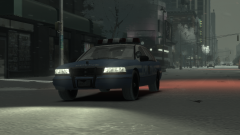
From the album: Hullian111's Gratuitous Misadventures
1996 may had been the roughest winter in Liberty City for years, but at least it made for some beautiful pictures. The LCPD were accredited for their hard work, alongside the DoT, for helping Liberty City run as smoothly as possible, in the face of the hundreds of accidents that were occuring. But even they, sometimes, couldn't even manage to drive without spinning out. (Here's the link, if you're interested, for the snow mod. Be warned though, it is a big download.)© Hullian111
-
I understand there's a classic NYPD siren out there, however, as it is a prototype, it just doesn't sound right - it was too high pitched. So I'm looking for a more-appropiate siren for GTA IV, and if you really want, GTA V. If possible, it should be based from this video, but any other high-quality equivalents are welcome: Hopefully, it can slightly be akin to the sirens used by the New York City Transport Police back in the day: AFIAK, the Mark 7 Prototype does the job as a siren, however, it just doesn't sound and feel right. So I'm hoping someone can put something out to rectify this.
-
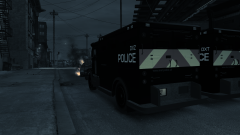
From the album: Hullian111's Gratuitous Misadventures
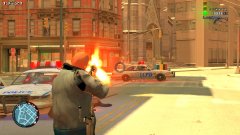
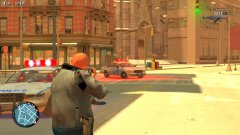
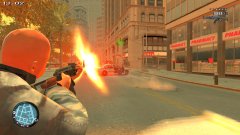
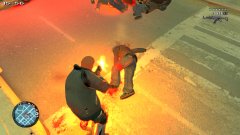
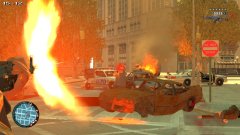
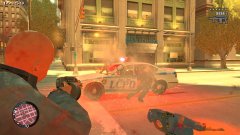
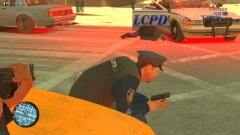
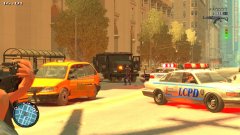
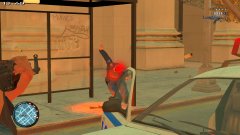
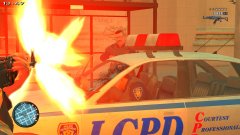
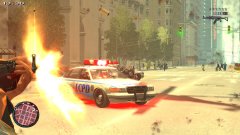
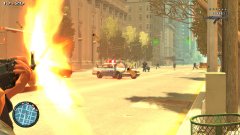
A fond pastime of mine before I got into screenshotting was throwing molotovs everywhere, sending in riot vans, and smashing up cars, calling it a riot. Here, in London, a neighbourhood disturbance in the run-down Beechwood City area results in a violent conflict with the Met Police, involving some pensioner's Ingot being smashed up and burned to the ground.© Hullian111
-
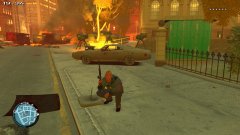 I don't know, when you look into Chris Dorner's Wiki page, after reading the reason as to exactly why he started shooting, I dare say this is just a little insensitive. Said Wiki Page
 -
-
Pls no. Bring back the Jam Sandwich.
-
Frankly, just go for North Korea or nothing, as is GTAForums tradition.
-
I know somebody has already made this topic, but its a few years back, and its rather painful to read. So I'm getting into Zmod again, and I intend to use the 15 day trial to have a go at making some British variants of lore-friendly police cars again, but this time, with the right lightbars. Now, ObsidianGaming (or whatever he's called) did initially have a Premier Hazard Maxim in the making: something like this, but with 'POLICE' instead of 'AMBULANCE': However, people ripping his mods have forced him to shelve his projects, as was the case of a certain other user here. So unfortunately, that never came to fruition. Now I think he also said that he had other halogens in the making. While those are almost certainly shelved, I know that @Double Doppler has made some for himself. I'm not exactly requesting his aid on this matter, but any matter we can discuss, please take it to PMs if you wish. But I'm turning my attention to others, such as small-time modders. Here's what I'd like: three types of British ELS lightbars that are not ripped from other sources. What I'm looking for is: A Maxim, as above, or whatever this is: A Britax small lightbar, as seen in London: And whatever this is the Whelen Centurion(?), as seen in Northumbria: It would make a world of a difference for GTA IV British modding, and it would make up for the unfortunate loss of the WIP lightbars made by ObsidianGames. Please contact me if anything comes through.
-
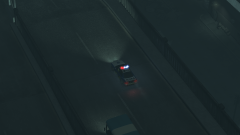
From the album: Hullian111's Gratuitous Misadventures
Midnight falls on the A139. Rain pours down on the city, and people begin to slip and slide down on the notoriously-accident-prone Alderney City exit of the A139. And as accidents begin to occur, modified, high-power, and high-visibility Vincents from the GLP Motorway unit skids out of their parking spots along the 'Skyway' to respond to the accident sites as fast as possible to try and secure the scene and potentially save some lives.© Hullian111
-
.png.3c81c549c46912bfb93fef803469a7ac.png) According to The Last Leg, it is still too early for Christmas.
According to The Last Leg, it is still too early for Christmas. -
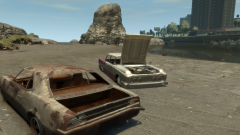 Set this one in 1984. Think the Emperor would have come out in 1982-1983.


(LSVW).thumb.png.028c48f77b04c7b7c27e03cbbff64cd5.png)

.png.3c81c549c46912bfb93fef803469a7ac.png)
