


Hullian111
Members
-
Joined
-
Last visited
Everything posted by Hullian111
-
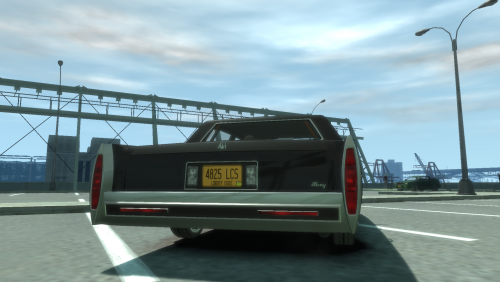 You know, there's 1990s plates, 2000s plates (the original ones), and the modern plates available for GTA IV. And now, there's an all-new varied plates mod out on GTAInside. But are you interested in 1980s cars? Too bad, because your immersion is broken with those anachronistic license plates. Well fear no more, because here comes yet another license plate mod. This mod contains a vehshare.wtd file that contains new Liberty State number plates based upon New York license plates from around about 1973 to 1986, giving you the 'picturesque' feeling of gritty 1980s New York. And you may be wondering, "didn't WildBrick142 make 1980s Liberty plates for GTA V? You could have based yours upon that." Well, you see, that's after 1986, and so in the setting I have, it wouldn't make sense. So there you have it, new plates for your cars that use vehshares. Installation is simple, just drag and drop using OpenIV. Please do not redistribute without my permission. This mod is exclusive to LCPDFR.com/GTAInside. Enjoy!
 -
 DaFrequentlyAskedQuestions?
 -
From the album: Operation - Ashahara
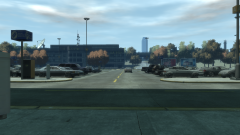
As people still try to get on the last banks of buses to Meadows Park, the airport car park slowly fills up to maximum cars. The struggle for spaces becomes real, as the first act of the day begins to take the stage.© Hullian111
-
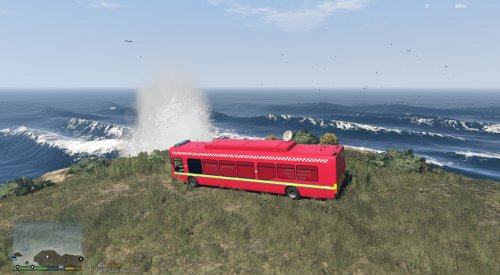 Good try, but maybe removing the Dennis logo would improve it. Unfortunately, it wouldn't make sense, and it is a bit garish.
 -
-
-
From the album: Operation - Ashahara
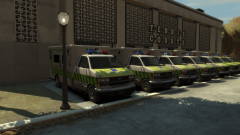
With the temperature going down, it wasn't likely that many people were going to suffer from heatstroke. However, the prevalent sun on the cool September weekend meant that there was a big health threat for that weekend - sunburn. Positioned in parking spaces outside the tennis courts, St John and Humboldt ambulances are placed on standby in the buffer zone between the two zones to make sure they can ferry sick, injured, and hopefully not overdosed festival-goers out from the Pavilion and refreshments areas to the Cerveza Heights Medical Centre as quick as possible.© Hullian111
-
This mod is a good one in every respect. However, it pains me to say that the LOD isn't really the best - doors disappear at a distance, among other such issues. Its only a slight irk, though.
-
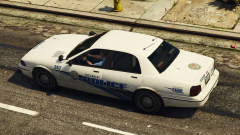 Can't beat Detroit, though.
 -
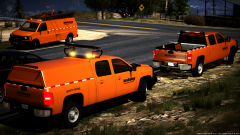 "I'm gonna shoot you right down,Knock you off of your feet,And take you home with me,Put you in my house,Boom, boom, boom, boom."
 -
From the album: Operation - Ashahara
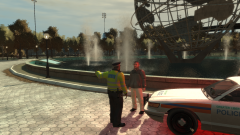
(now that we truly have begun, please imagine this scene, and the following scenes, are full of crowds passing by) Down in Zone 2, or the Refreshments area, a man from the Netherlands waves down a police officer who was slowly passing by in his car. He got out, and asked what the matter was. "Er, excuse me, officer, can you tell me where the toilets are? I can't understand the signs." He asked. "Oh, well they should be marked out on the signs with those symbols. But ah well, it's just that way, sir." The officer replied. "Thanks a bunch. I really need to go." "Well don't keep yourself waiting!" And so the Dutchman ran off to the toilets. Just a titbit of the work the GLP were doing in Meadows Park.© Hullian111
-
When the audio file for the siren is too long for the siren you're replacing, it makes some weird blipping noise. The boat horns also do this, regardless. For the former, trim your mp3's carefully. It's a right old pain with the phaser and the horn.
-
Oh sweet bajesus, I've been waiting for this one, too. Got a preview? If the sound quality is alright, and if it doesn't do that weird clipping thing, that'll really sort out my immersion for my Garda cars.
-
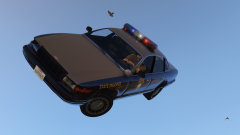 Referencing this. Don't get lost!
 -
Hmmmm...
-
Hull City Council misread the post, and invade the hill, and put up some council houses. Council's hill. Good luck trying to deal with them.
-
For want of status updates... (its been a year now, how can someone not moderate status updates?) I know it may be a little too soon, but I'm going to update the LVMPD pack. After some consideration, I've noticed it's sub-par to my current standards. It will also act as a sort of tribute to the LVMPD for their bravery and courage shown in the face of this horrible tragedy. Now, 'Going Across the Lines' will have some unique symbolism. Stay tuned.
-
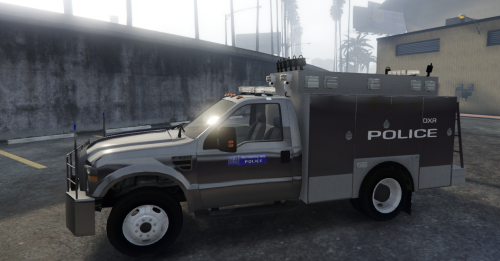 I do believe you're looking for the Eurostile font, right? EDIT: Never mind, the screenshots aren't too great.
 -
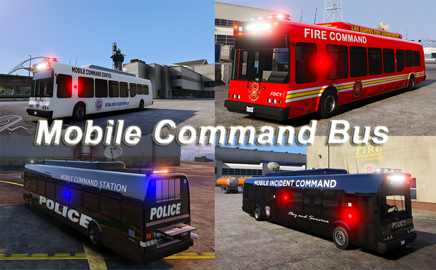
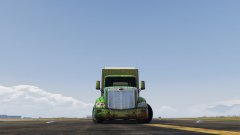 Mobile Command time?
 -

From the album: Operation - Ashahara
The buses then reached their drop-off points, as marked out on their matrix boards. Surprisingly, the park & ride scheme, for now, seemed to have gone off without a hitch, with no major disturbances on the buses being reported. Even still, the Greater Liberty Police worked around the clock to make sure the buses flowed , and to ensure that everyone could get in on time. (just imagine there's drivers and passengers, okay?)© Hullian111
-
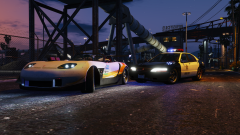 Go for it, mate. But bear in mind nobody has done a decent police Kuruma before, to my knowledge.
 -
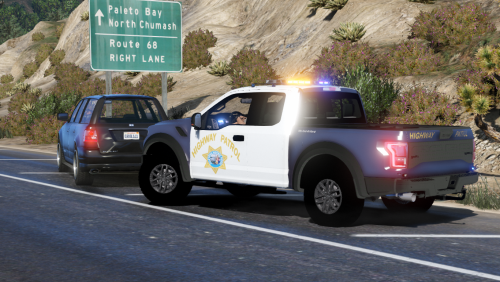 Well, that's one out of two. I'll settle for that, thank you very much.
 -
But would it catch up to a Banshee 900R? I get it, its underused, but it's not that powerful, no offense.
-
sees Feroci Implausible.
-
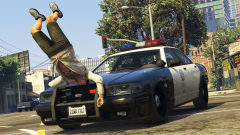 What's the US equivalent of the IPCC?


.thumb.png.766c9ec397d99c898779177d77219d50.png)
