


Let It Snow...

By Hullian111
- 1,061 views
- View Hullian111's images
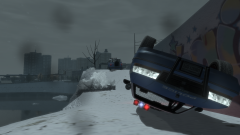
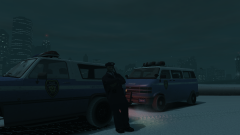
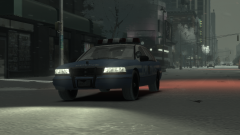
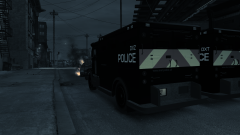
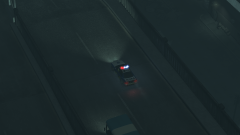
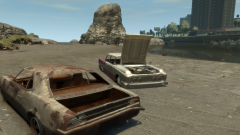
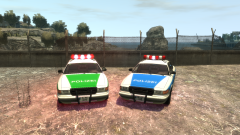
1996 may had been the roughest winter in Liberty City for years, but at least it made for some beautiful pictures. The LCPD were accredited for their hard work, alongside the DoT, for helping Liberty City run as smoothly as possible, in the face of the hundreds of accidents that were occuring. But even they, sometimes, couldn't even manage to drive without spinning out.
(Here's the link, if you're interested, for the snow mod. Be warned though, it is a big download.)
Credit
jumbo0 for the Snow Mod
Copyright
© Hullian111
Recommended Comments
Join the conversation
You can post now and register later. If you have an account, sign in now to post with your account.