Creators: Due to background reprocessing of files, approvals and file security checks may be delayed. Thanks for your patience.

Captain14
Members
-
Joined
-
Last visited
Everything posted by Captain14
-
Screenshot with Whelen Liberty:
-
Hopefully within a week or so. I still have to take care of making the additional LODs for the model. Also, the map/template I am using only supports one skin. I am looking for someone to remap it for me.
-
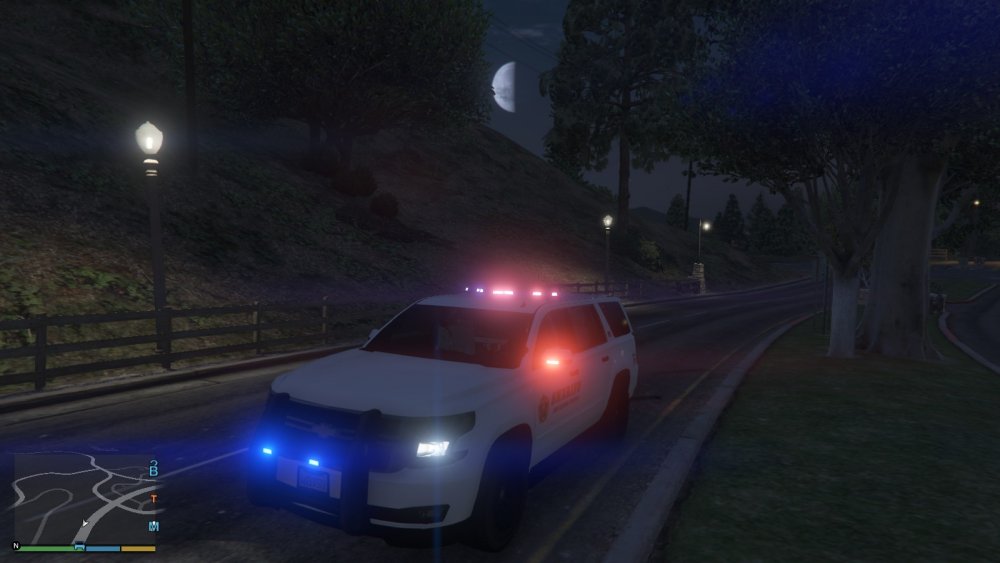
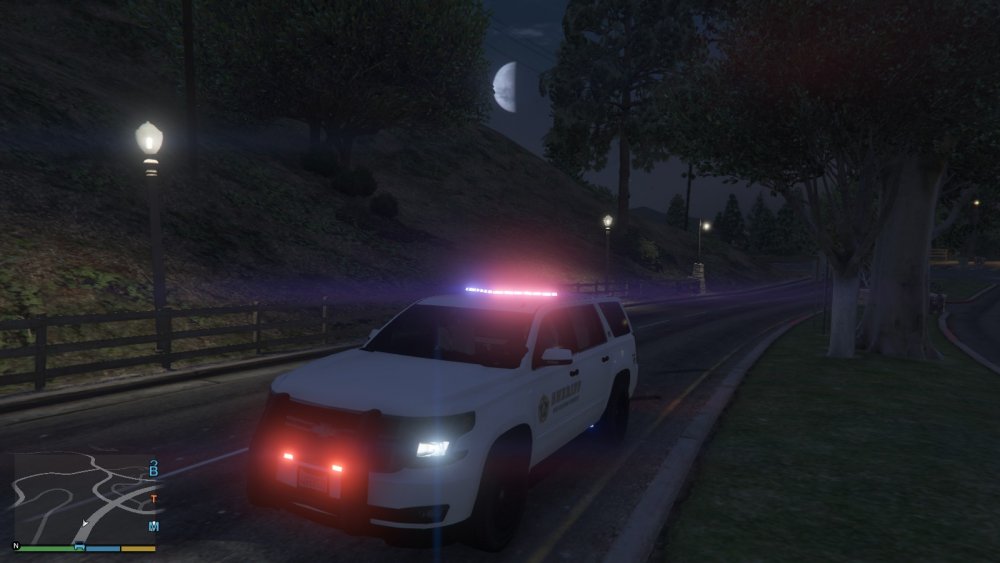
Latest update: I have ditched the Code 3 Defender in favor of the Whelen Liberty. The Valor is still available as an extra, as is a new, more realistic interior lightbar if you would like to spawn a slicktop version. I have also redone the pushbumper lights in favor of a more realistic setup with a more realistic flash pattern. Couple of screenshots with the valor:
-
I will consider it but whenever I try lundy's arjent it shows up completely black in game.
-
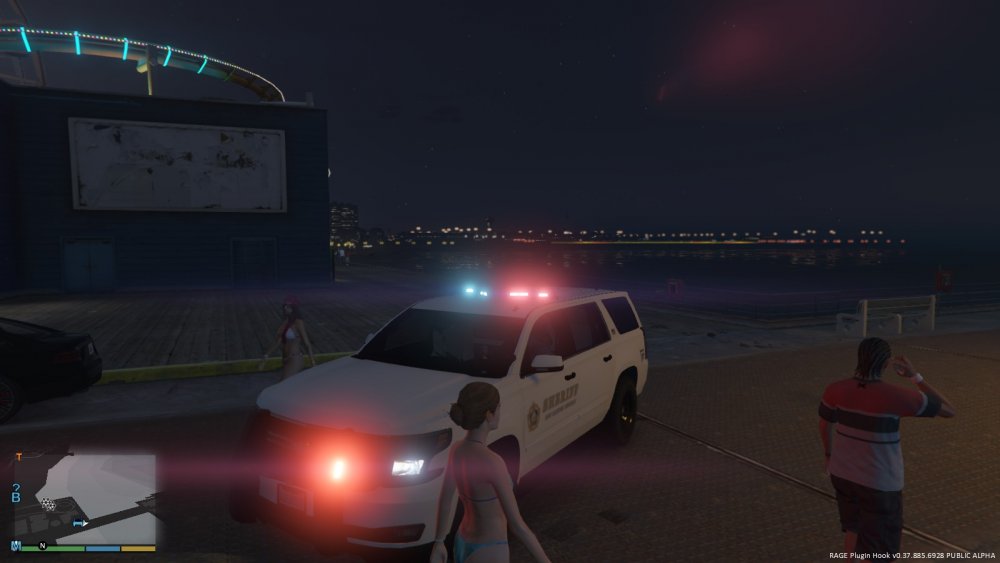
Updated yet again! Federal Signal Valor now working: (Mirror lights are still working, just not shown in the pics.) I plan to include all 3 lightbar versions (Code 3 Defender, Interior Lightbar, and Federal Signal Valor) all on one model as extras!
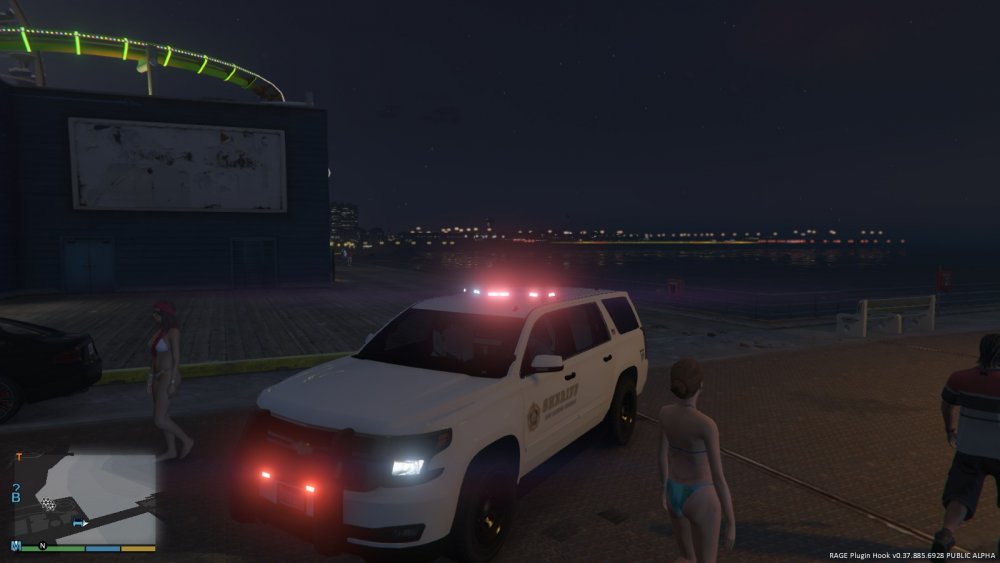
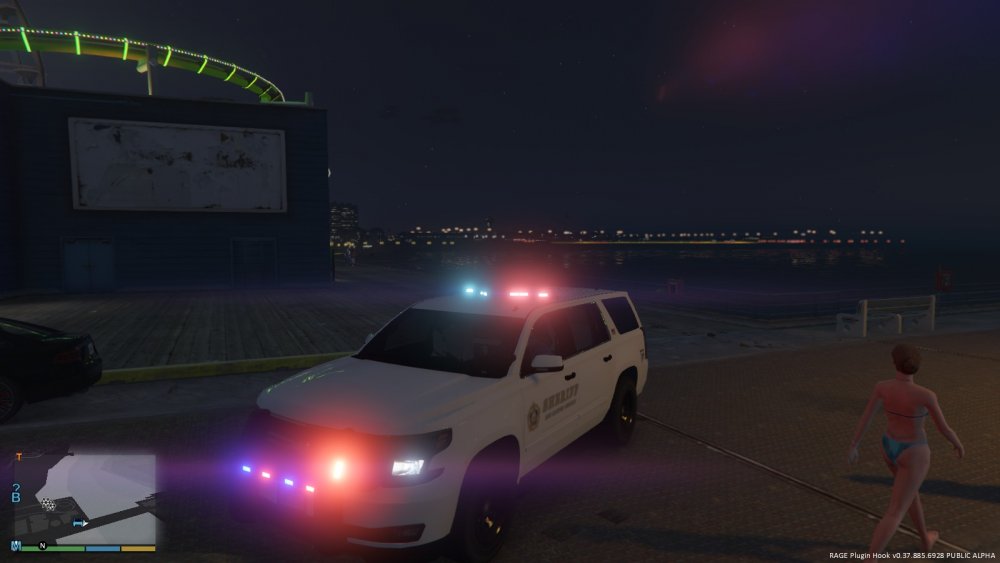
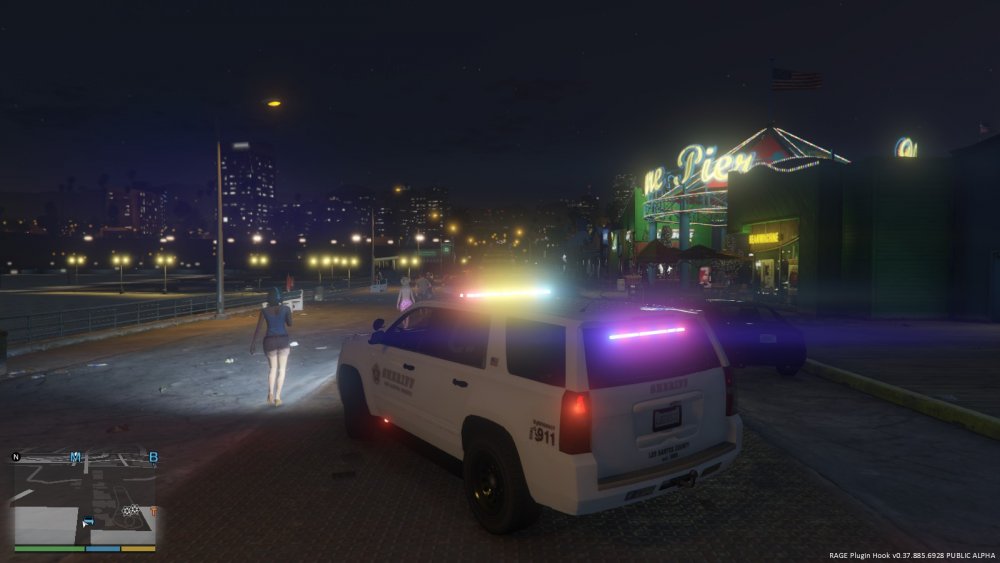
-
Currently working on adding more LODs to the model. Big thanks to @Virzza for showing me how it's done! With more LODs it will load properly from a distance and will have breaking glass. I'm also currently having some difficulties getting multiple liveries enabled. Hopefully this will be fixed by the end of the week.
-
I'm working on a model right now and the dev model I used only has LOD 0. I want to copy this LOD into LOD 1, then manually do poly reduction. I feel like this is a very simple question and probably has a simple solution but I haven't been able to find any resources on it. I've had no lucking trying to figure this out in Zmodeler. Can anyone point me in the right direction?
-
The maximum is 20 sirens. F5544 made a very informative thread regarding sirens and custom lightbars, I'd recommend checking it out. I can't speak for other people but the way I make it appear as if I have more than 20 sirens is by attaching them together so one siren element will flash in multiple places. Each siren scales to double it's size when flashing and it does it from the axis, so you have to set everything up carefully to get them to flash in the right places.
-
@@trooperMNG suggested a slicktop version, so I made one. Still just one model but can be slicktop or regular. Both the interior lightbar (custom made) and the Defender are extras, so you can have one, the other, or (for the Christmas tree people) both! More pics:
-
I would be happy to have some made!
-
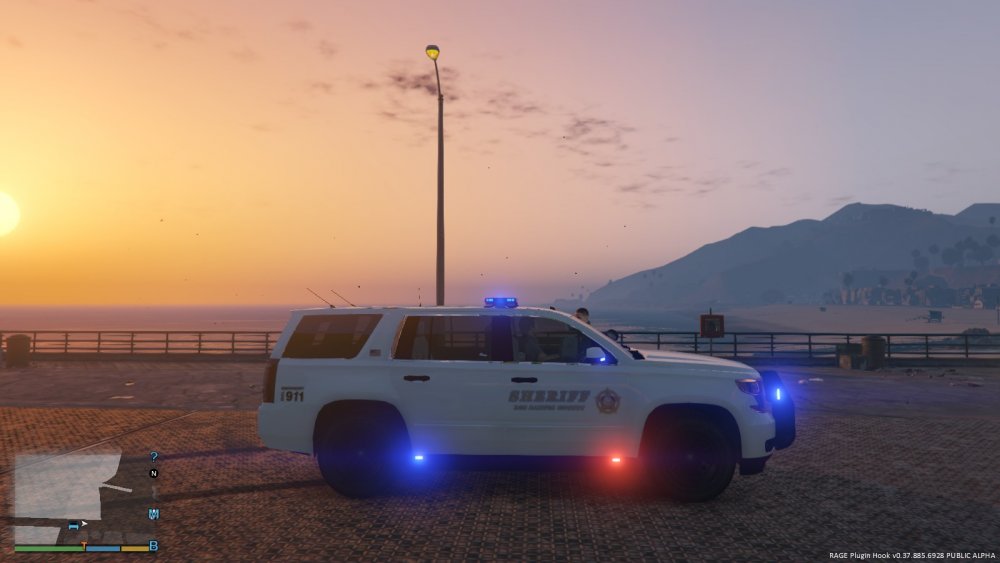
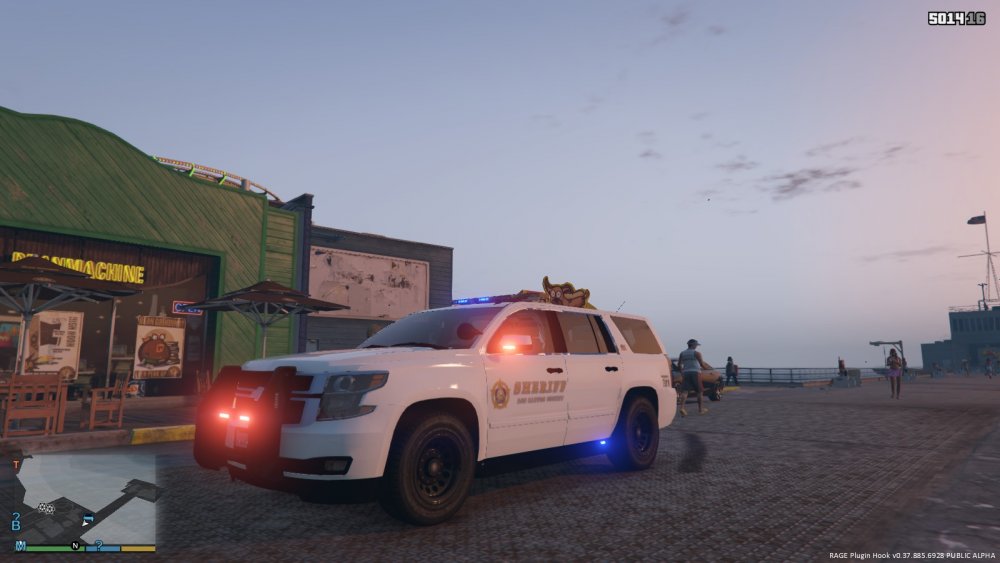
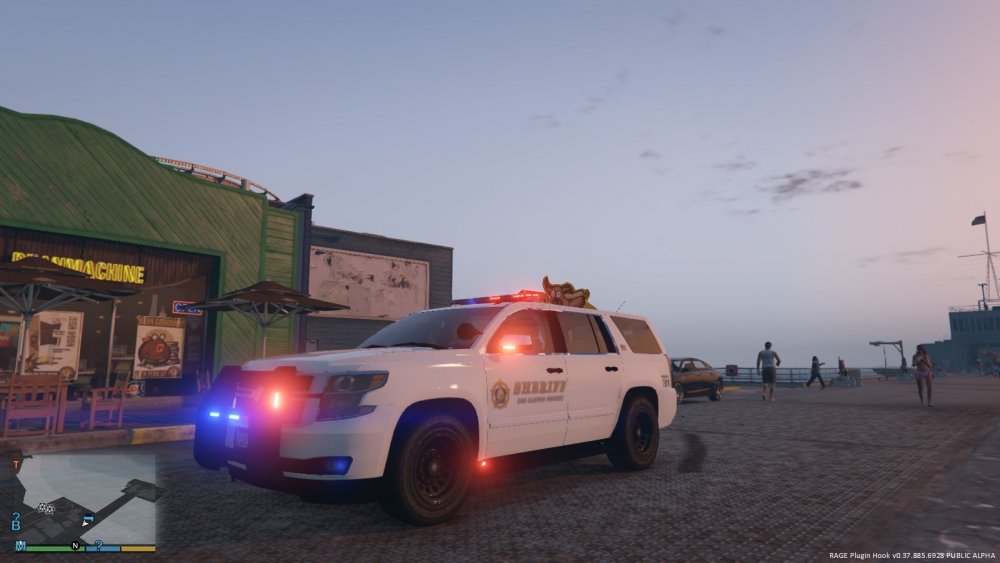
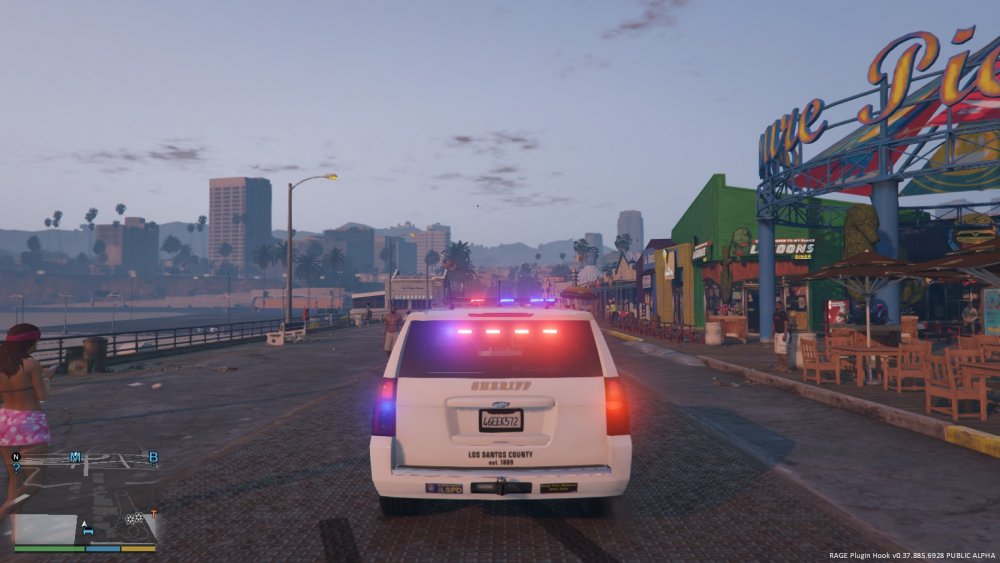
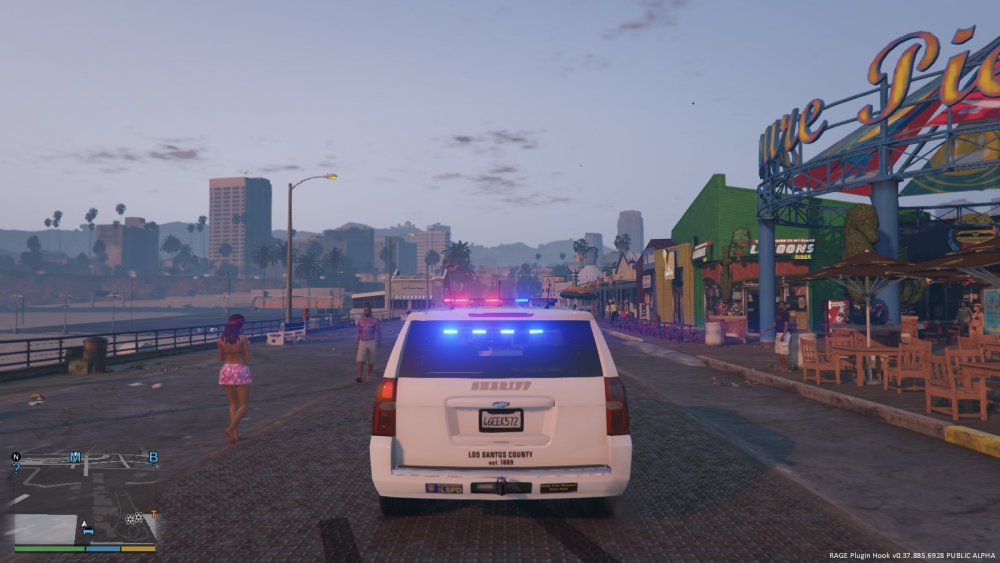
I've decided to switch to a full red/blue setup for the rear lightbar instead of a red/blue/amber pattern. I'll consider releasing one with a proper TA if there's enough interest. I also added a temporary placeholder texture which I made from the vanilla sheriff skin. I'm looking for someone to create high quality skins for me to include in the release version! New screenshots:
-
Actually, I'm going to leave it without badges. All 2015 Tahoe PPV's that I have seen do not have the badges:
-
Badges deleted, from the rear as well
-
I'll remove them. Also, having issues with the valor, for now I'm going to be sticking with the defender until I get those fixed.
-
The lightbar is going to be replaced with a federal signal valor as soon as I get the free time! Thanks to F5544 for providing/converting the lightbar and to RoegonTV for the original model. The template has already been provided by SOLDI3RFX and CODEX12, working on getting some quality skins created for it. Then it should be ready for release!Updated again! Added intersector lights to the pushbumper @harrison90 and also fixed bugs with the positioning/size of the running board lights. Added rear storage cabinet and a few other interior components. Here's some new screenshots, all that's left is the mapping:
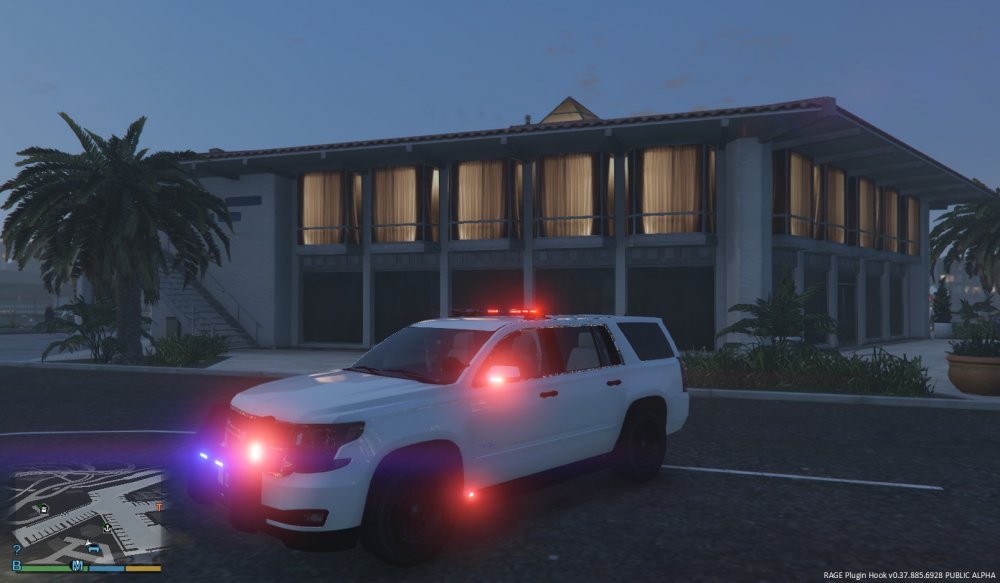
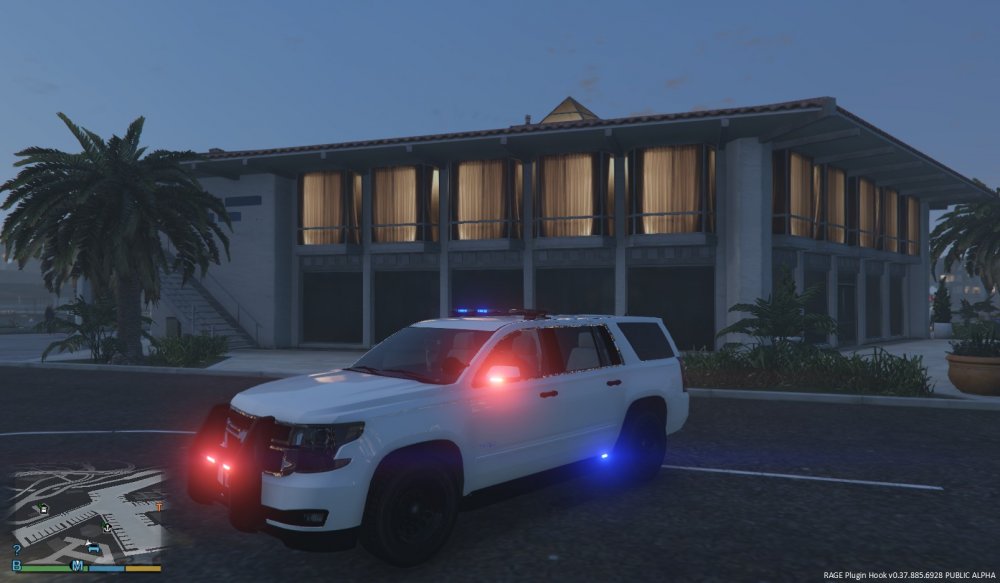
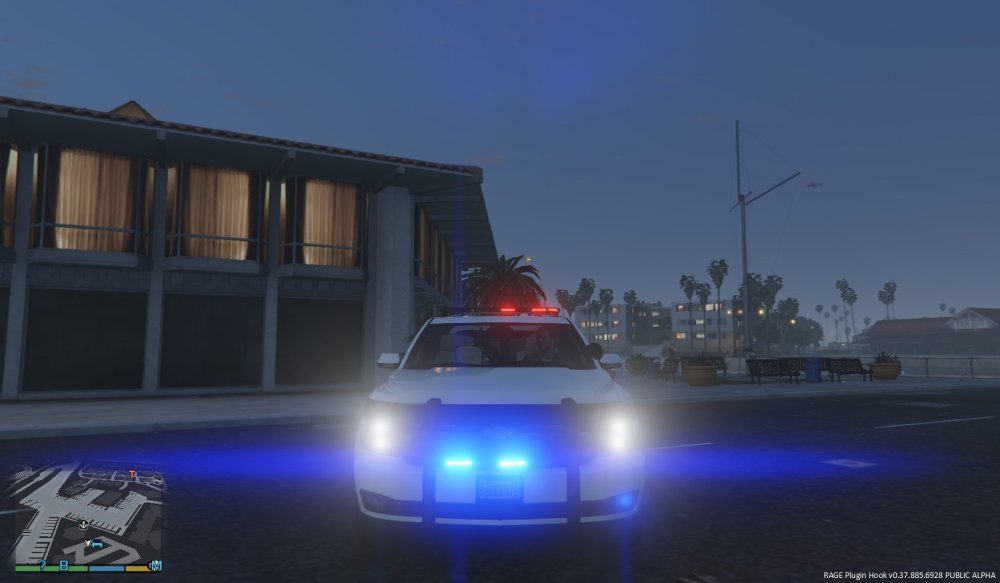
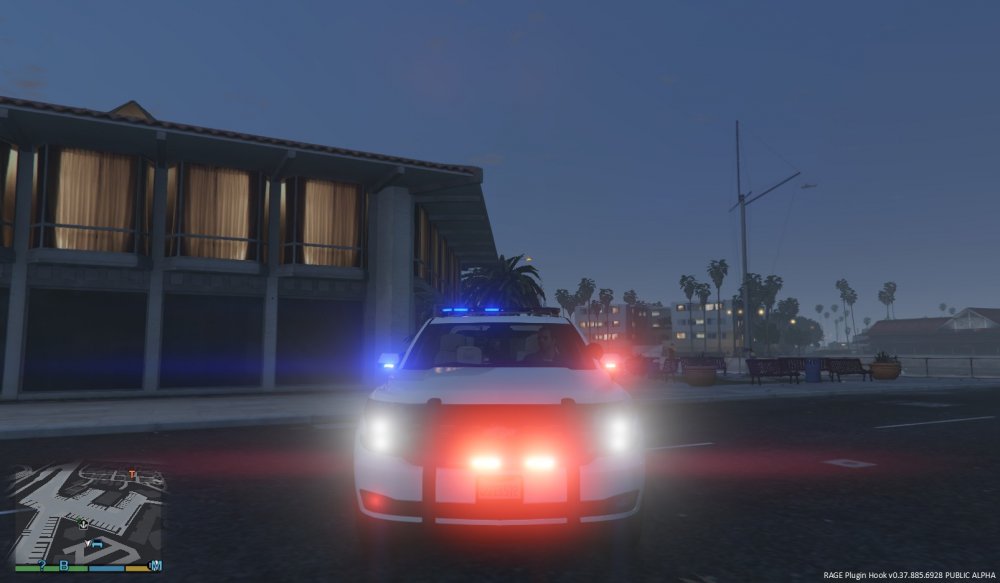
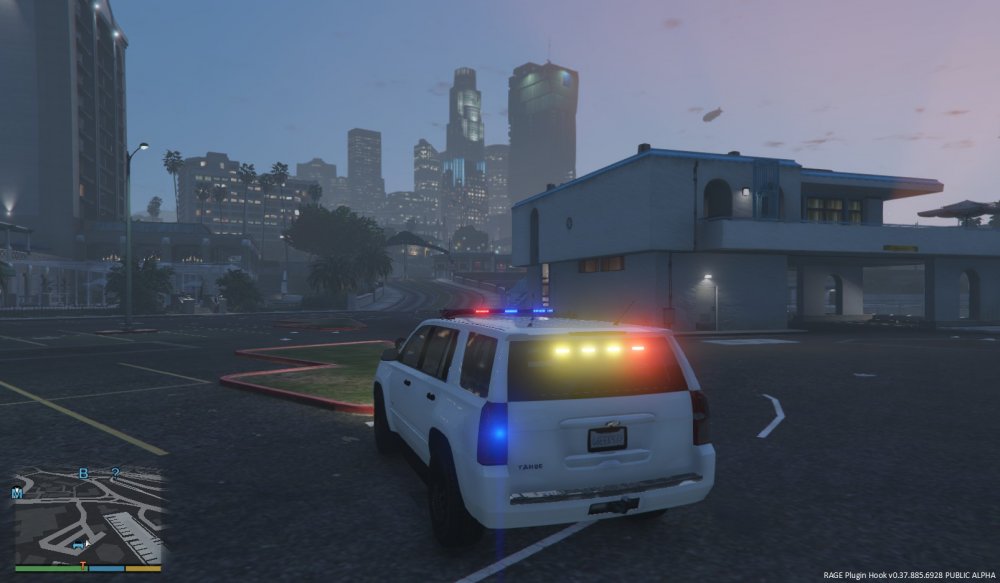
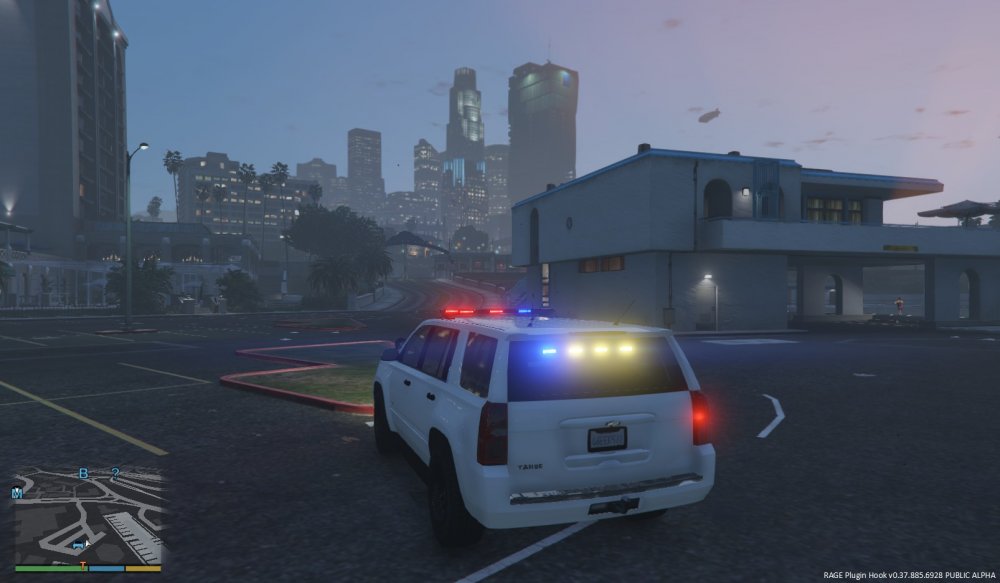
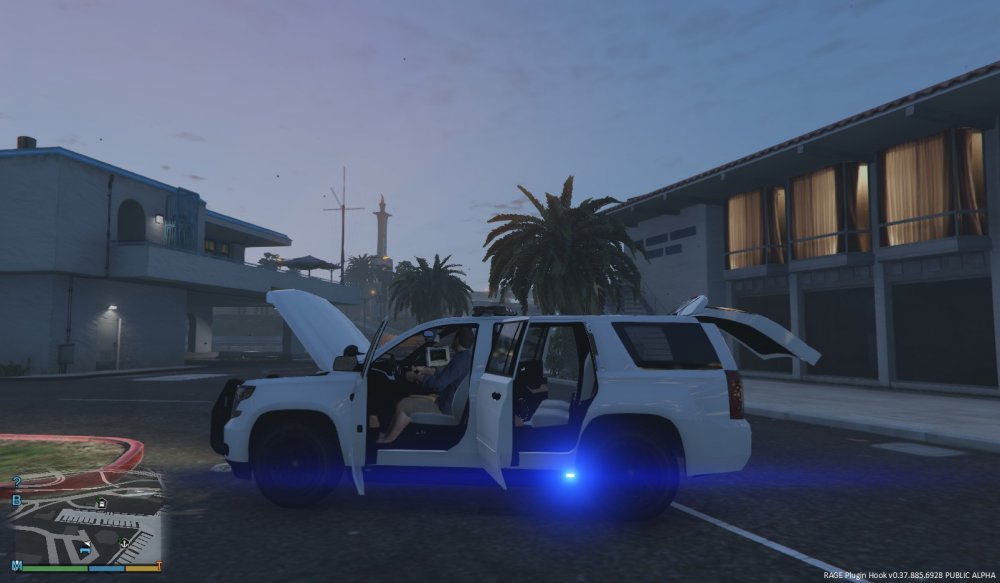
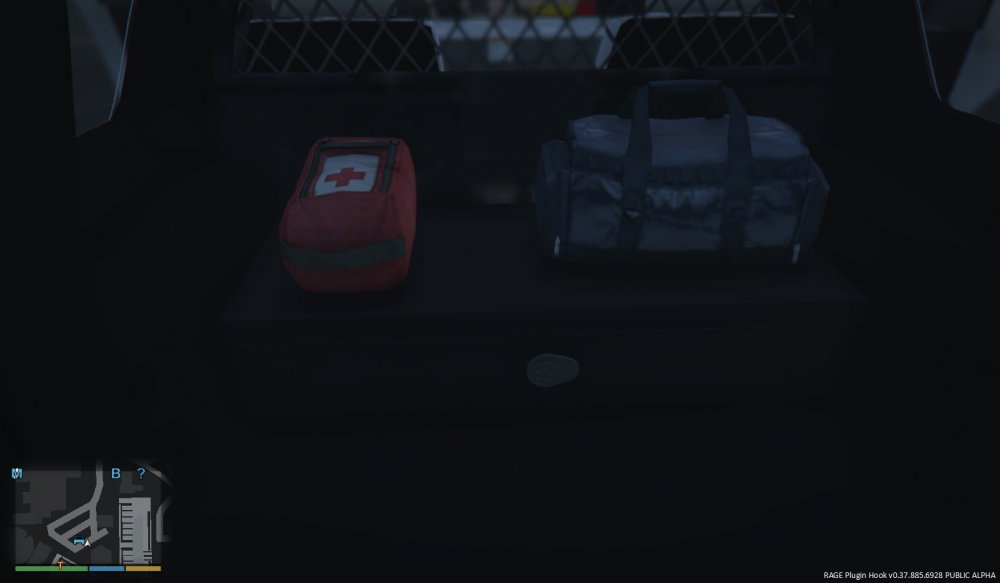
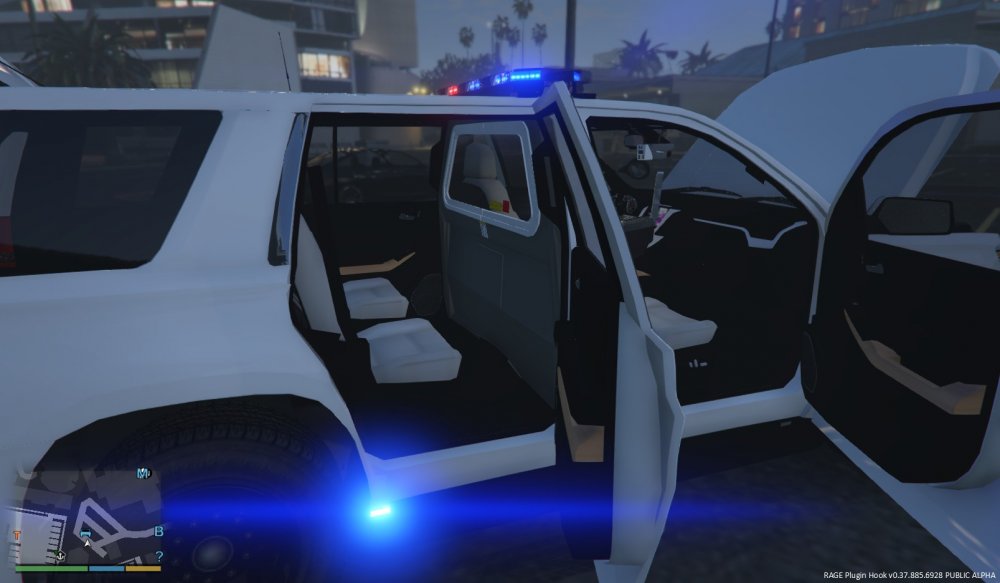 Wheel issue has been fixed!
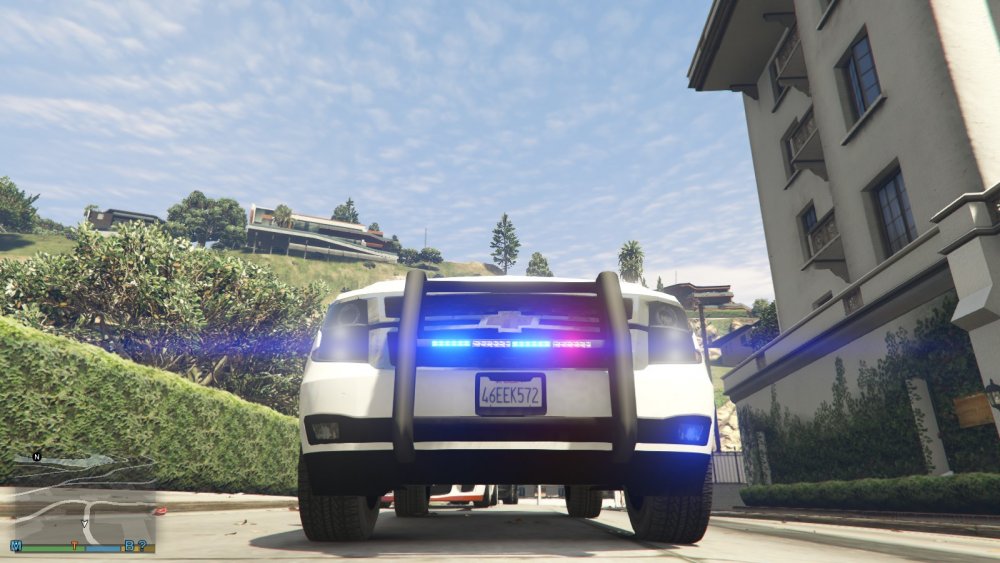 VERSION 2.0 NOW RELEASED: Please skip to last page for latest updates. Most recent screenshots: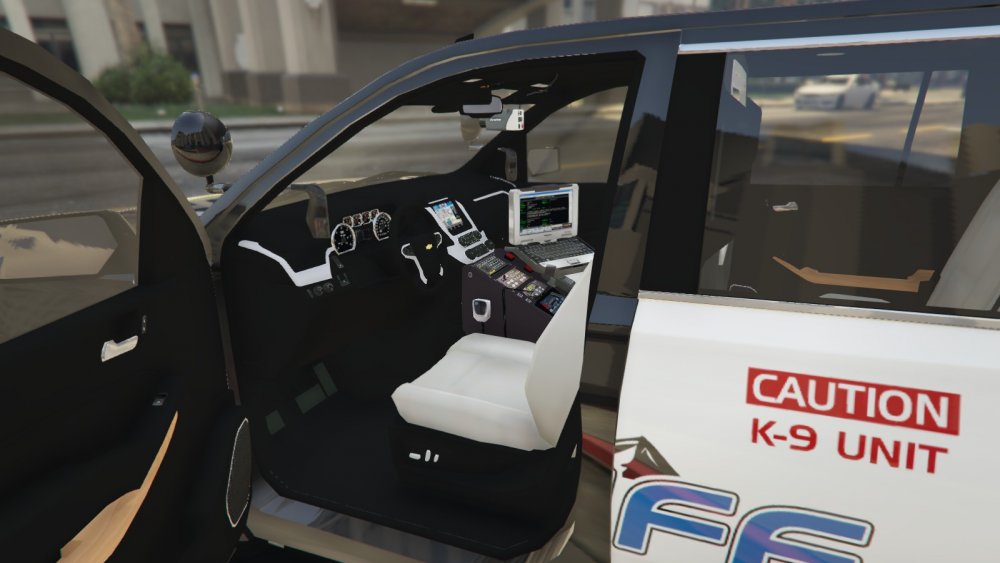
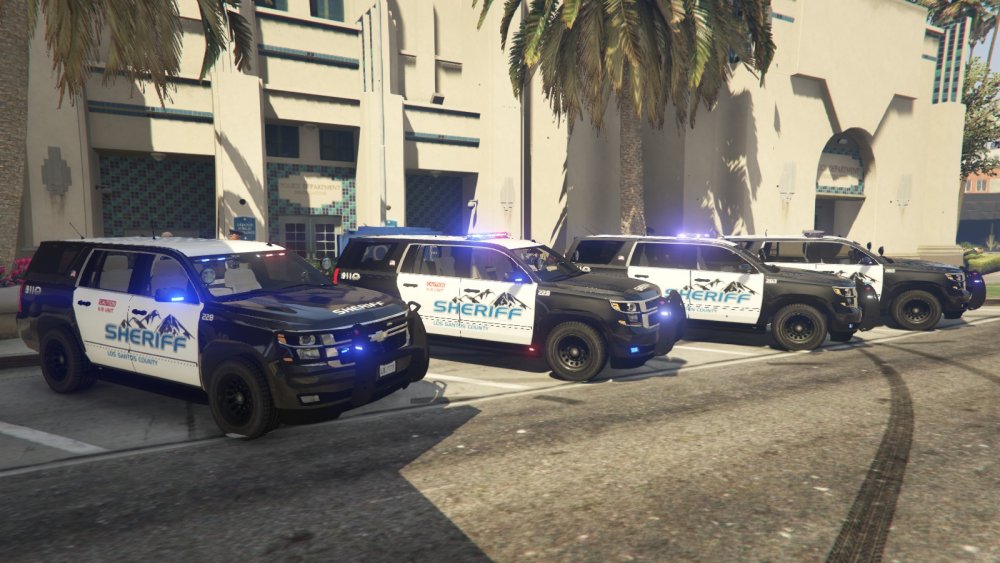
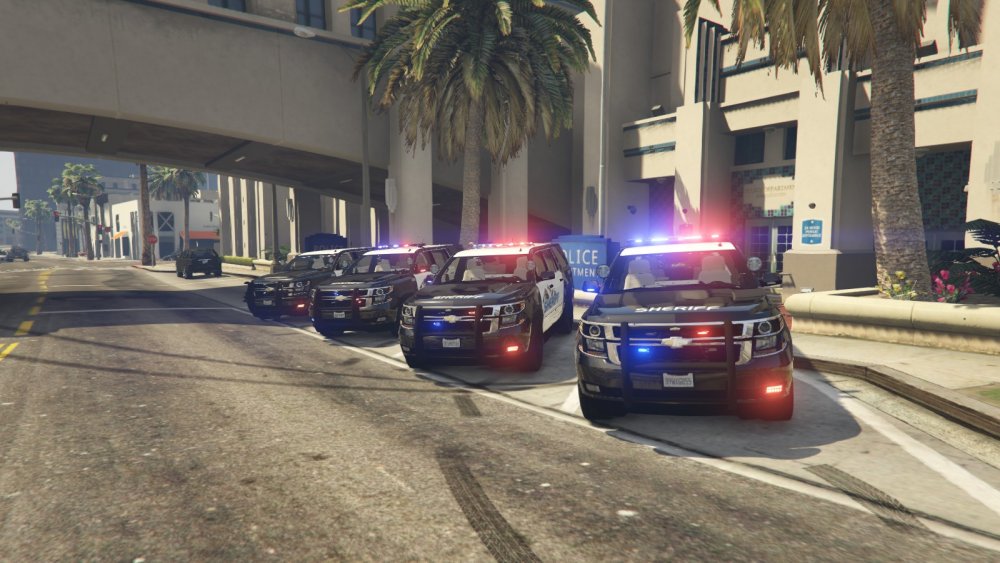
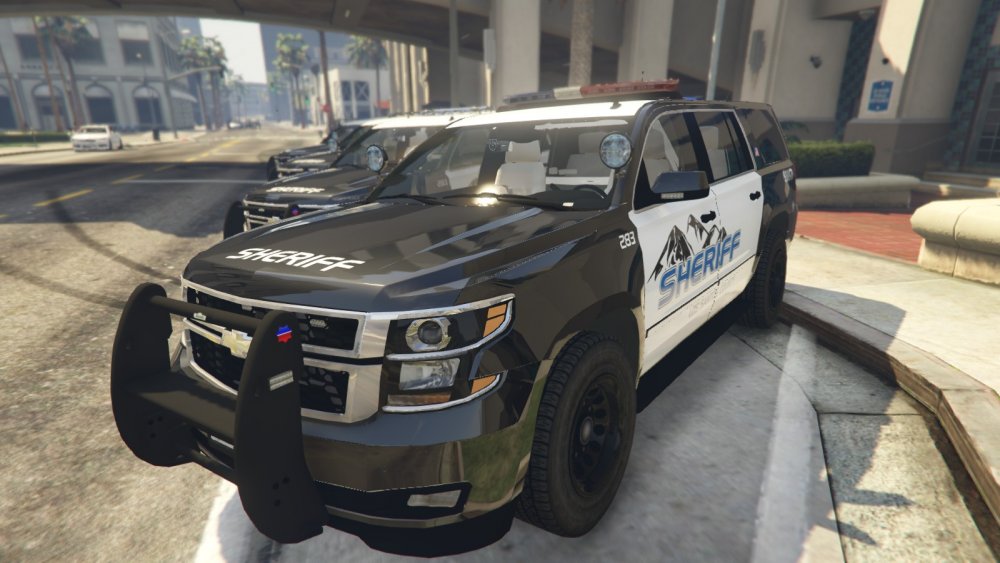
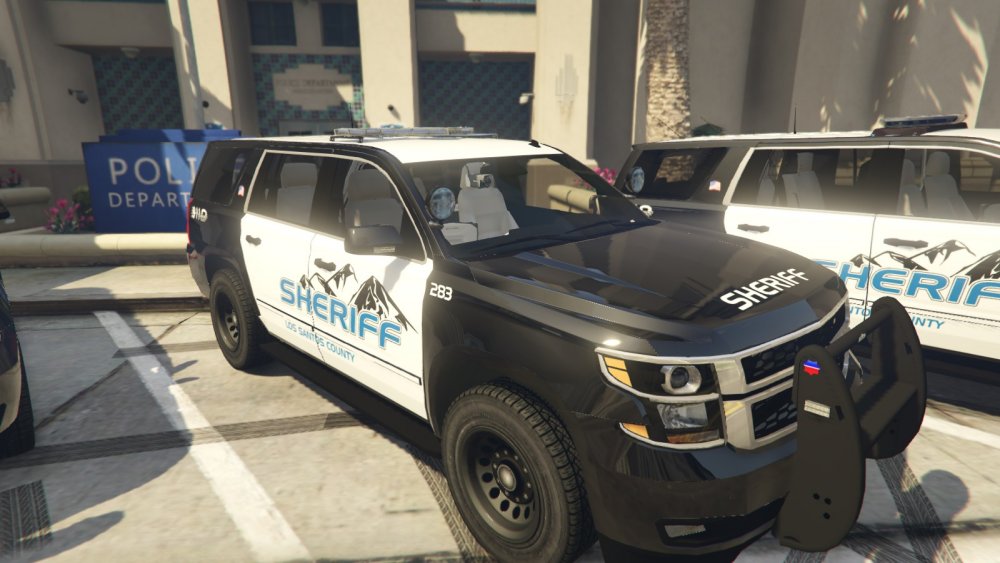
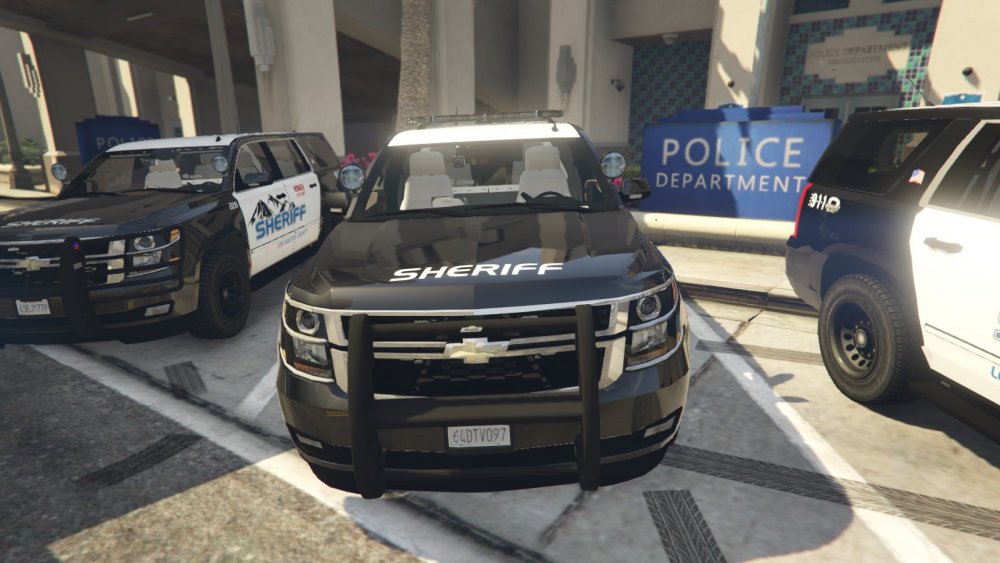
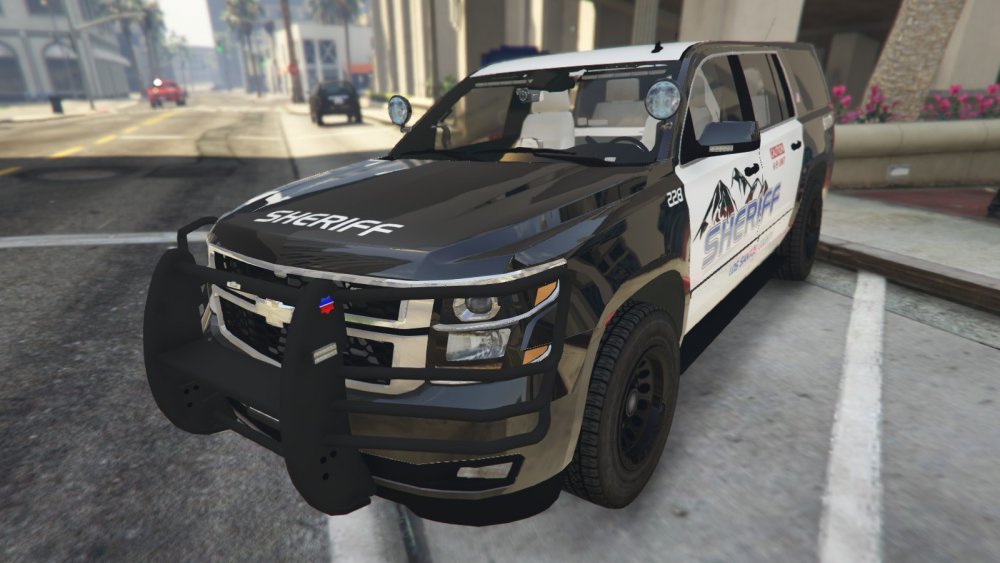 2015 Tahoe WIP. The model has been sent out for a mapping. After that I'll be creating some skins and she'll be good to go!
From the album: [WIP] 2015 Tahoe Marked
From the album: [WIP] 2015 Tahoe Marked
From the album: [WIP] 2015 Tahoe Marked
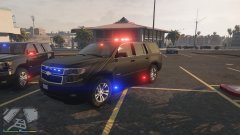
From the album: [WIP] 2015 Tahoe Marked
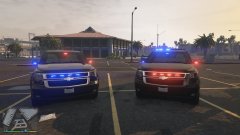
From the album: [WIP] 2015 Tahoe Marked