
Walters
Members
-
Joined
-
Last visited
Everything posted by Walters
-
It think he might have the paint set to paint1 in zmod, which means you cannot add multiple skins
-
 " Feel free to convert it to GTA V. Just be sure to give proper credit. Less work for me to do." Thats what the author said
 -
-
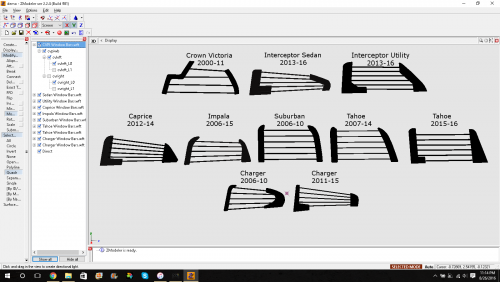 Thank you SOOO much for this pack. I've been looking for this forever! Ps: the GTA IV install is the same as V. Just have to dimiss both rear doors then attach
 -
-
-
The front lights are waaay to big. and I would recommend not mixing GTA V lights with real lights. It takes away the realism from the vehicle
-
How about we stick to this topic eh?
-
DEV Challenger? Nice dude!
-
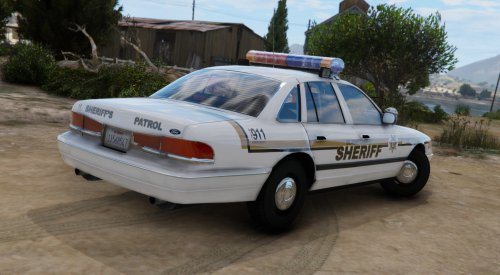 wow, you have some really good graphics! I thought this was a real life picture! Also this is a really cool skin
- 8 comments
- 4 reviews
-
-
hes not being a smart*ss. Hes just tired of people asking this over and over. Also cursing can get you a warning
-
Thankyou! I'll try this out
-
Hello, I was wondering how I can make my lights on my models brighter in zmod so when I go in game they will be bright? I have visual v and radiance V in but they still are not bright.
-
-
-
-
Thankyou! Im tired of everyone not knowing this!
-
-
-
-
I already center axis to object on wheel a bunch of times, I'll try the other 2 things now SOLVED thanks Psource
-
Why are you giving me this link? I have looked on their and cant find anything about it
-
Hey guys, first of all I want to say sorry for cursing in the title. This is really making me mad. So anyways I was working on my Ram 1500 and I went to test it in game (Keep in mine I wasn't doing anything with the wheels) and the wheels got really screwed up. In the pictures you see where the wheels are, they stay there. I talked to Hex Sold3rFX about this and he said make new COL's for the wheels which I proceeded to do. I then went in game to see if this fixed the wheels but it indeed did not fix or do anything different. So I got fed up and now I'm here. I really need your guys help, this is stopping me to be able to work on this model. Thank you for your time. - OfficerWalters
-
I really like the F-150