
Walters
Members
-
Joined
-
Last visited
Everything posted by Walters
-
A Whelen Liberty SX would look really nice on this truck!
-
These pictures are outdated, I left it alone, and it didn't look good, then I stretched it, it still don't really look good, and I don't really want to use the lightbar. I want a Whelen Edge Ultra Freedom, but BxBugs don't want his stuff converted to gta v. How do you think a FedSig Arjent would look on this? I have one of those
-
?? what lenses?
-
Hello Officers! I have this Dodge Ram 1500, fully converted to gta v, but it flips all the time. I done all the possible ways to make it stop by moving the model up and down in zmodeler, screwing around with the mass values, but it just wont stop! Im starting to think this could be solved using a vehicles.meta. So if anyone knows how to edit them and would like to help me with the model, PM me. You will be given credits at release
-
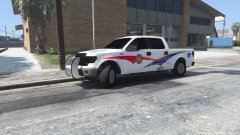 XD
XD -
Im trying to base the setup like this picture and I think that's a Whelen liberty but when I put a Whelen on it, it don't look good on it.
-
There dodge charger rims (they were on it when I got it)
-
Theres like 5 extras, those wheels are going to be changed, I will do an unmarked variant, it will replace sheriff2, and I have testers. Thx for suggestions
-
Hello guys!! This is my 2014 Dodge Ram 1500 work in progress, any suggestions or reviews would be greatly appreciated! I plan on getting new rims and a Whelen Edge Ultra Freedom!
-
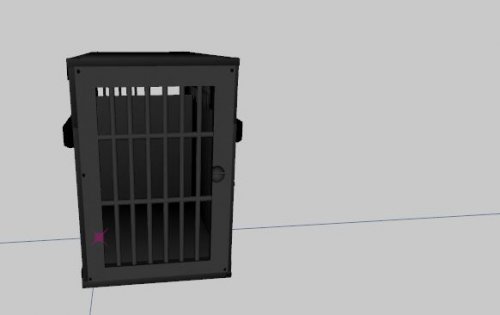 Looks really nice! I would also recommend putting the K9 cage in the trunk of the car, not the passenger/prisoner spot.
 -
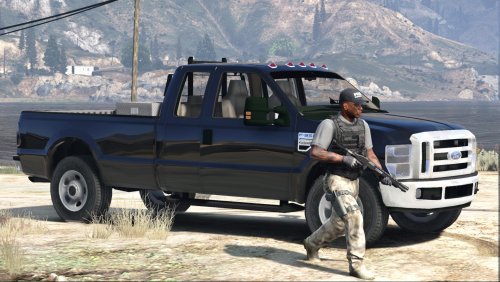 Ummm, Psource didn't do all the work, I was the one who converted the model, and beta tested
- 15 comments
- 7 reviews
-
-
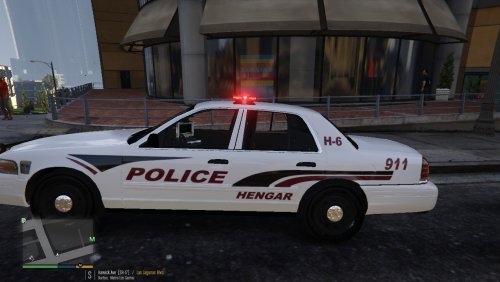 This is my model, please get the updated version, then retake these pictures:
 -
-
Hello guys, I trying to make a Fed Signal Valor 2013 Dodge Charger. I got the lightbar from F5544 for gta 5 and he said it needs to be configured or something like that, but I don't know how to configure the lightbar. In game its just red and blue lights in the lightbar, but it needs to be red, blue, yellow. If anyone knows how to do this and can explain please tell me!
-
If you downloaded Gta 5 through steam you can go to Games -> View Game Libary -> Right click on Grand Theft Auto V -> Properties -> Local Files -> Verify Integrity Of Game Cache <- this will go through your files and look for missing files. If it finds all missing files it will automatically start downloading them
-
Fucker you beat me to making this truck into a police car lol. If you want any help message me.
-
-
-
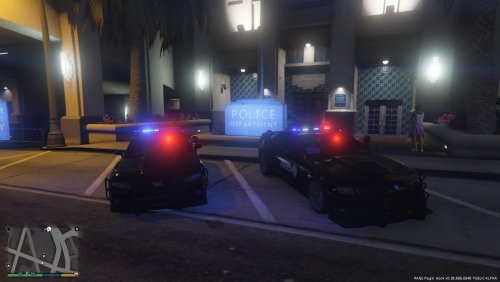 Its not your game, its the model themself, it needs to be fix, also this Camaro needs work
- 19 comments
- 3 reviews
-
-
-
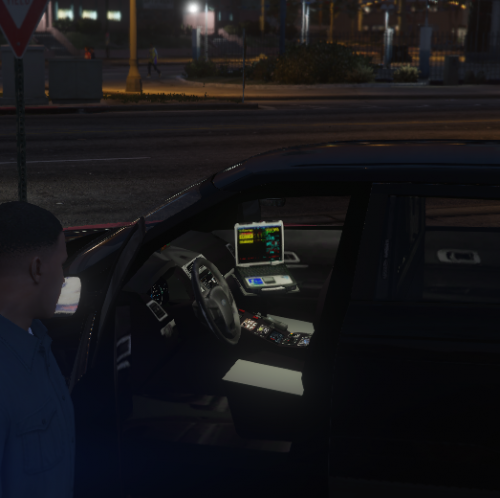 Why did you upload this 3 times?
 -
-
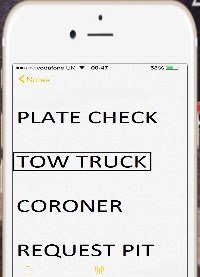 Pretty cool dude! Just some suggestions, you should put the services someone else besides the notes, and maybe some more color and make the phone a little bigger. Then it would be perfect!
- 7 comments
- 1 review