
Walters
Members
-
Joined
-
Last visited
Everything posted by Walters
-
-
-
-
-
you could talk on skype or private message him them yep. Unless you make a template for it
-
lol, make sure PostFX is on high or very high
-
*No comment*
-
I would still suggest getting scripthookv @Halbakken for modded cars
-
That will be awesome!
-
lol yep, especially Jeff Favigano
-
Imagine if AI cars responded to lights and sirens like this
-
-
Done
-
oh LOL, Well do you have skype Kane?
-
Hey I need ask KevinDV some stuff, I want to see if I could use his lightbars when I convert it to gta v, and see if I can get his Caprice. I been looking around and search but I can't find him. Do anyone know where hes gone or know his skype?
-
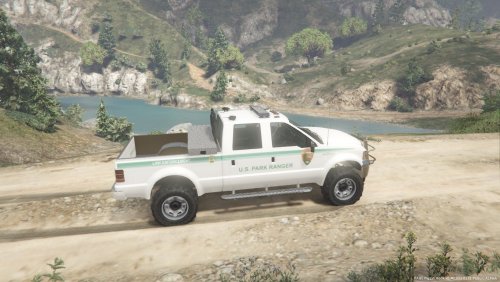
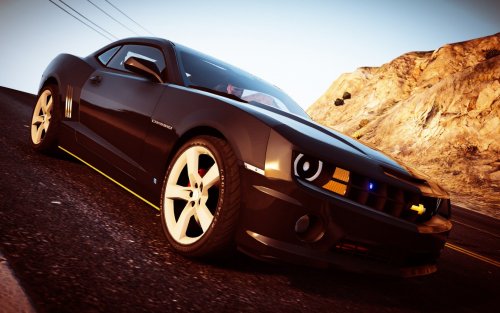
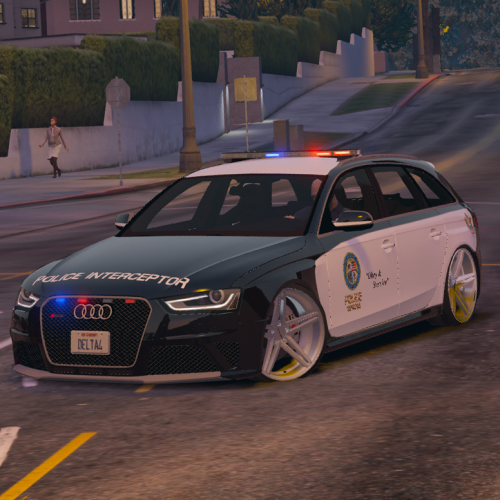
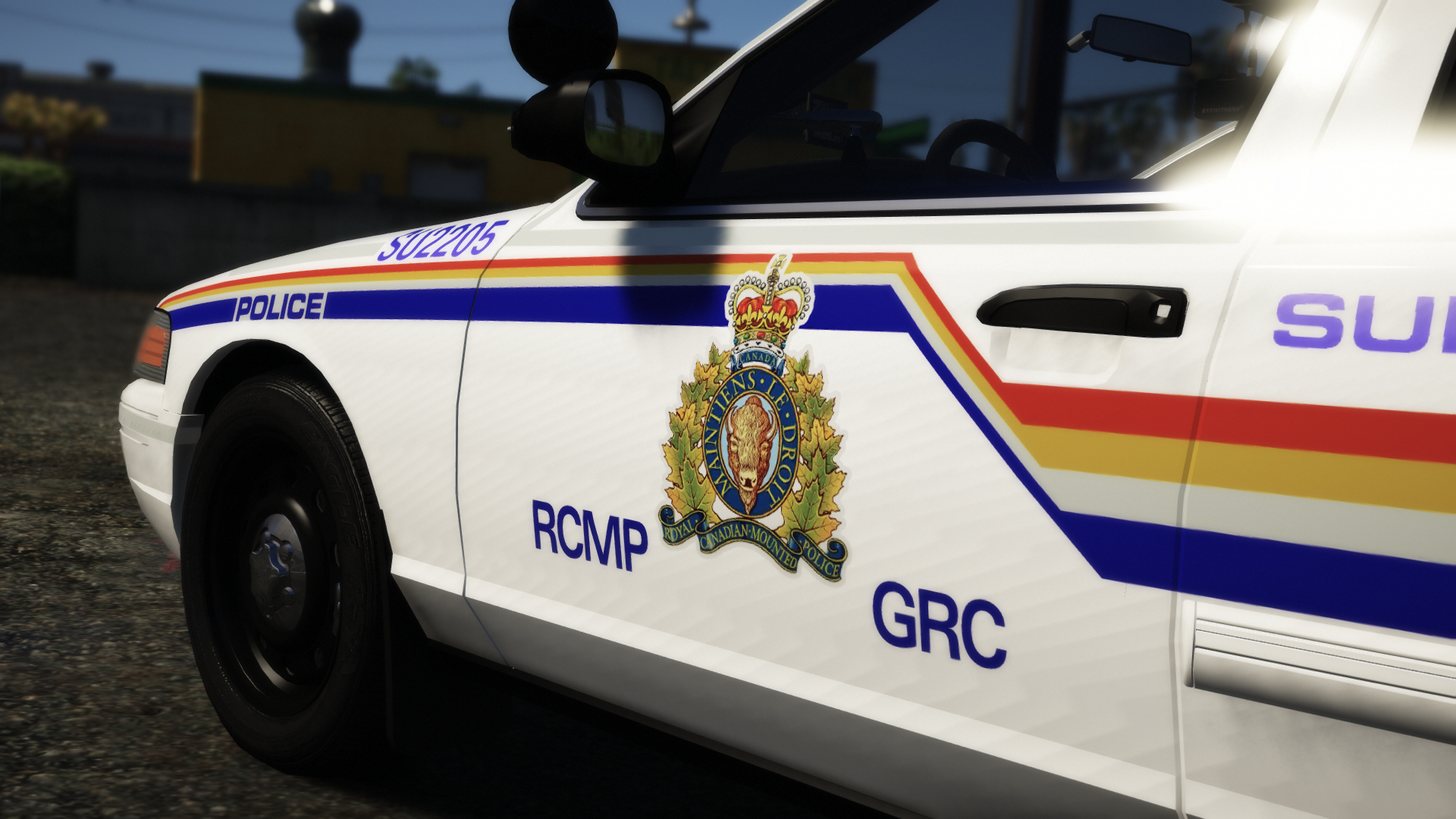
Heres some pictures
-
Thanks!
-
Can anyone tell me where the vehicle.meta for Sheriff2 is? Thanks!
-
If your moving the whole model and its seperating, turn off "affect children" for the move menu. If you want something to be an extra. Name it "extra_2" without the quotations, I would recommend starting at 2 and going up since naming it extra_1 don't really work all the time.
-
If you cant open a model, its means its locked and the author don't want it to be edited
-
Its not the models you are importing, you need to enter the door rotations again. This is also something that should be posted on Zmodeler Fourms and not LSPDFR
-
Do any of you guys know how to fix holes on models? Like there being no interior for doors.
-
Thank you!
-
New pictures, removed the lightbar because I'm not sure what lightbar I'm using
-
Ask DroidRZRLover, that's where I got mine http://www.lcpdfr.com/profile/280215-droidrzrlover/content/?type=downloads_file