
Walters
Members
-
Joined
-
Last visited
Everything posted by Walters
-
 Yes he does
 -
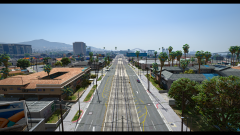 Looking great!
 -
lol you got that right!
-
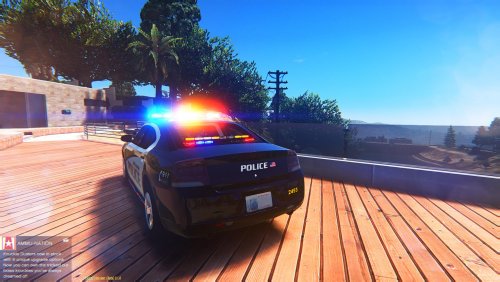 Agreed
 -
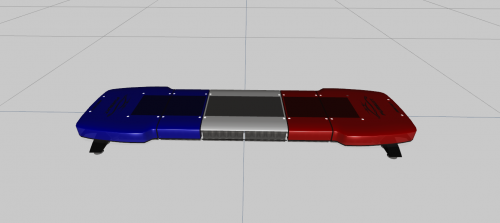 No you wont, I advise you to check my DEV file again because it clearly states " IF YOU DOWNLOAD THIS MODEL, YOU CAN ONLY RELEASE IT ON THIS SITE - LSPDFR.COM "
 -
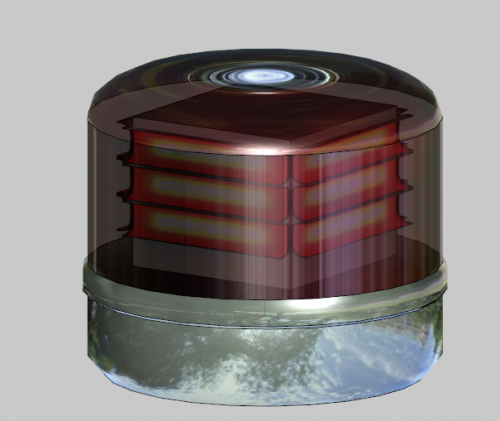 Cool! Lets hope it turns out awesome like this Gumball you made!
 -
lol, would you be able to model the STOP sign on the bonnet on the Michigan police cars? I have always wanted to do a Michigan police
-
lol. I'm joking! You have seen me use you FedSig Vision
-
Help I dunn kna how 2 install Thanks for this! We just need the clear STOP sign for the bonnet!
-
-
-
-
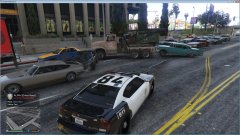 Could you not spam the gallery with pictures that have nothing to do with LSPDFR and have no reason to be uploaded?
 -
Try deleting the material it uses right now and make a new material and assign the body to the new one
-
Pretty weird, does it affect anything?
-
Did you try using calculates normals?
-
Why is there _lvr at the end?
-
Something like this?
-
@Cyan This has nothing to do with your post, but when will status updates be back? The drama has seemed to die down a bit
-
-
Did you check the ytd for the template?
-
Oops didn't notice, just saw the topic on the side of the page so I clicked it.
-
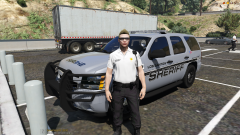 if you notice the Easter EggDoesn't Zmodeler say that for everything? lol