



Walters
Members
-
Joined
-
Last visited
Everything posted by Walters
-
Might as well try it then. Didnt work.
-
I really don't think that's the issue.
-
Patchday9ng still works. I created my NYPD pack and RCMP pack using patchday9ng. I do not have a x64e with police2 in my mods folder.
-
patchday9ng and I've tried the newest patchday
-
I just replaced the police slot with this charger and can confirm it works. Also, I have tried putting the vehicle in the newest DLC so there cant be another police2 overwriting my file and this is a fresh copy of GTA.
-
Im not sure but I believe I tried that, I’ll try it again when I get home.
-
I'm working on my Ohio State Highway Patrol pack and I came across this issue. I'm trying to replace police2 with this model: This is what it looks like in openiv: And when I go into the game, this is what I'm getting: It is almost as if it is not registering a new model like it is not being replaced at all. This is a fresh copy of the game so I know there are no vehicles overlapping my model. I'm placing my model in mods/update/x64/dlcpacks/patchday9ng/dlc.rpf/x64/levels/gta5/vehicles.rpf I'm currently having this problem with police2 and sheriff slot and maybe more as I only have a few cars from my pack actually in the game yet. Yes, I have script hook and the ASI loader and that stuff installed. Things I've tried to fix this issue: Create a new copy of GTA Redo my mods folder Update my computer Re-export my models Put the vehicles in the newest DLC Reinstall ASI loader and OPENIV.ASI Any help would really be appreciated as I cannot continue working on these models.
-
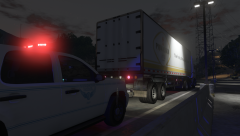
From the album: OSHP PACK
-
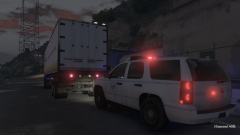
From the album: OSHP PACK
-
-
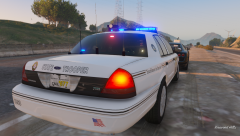 Im aware, also there is both 14 and 15 Charger in the pack.
 -
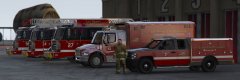 Wow. Those are some really nice models. Great work!
 -
From the album: OSHP PACK
-
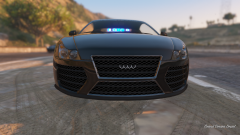
From the album: OSHP PACK
-
-
-
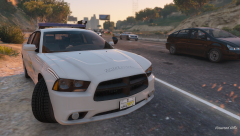
From the album: OSHP PACK
-
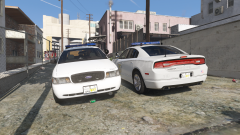
From the album: OSHP PACK
Don't question why there are no officers in the vehicles.... -
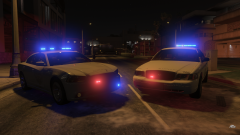
From the album: OSHP PACK
-
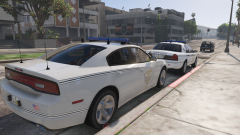
From the album: OSHP PACK
-
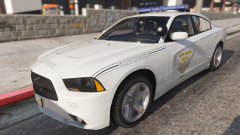
From the album: OSHP PACK
-
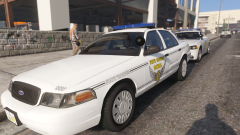
From the album: OSHP PACK
-
 Do you still have the textures?
 -
Thank you for the RCMP mount.
-





