



Walters
Members
-
Joined
-
Last visited
Everything posted by Walters
-
From the album: San Andreas Pack
-
From the album: San Andreas Pack
-
From the album: San Andreas Pack
-
From the album: San Andreas Pack
-
From the album: San Andreas Pack
-
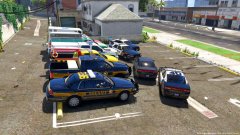
From the album: San Andreas Pack
All skins created by the amazing RogueThunder! -
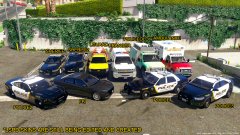
From the album: San Andreas Pack
All skins created by the amazing RogueThunder! Might try and change the vehicle in the POLICEOLD1 slot to RCV. -
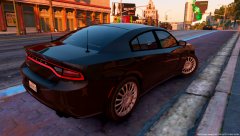 Hows this
 -
-
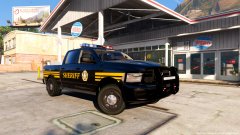
From the album: San Andreas Pack
-
From the album: San Andreas Pack
-
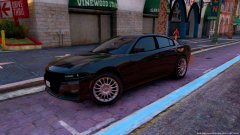
From the album: San Andreas Pack
-
Now that I think of it. I believe thehurk was already actually working on a LA pack for awhile now. Don't quote me on it though.
-
I feel stupid now, I didn't see the rim part of that file. Thanks Slendis.
-
Been trying to find these rims for a 2015 Dodge Charger, really like the look of them and will be perfect for my unmarked Charger. I've been on three sites looking for these rims but no luck. Hope someone has it and is willing to share or knows where to find one. Thank you.
-
That's probably it. I know Twisted was spammed with comments saying this is wrong, this is what it should be, etc. I dont understand why people complain over little things. It is only a game, nothing can be perfect.
-
I'm having an issue with a truck I am converting. I believe I am having a COL (Collision) problem. I am able to walk through the bed of my truck except for the wheels and boot/tailgate. Yes, I have COLs for the chassis and I have chassis_lowlod and chassis_dummy. Any help will be appreciated. Thank you.
-
Please do a DEV release. There's not a lot of DEV fire trucks so this would make a great addition. I was also waiting on this firetruck to be released to put it in my San Andreas Pack. Side note: I must say this is looking fantastic!
-
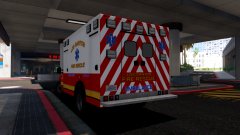
From the album: San Andreas Pack
-

From the album: San Andreas Pack
-
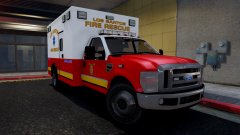
From the album: San Andreas Pack
-
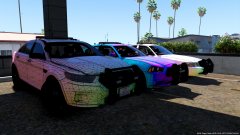
From the album: San Andreas Pack
-
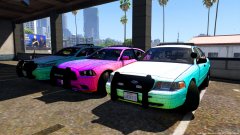
From the album: San Andreas Pack
-
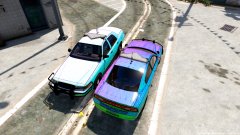
From the album: San Andreas Pack
-
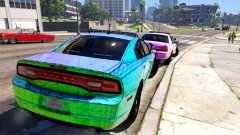
From the album: San Andreas Pack



