
Walters
Members
-
Joined
-
Last visited
Everything posted by Walters
-
You may like the one in my pack...
-
From the album: OSHP PACK
From the album: OSHP PACK
https://www.lcpdfr.com/files/file/13914-zmodeler-3-fix-for-exporting-extra-6-and-9/Damn, were only at a thousand??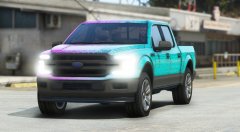 That's so sexyIf it's not going to be the 03-06 Tahoe by BxBugs123 that's been going around like the flu at the start of a school year, that would be great.
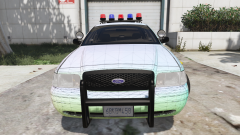 It’s a pretty simple project. Probably in the next two weeks or so. I’m pretty busy with other projects and busy in real life.
It is ELS
It’s a pretty simple project. Probably in the next two weeks or so. I’m pretty busy with other projects and busy in real life.
It is ELS
From the album: Other Projects
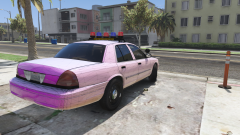
From the album: Other Projects
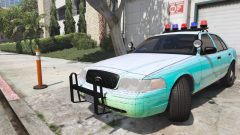
From the album: Other Projects
I would recommend using "FUGITIVE" for Taurus, Caprice and Impala. As POLICE3 still feels a bit tipsy.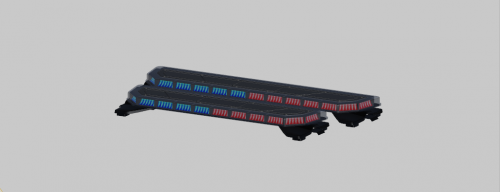 Hell yeah!!!!!!!
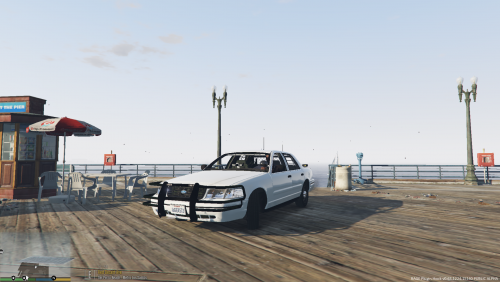 I'm sorry but I have to mention this. It is "Whelen" not "weeling". Push bar I believe was flipped in zmodeler. LOL Push bar looks too close to the CVPI. Whelen Ion's look a bit to big. Whelen Ion module textures look wonky. What texture are you using for the windows? It makes it look like there's literally no windows. ALPRs are badly placed and are facing the rear. Rear window TA is WAY too big. Partition is GTA 5 partition and is improperly placed. Laptop is WAY too big. Spotlight appears to have missing textures. This review isn't me being salty and no where did I make fun of the author.
- 11 comments
- 5 reviews
-
-

- 5
-
My pack hasn't been deleted. Its just being updated. "A.S.A.P." Do you know how long it takes for these huge packs to be made?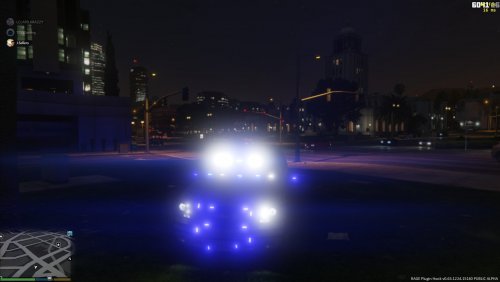 Ermm. Boot window lighting is badly placed. Boot plate lights and window lights will not move with the boot. Mirror lights poorly placed. All front window lights are poorly placed and floating. (Horrible for people wanting to patrol in first person.) The Whelen Talon in the front has suction cups but isn't stuck to the window. The top lighting in the front window is clipping with the mirrior and is blocking it off. Missing modules textures for front deck lighting and rear window lighting. Missing textures for rear door lighting brackets. Rear door lighting are poorly placed. No interior equipment AT ALL. Poorly placed pushbar and is too small for Tahoe. Pushbar clips with Tahoe body. Poorly sized and placed side window lighting with poorly uv mapped textures. (Between passenger doors and boot.) Bumper lighting modules are black. Pushbar lighting modules are black. Boot plate lighting modules are black. Passenger door lighting modules are black.
- 56 comments
- 6 reviews
-
-
- 7
-


.thumb.png.97a6e6db2e9042dc6dc2fd0f1580b672.png)