


minddriver
Members
-
Joined
-
Last visited
Everything posted by minddriver
-
-
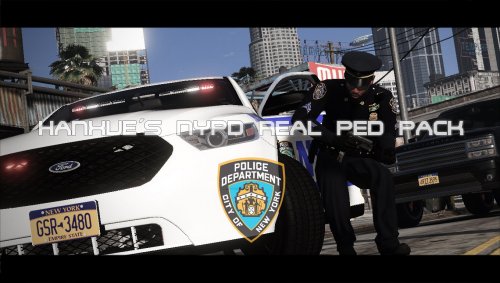 I am looking forward to seeing what you two will come up with together. Good luck, guys!
- 57 comments
- 9 reviews
-
-

- 1
-
-
 As the guys above have said, the plugin doesn't work with the latest game update. Hope the author fixes it sooner because, without his mods, LSPDFR won't bring the same amount of joy and excitement.
- 3,646 comments
- 306 reviews
-
.thumb.jpg.defbcb94488c1e1d0217f2e794193ed3.jpg) Sounds good! Are you planning on releasing it once it is finished?I bought a new video card - RX 480 8GB and I would love to test some good graphic modes.I would highly appreciate it if you would send me your configuration files, in order to try it out. Best regards, minddriver
Sounds good! Are you planning on releasing it once it is finished?I bought a new video card - RX 480 8GB and I would love to test some good graphic modes.I would highly appreciate it if you would send me your configuration files, in order to try it out. Best regards, minddriver -
@Nutt What graphic mod is it used in the first three pictures with the CVPI? They look really nice. :)
-
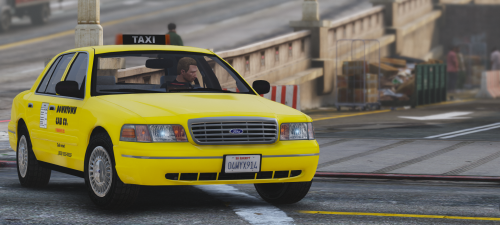 I already have a good taxi but I want to use this too as a second. In fact how many taxis have in the game? I remember in GTA IV they were two. If you make add-on version people could use as part of traffic car, not service.
- 6 comments
- 3 reviews
-
-
 @gamer786 Yes it is normal because the model contains two liveries. Just open the .ytd and delete the white one so the ambulance will spawn with the red/black one only.
- 209 comments
- 40 reviews
-
-
- 1
-
-
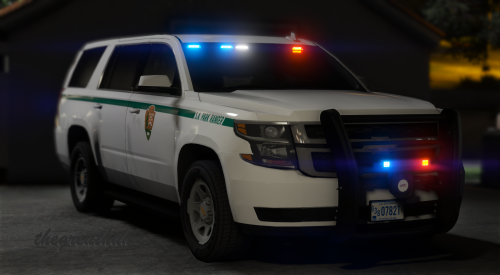 @thegreathah job well done! I like the model, rims and push bar. Do you have also unmarked skin for this beast?
- 22 comments
- 19 reviews
-
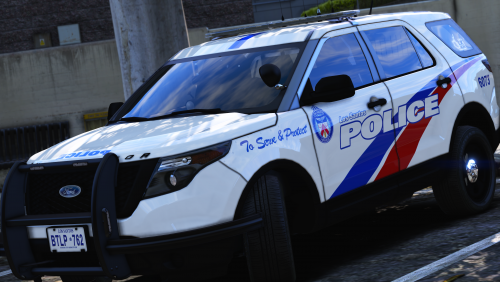 @harrison90, could you make liveries for that bike in future? I think that will be a great addition to the pack made by you. :)
- 36 comments
- 8 reviews
-
-
- 1
-
-
@harrison90, thanks for the new update! I can't find the vehicle below from the packs you provided in the description.
- 36 comments
- 8 reviews
-
-
- 1
-
-
-
-
Skins fit perfect, I don't argue about that. I was saying only the window template. I don't know which texture to replace.
- 36 comments
- 8 reviews
-
-
- 1
-
-
Hey, @harrison90 ! I think that the cv_template.png in the CVPI's folder is not compatible with this model. When you have free time could you check it?
- 36 comments
- 8 reviews
-
-
- 1
-
-
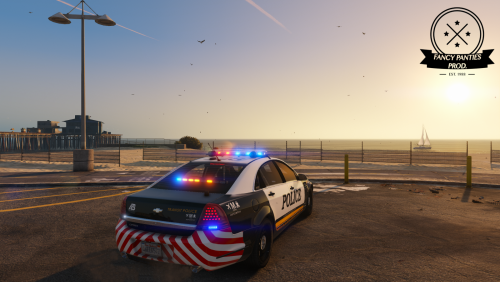 I voted 4/5 because I like the unmarked/detective caprice but I think you should put ram(push)bar as an extra and also the beacon needs more work to looks realistic and rotate accurately. I don't know why but the beacon is always on. I see you have a big talent and looks like you keep details on high.
- 34 comments
- 15 reviews
-
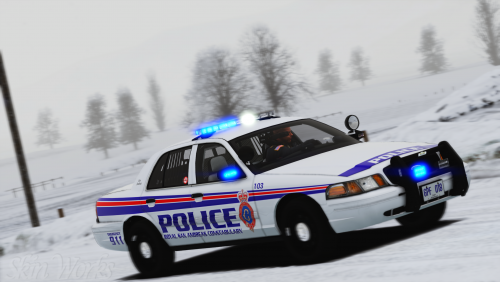 I am a little disappointed but that is the will of the author. It was a great model and great skin on it. Do you remember the author's name?
- 16 comments
- 5 reviews
-
These skins look fantastic! I can't find this vehicle in the list with compatible vehicles you provided. Could you provide a link to it?
- 16 comments
- 5 reviews
-
-
- 1
-
-
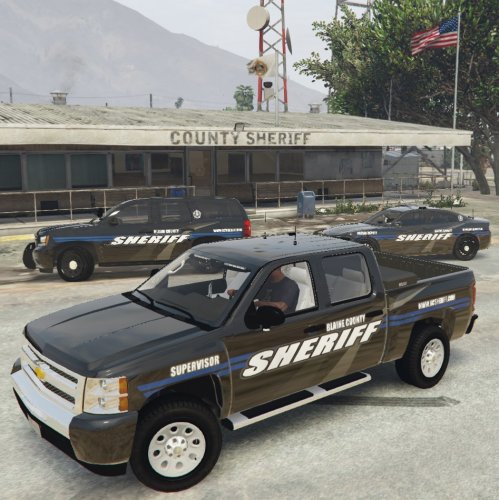 This wheels/rims look awesome. Are they default in the game or are separately added?
 -
 @GravelRoadCop I really love how this sirens sounds and I want to kindly ask you what is the name of the folder in the pack?
- 221 comments
- 40 reviews
-
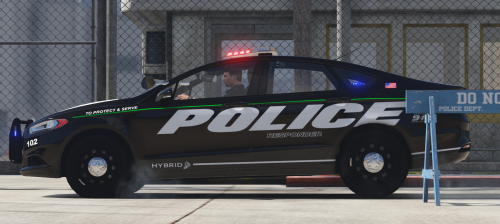 For me, it doesn't work in patchday3. I put all car files in latest patchday and works fine. Also, liveries 1, 2 and 3 are the same.
- 46 comments
- 13 reviews
-
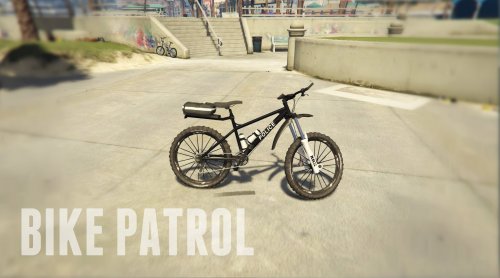 Please ignore this comment. If some of the Admins see, let delete it. I'll be grateful. (=
- 29 comments
- 11 reviews
-
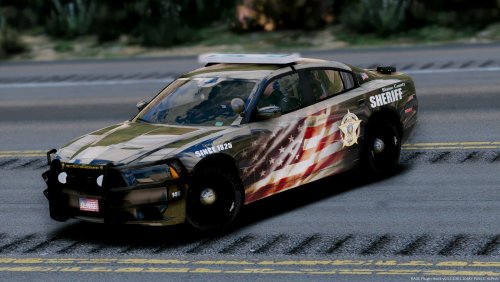 WOW, there are no words to describe my feelings I have only 1 question - What graphic/visual mod you are using to present this beauty to us?
- 11 comments
- 9 reviews
-
-
- 1
-
-
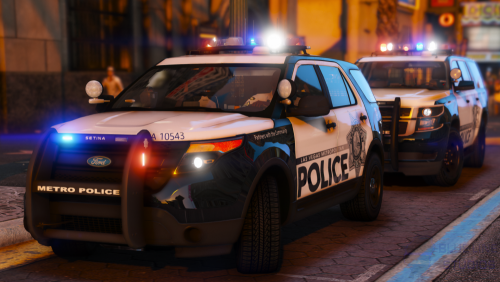 I was going to ask the same question. :D Hope soon the author give a asnwer, I have no patience to go home and try this pack. Screenshots and cars are on point!
- 67 comments
- 25 reviews
-
I tried to capture a bug with drivers door. As you can see theres blank space like it is a glass.
- 209 comments
- 40 reviews

.thumb.jpg.defbcb94488c1e1d0217f2e794193ed3.jpg)
