minddriver
Members
-
Joined
-
Last visited
Everything posted by minddriver
-
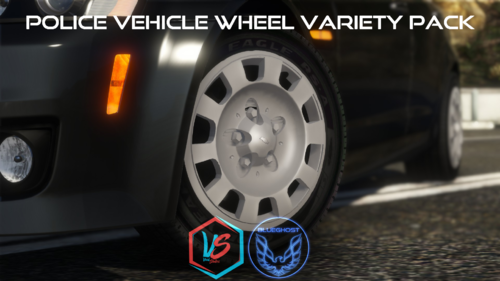 @BlueGhost I took a screen of missing emblen on one of CVPI's hubcaps. Can you fix it?
- 88 comments
- 18 reviews
-
-
 Traffic Policer 6.16.0.0 is outdated and not supported by LSPDFR 0.4.4! Anyone commit to updating it?
- 3,646 comments
- 306 reviews
-
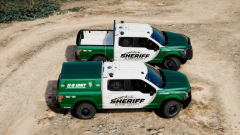 Hi, I really like your F150 model and with Limited's livery look amazing! I am interested in downloading your SUV. Do you plan on releasing it soon and if yes-is it going to be free or be paid?
 -
-
-
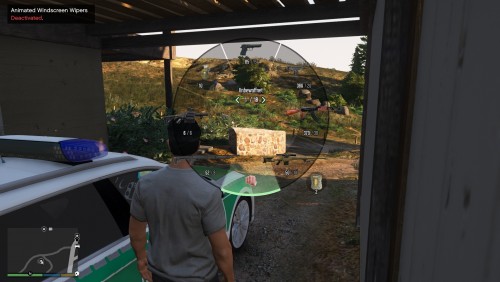 I love the pack, but I found that the fire extinguisher doesn't have an icon, are you planning on adding one for it as well? Best regards, minddriver
- 6 comments
- 2 reviews
-
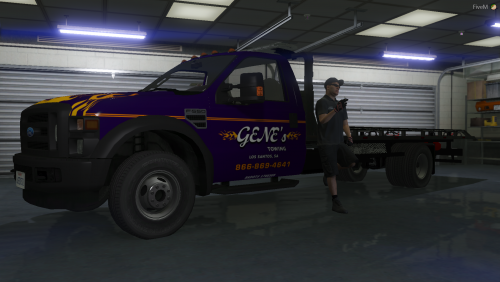 Good evening, sir! Would you mind providing an installation guide on carcols, covariation and vehicle's metas where to add them, also this .lua files? Thank you in advance!
- 18 comments
- 1 review
-
 I have a couple of days to play with this plugin and I truly can say it is amazing. I also have the problem with crashes when approaching peds on traffic stops as already was mentions. You have created a great description and It was very easy to fix the problem. Installing DarkMyre's API solved it. Thanks for sharing your work with us @Phaxol!
- 1,005 comments
- 68 reviews
-
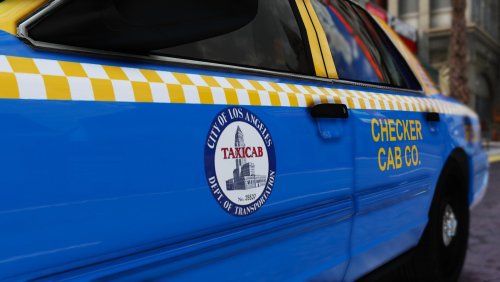 By the exclusion method I found out that World of Variety 5.2.1 (After Hours DLC) is the nostrum. It took me a long time but worth it. Thank you @Scuderio for this great public service's vehicle!
- 22 comments
- 9 reviews
-
I have tried it and there are no differences. I also putt it in the latest patchday. This taxi won't show in the game which is so strange.
- 22 comments
- 9 reviews
-
-
Good evening! Maybe I miss something, but I can not handle installing the taxi. I follow all the steps but I still have the default taxi. With patchday16ng or latest patchday, there is no Crown Vic's taxi ingame What I am missing? Thanks in advance!
- 22 comments
- 9 reviews
-
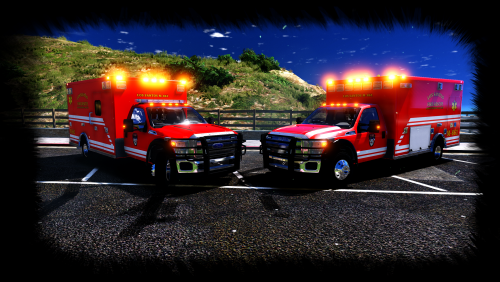 @TopCop72, I made a quick video how headlights turn on automatic when is dark. Maybe you have changed something and this is the result.
- 53 comments
- 17 reviews
-
-
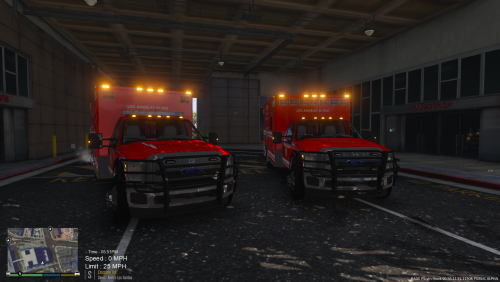 @TopCop72, would you make an F.D.N.Y. skin too?
 -
 Mr. @Alzar, before the latest update I had the Carabine Rifle with all attachments set in loadout as a regular cop. Now It's not available. I look at settings but I can't find it as an option except in the Loadout 1, 2 and 3 which are not available. Is it possible to back it up?
- 58 comments
- 12 reviews
-
Thanks for the quick response! As I already mentioned In the previous post, I am using the latest RageNativeUI.
- 3,646 comments
- 306 reviews
-
 This needs to be updated/fixed to lates GTA5's update v1.0.1180.2, because as you can see on the screen there's a texture issue.
- 138 comments
- 34 reviews
-
Guys, I am experiencing an issue with the Traffic Policer. I use the latest game update (v1.0.1180.2) and all of @Albo1125 's updated plugins. Upon pressing F6 for Road management, the window appears as I am showing on the screen below. Is this normal? Regards, minddriver
- 3,646 comments
- 306 reviews
-
Guys, let me share with you my way of doing things: To begin with, I started with a fresh copy of GTA V (in my case it is a Steam version), afterwards I put LSPDFR, RAGE Plugin Hook (0.57.1152.13084), Script Hook V (v1.0.1180.2), Albo1125.Common 6.5.2.0 (*Traffic Policer contains it), Traffic Policer 6.13.7.0. In addition, I have downloaded RAGENativeUI 1.6.1, because the version in the Traffic Policer's zip is old - 1.5.1.0. Other mods I also use are Arrest Manager, LSPDFR+, Assorted Callouts and Arrest Manager without experiencing any problems. I hope my method would help many others. The only issue I am experiencing, although it is not a big of a problem and doesn’t affect the game, is the warning message:
- 3,646 comments
- 306 reviews
-
-

- 1
-
-
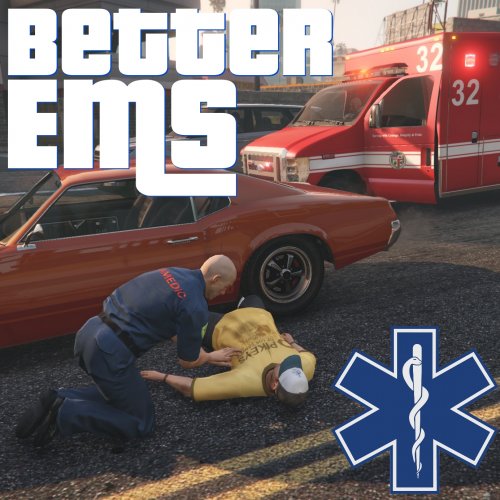 Despite the fact that I removed some plugins, scrips and one installed car the problem remains
- 783 comments
- 86 reviews
-
-
Here's the log from the crash during the loading screen: And, the second one, after going on duty:
- 783 comments
- 86 reviews
-
Despite the fact that I am using the latest RPH and AdvanceHook neither EMS Mod nor others work. I experience game crash when going to duty.As you know, when Rockstar Games releases a new patch, it usually takes every developer some time to update their plugins to be compatible.
- 783 comments
- 86 reviews
-