



Azteco
Members
-
Joined
-
Last visited
Everything posted by Azteco
-
I've also noticed it's with certain models. The 2015 charger and taures unmarked. I also noticed I get people taking pictures or walking by saying that's new nice ride. Never had that happen using the old gta patrol cars. I use a trainer but didn't see a blip for car tracking.
-
Just a thought. I'd really love to see the next version have option to track and chase someone who steals your patrol car. I've had this happen numerous times they jump in run me over. Some I shoot some get away. Wpuld be nice to hear a call stolen police car pursuit and catch they guy. Sometimes the aI dumps the car on a street but only found it once.
-
Indeed it is. I'd like to see a hot key for EM. Such as a radio emergency button. In event needed and you can't mess with a menu one press sends a predetermined number of officers to assist for a officer down.
-
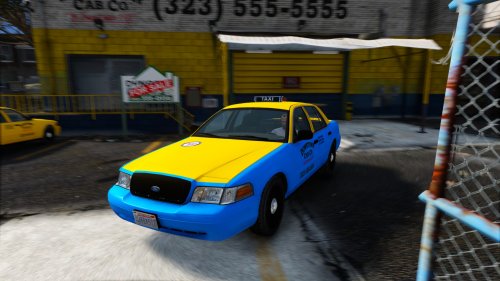 Looks good :) only problem is after driving a distance the taxi molds into the old one. Actually has the cvpi look but is block shape and then after a block distance it vanishes leaving just the driver in air and taxi icon roof bar driving invisible car. Done the full file transfer and meta adjustments adding the taxi data into the meta file in correct path. Still from block away it has taxi square look until it gets closer then it's the cvpi. Not sure why. Error my end or the taxi basic file?
- 7 comments
- 2 reviews
-
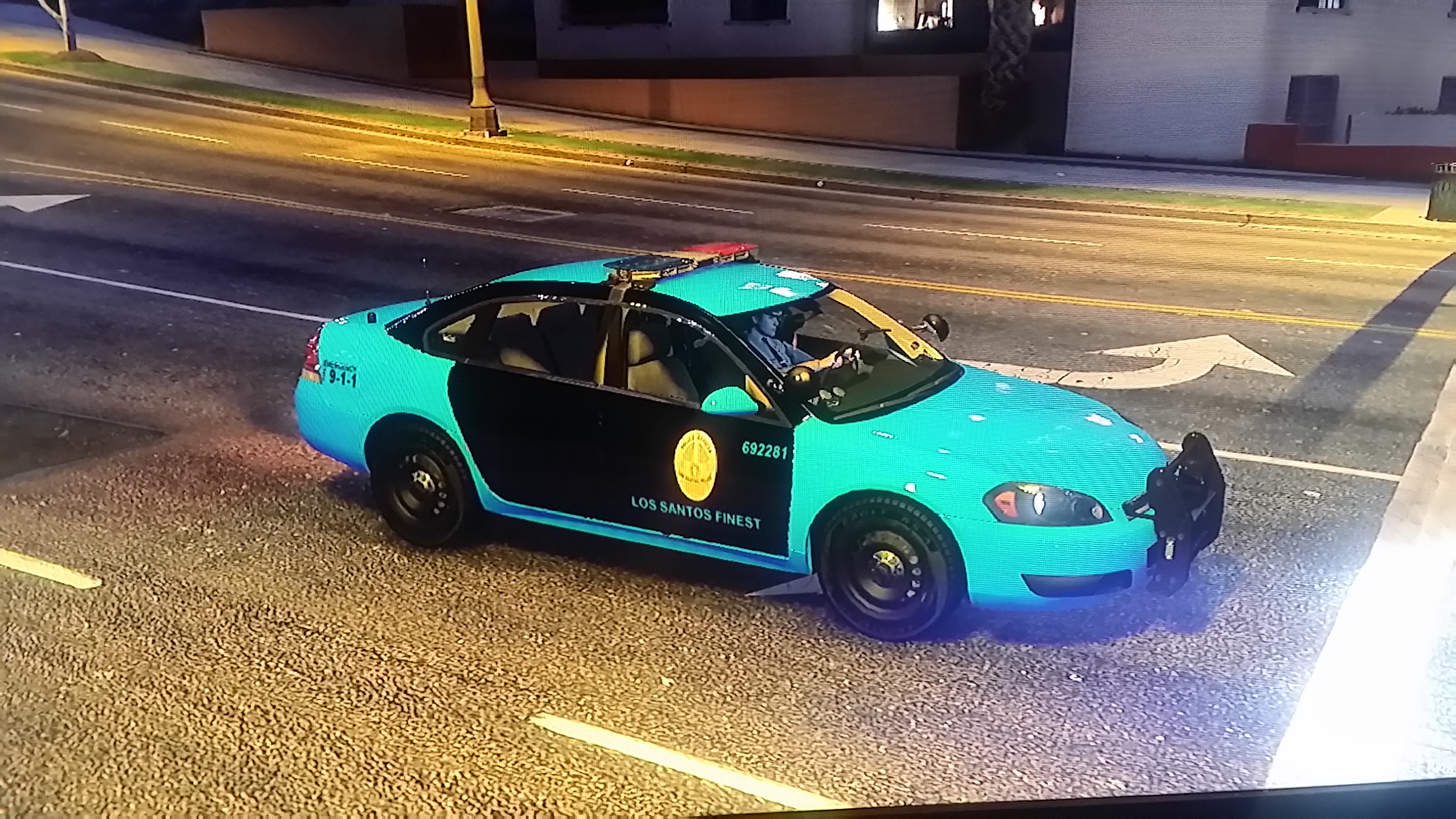
.thumb.png.e88f1892e13ddb98db35e668d465c34b.png) Very beautiful in game. The Los Santos ones would look better with the door shield just on the front doors but will look good centered. good work looks great in game.
Very beautiful in game. The Los Santos ones would look better with the door shield just on the front doors but will look good centered. good work looks great in game.- 182 comments
- 44 reviews

.thumb.png.e88f1892e13ddb98db35e668d465c34b.png)