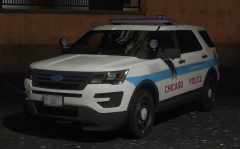
ISPfan12
Members
-
Joined
-
Last visited
Everything posted by ISPfan12
-
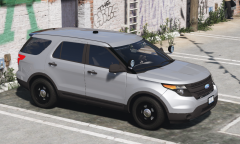
From the album: The WIP's
made a few texture modifications and some other minor things -
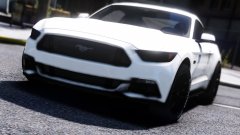 When will the teasing end and will we be blessed with the gorgeous models? When? When? When?
 -
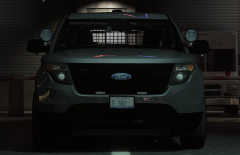
From the album: The WIP's
-
-
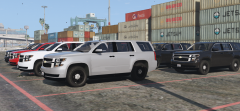
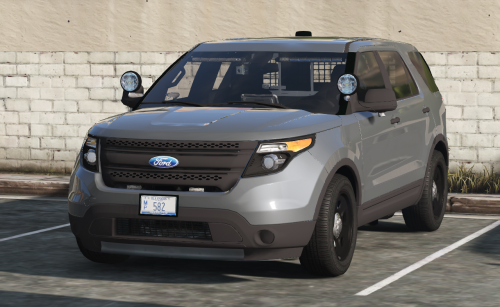 most of the newer vics that I found pics of had the RX2700. The 13 Explorer will be the 21TR and the 16 will be the Sound Off Nforce.
- 53 comments
- 15 reviews
-
No they are not. The beat tag is a signature piece of the Chicago police department and every one of their marked cars has it.
- 53 comments
- 15 reviews
-
Welcome to the Windy City This is my first model release, I hope everyone enjoys it! I have put together the most accurate vehicles to represent The Chicago Police Department Included in Pt. 1 of this pack are: 2010 Ford Crown Victoria 2013 Chevy Tahoe I want to extend a special thanks to a couple folks for helping me create these awesome cars J.J. Dawkins for some vehicle parts flwpheonix for help with some lighting issues Officer Flamez for test driving Still to come! 2010 Crown Victoria- Gang Unit 2010 Crown Victoria- K9 Unit 2013 Chevy Tahoe- Gang Unit 2013 Chevy Tahoe- K9 Unit 2013 FPIU- Gang Unit 2013 FPIU- Patrol 2013 FPIU- K9 Unit 2016 FPIU- Patrol 2016 FPIU- Gang Unit 2016 FPIU- K9 Unit Thanks for stopping by and enjoy!
- 53 comments
- 15 reviews
-
-

- 28
-
-
-
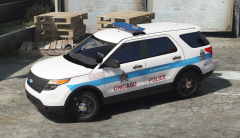 I was thinking they might be
 -
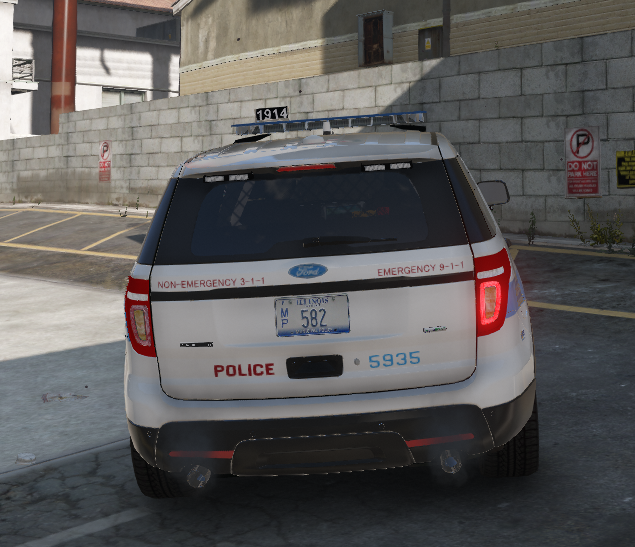
I'm having an issue with the tail light on jasonct203's fpiu. It says on all the time. The i.d. is set correctly but it wont turn off. Anyone know how to fix it?
-
-
 Yeah mine were nowhere near that bright. I used the emissive that came with it, I just deleted the red extra since I needed all blue.
 -
I tried several versions of the hide a way including yours and I just could not get the emissive to be bright enough. They are all just little blue specs.
-
From the album: The WIP's
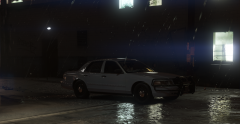
I completely remade my CPD vic. I think this one turned out better. The biggest change is going from a Federal Signal Legend to a Code 3 RX2700. -
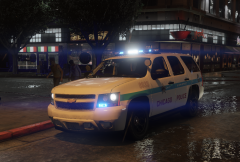 That I'm aware of Chicago PD is the only department that uses them. Its been a tradition since day one and it definitely makes them unique
 -
Its called a beat tag. It signifies the beat number the car is assigned to, it is also the cars radio number. The real signs are removable allowing any car to be assigned to any beat at any time.
-
From the album: The WIP's
-
From the album: The WIP's
I think this is the final version for my marked CPD Tahoe -
I need to pick somebodies brain that knows how to setup rotator bars for els, if anyone can help let me know....thanks!
-
From the album: The WIP's
-
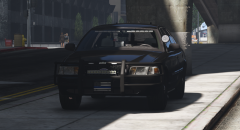 I set it to 70. Thanks lol
 -
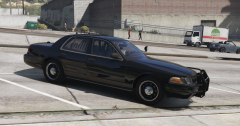
its there, its just the angle the pic was taken. I put 50% transparency on the texture. I guess I could go darker.
-
-
From the album: The WIP's
-
From the album: The WIP's