ISPfan12
Members
-
Joined
-
Last visited
Everything posted by ISPfan12
-
From the album: The WIP's
-
Ugh!!! Ok thanks for the help man I really appreciate it.
-
ok I figured it out. I didn't have the emissive texture at the top of the browser. So they work as brake lights now but the texture is still visible when the lights are off. Is there a way to fix that or is that how the game works?
-
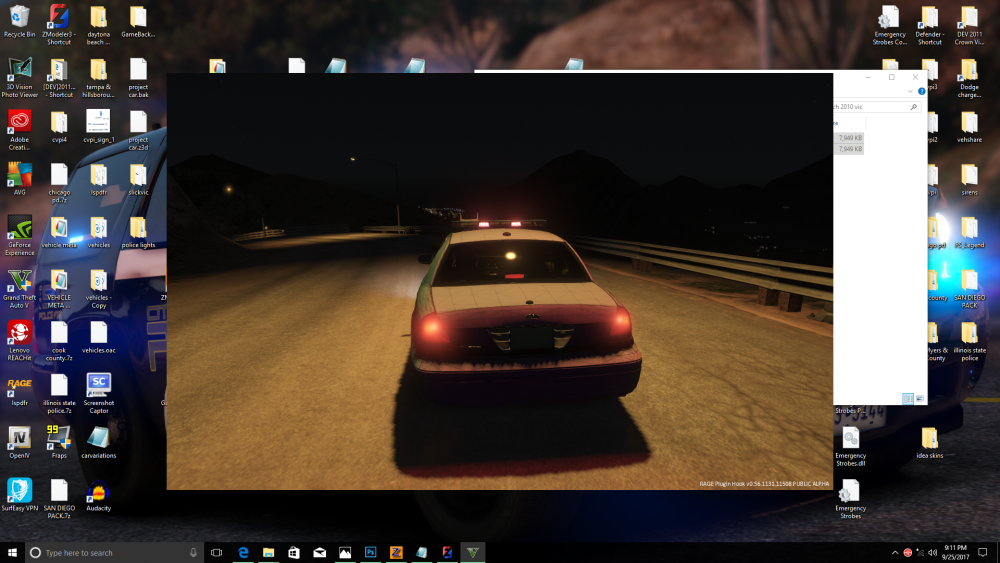
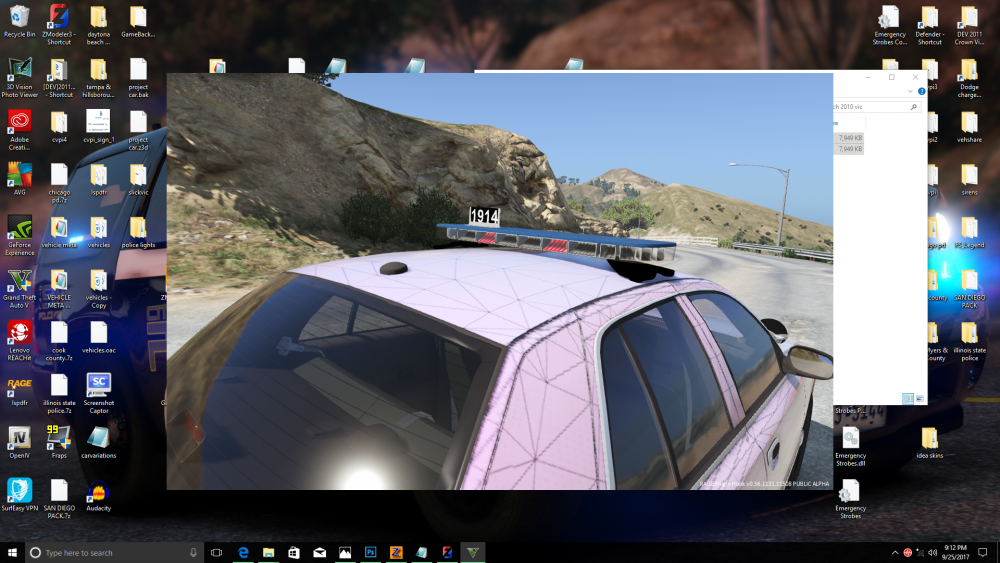
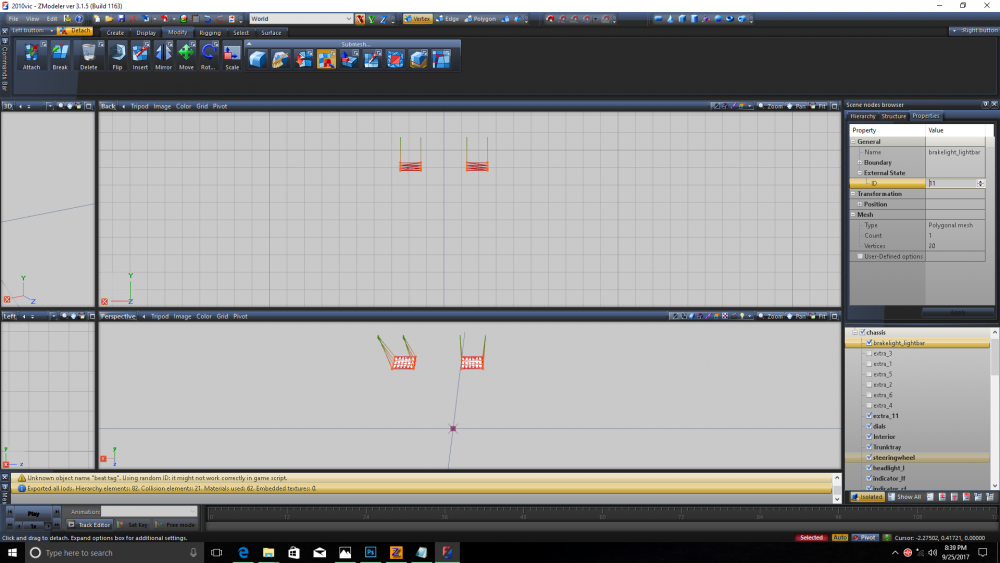
ok I tried that and it didn't work. my guess is I didn't do something right lol here is a pic of what I did.
-
I'm trying to add extra lights to a light bar that I want to work with the vehicle brake lights. Anyone know how the brake lights are setup to work?
-
 I'll check it out. I'm pretty sure I moved it but I could be wrong.
 -
It's actually extra_11 to work with els takedowns.
-
I have not check the id. What should it be 0? Yes it's the correct material. If I completely remove the martial from the browser the light wont work at all and it's set as vehicle emissive.
-
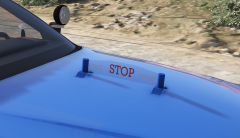
 I'm not a fan either but they really seem to work on this. As a traffic enforcement it needed more lights lol
 -
I did move the emis for the spotlight above the glass in the materials list. For some reason I can't get these spotlights to function. When I turn them on just a small dot in the center lights up nothing else. I've tried everything. I'm almost to the point where I'm going to say f it and make them non functional.
-
-
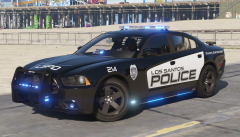
 I want this and I NEED this!!!
 -
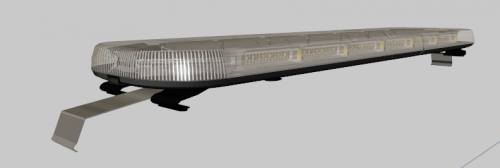 I didn't know Star was still in business hahaha seriously tho great job and thanks you so much for sharing. Its always nice to see something different then the beat to death liberty and arjent!
 -
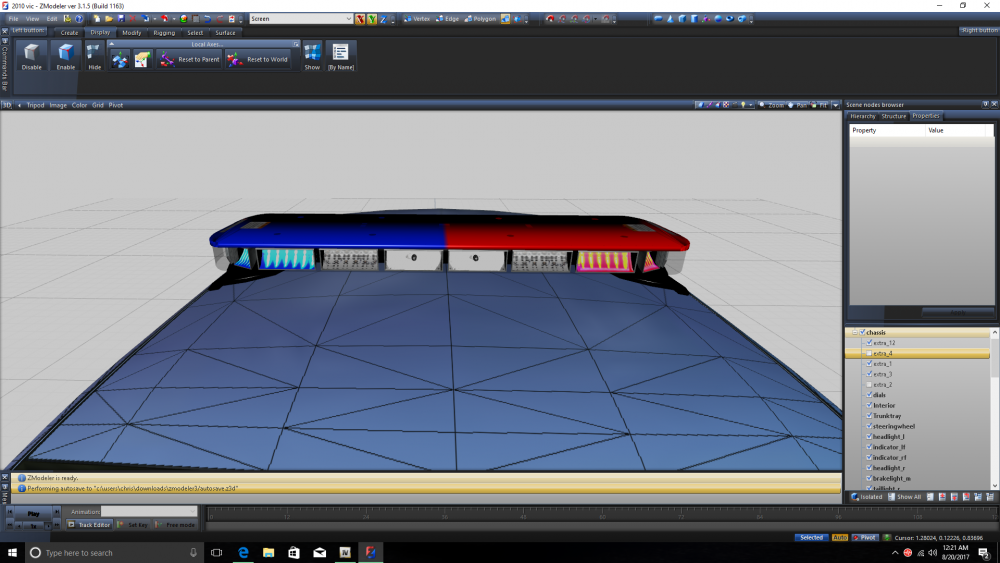
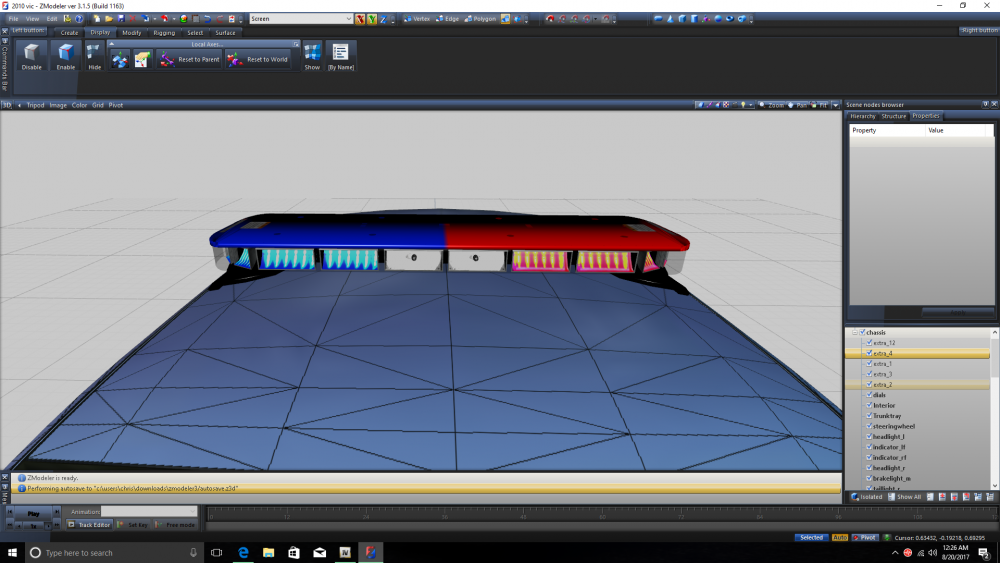
els extras 2 and 4 will not work in game. the others work just fine. in game with the els panel open and my native trainer open to see the extras list it is showing all extras 1 through 4 flashing but the texture itself is not flashing for 2 and 4. I have tried renaming the extras in the hierarchy and the issue does not change.
-
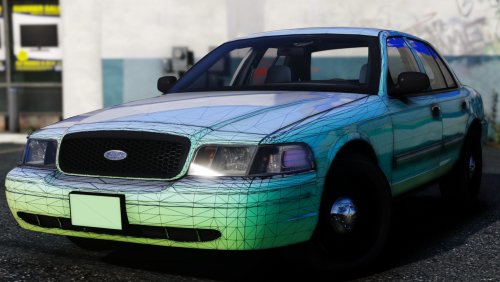 That's what I just did and it fixed it! Now this car is absolutely perfect. There are no words for how amazing this car is sir! You did an outstanding job and I cant wait to see what you have in store for us next lol
 -
Having an issue where all the wheels are different sizes. The rf seems like its the only one that is the correct size. The lf is a little too big but the rears are HUGE, it looks like a top fuel dragster. Ive messed with the scale and other settings for the wheels and can not get the to match.
-
Ok I'll mess with it and see what happens. Thanks. So I guess since the visor and deck lights are on the same extras, 1-4, I'll have to set 2 extras to go out front and 2 out back to get and all around effect.
-
From the album: The WIP's
added the infamous side runners to the traffic enforcement car -
I see the "axis" settings for the extras, but what are the values? There is nothing in the documentation saying what the values are and how to set them. There is a vehicle setup diagram showing the els extra locations but it excludes slicktops.
-
-
I have a slicktop car and have changed the vcf to slicktop "true". In game the coronas only flash to the rear. Any ideas?
-
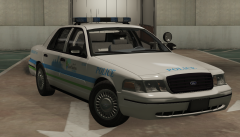 Thank you! It is not available yet. It is pack of my upcoming pack so stay tuned!
 -
From the album: The WIP's
-
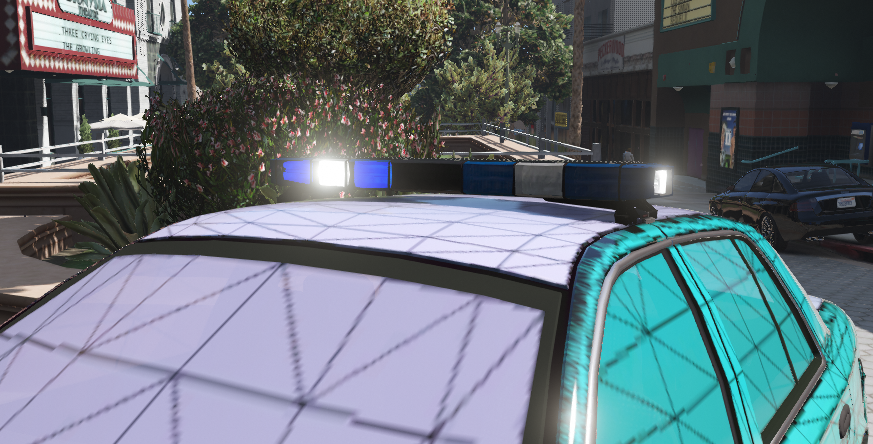
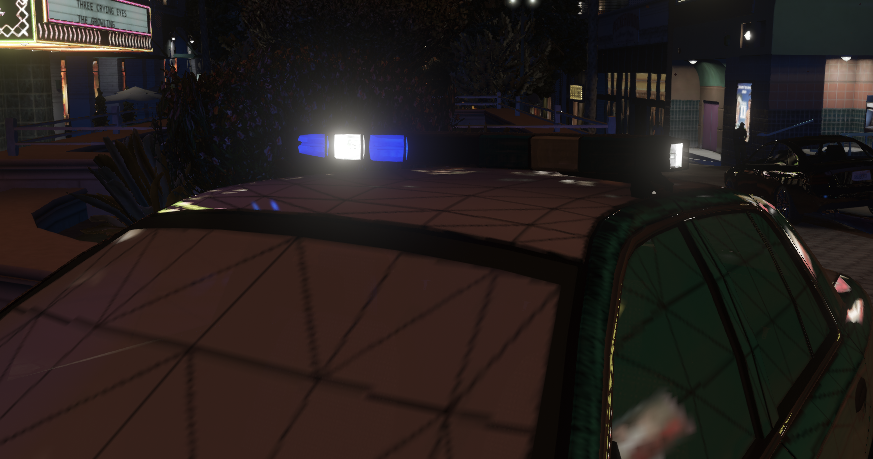
I'm having an issue with a Whelen Edge light bar. I have the glass set to vehicle_glass, and the extars set to lights_emissive with the emissive lighting file. The emissive material at the top of the list and the extras at the top of the hierarchy. Only the parts behind the color part are dim the white lights work fine.
-
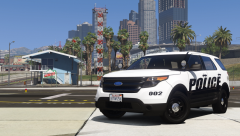
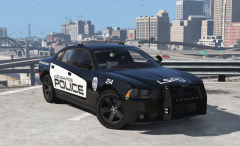 That's exactly what its based on. I saw some picks of one of their Chargers and loved how it looked. Nobody has done a LRPD based pack so I figured why not hahaha