




ISPfan12
Members
-
Joined
-
Last visited
Everything posted by ISPfan12
-
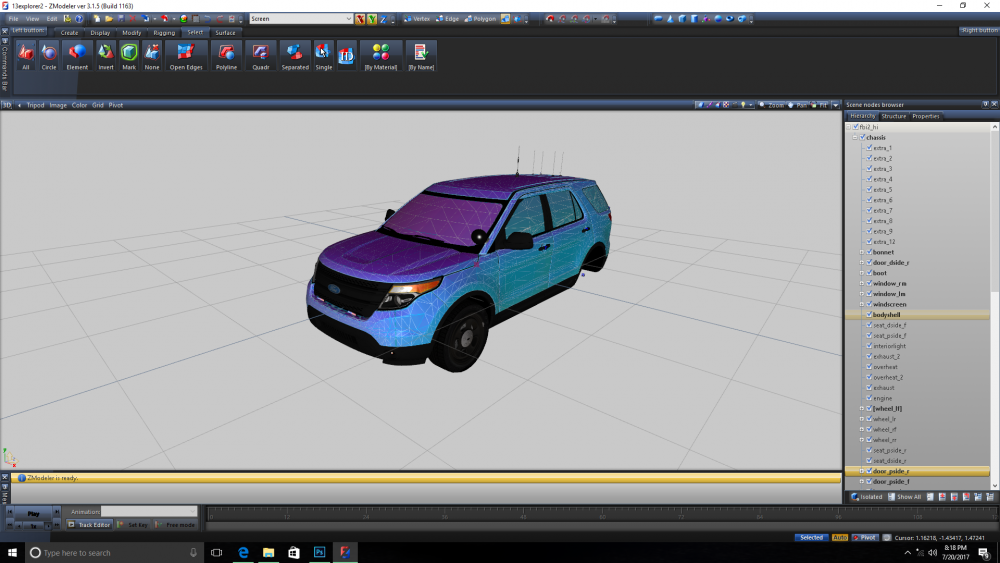
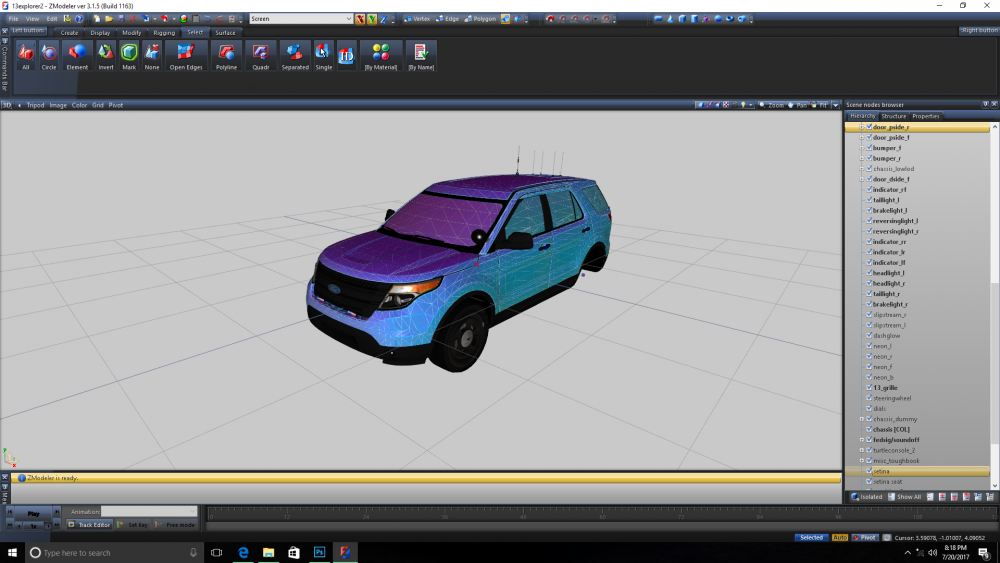
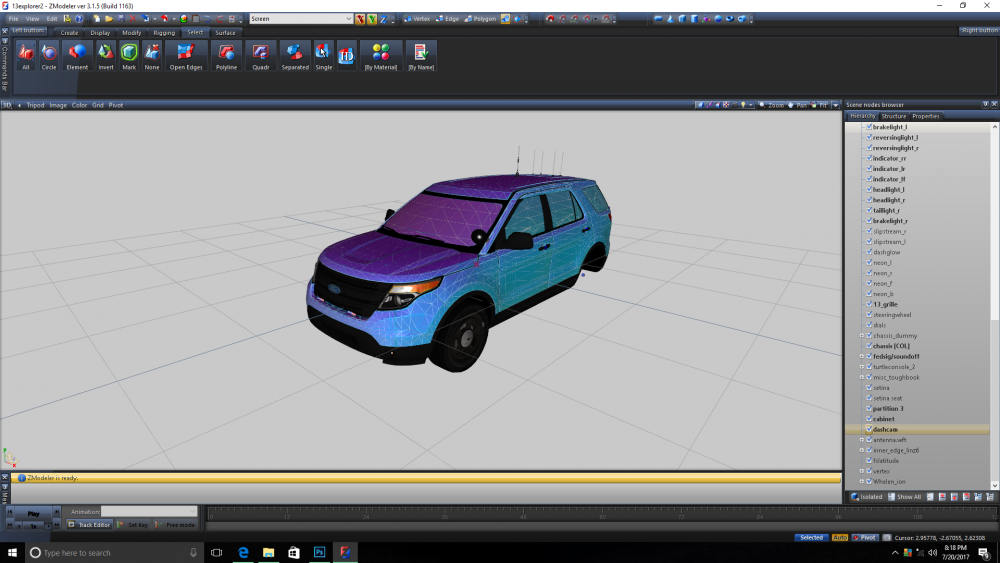
here is the hierarchy, I did everything the same as my other car and that one works fine, if I isolate extra_6 the only the shows up is the light emissive
-
-
I just made a els FPIU with zmodeler 3, everything looks good in zmodeler and openiv, all of the els extras are labeled correctly and at the top of the hierarchy, I don't have any other extras on the vehicle (push bar ect.). Its looks great in openiv but in game its missing most of the body parts, doors, body shell, tail gate ec.t When I turn the lights on everything that is missing begins flashing. Also els extra 6 and are on steady. I know there is a file to download to fix that and I did that but it didn't change anything. PLEASE HELP!! Video posted below 20170719_215954.mp4
-
hey guys, I'm looking for a 2014 Dodge Charger dev model. Anyone have a link?
-
if anyone out there is willing to help please let me know! I'm trying to get started modeling and I'm having trouble with some things, I really need some help here guys. please please please!!!
-
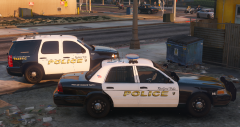
From the album: The WIP's
-
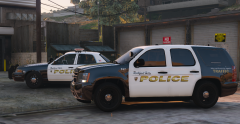
From the album: The WIP's
-
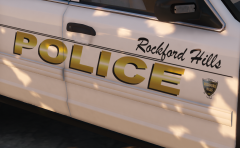
From the album: The WIP's
-
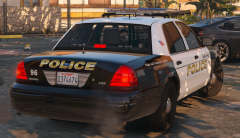
From the album: The WIP's
-
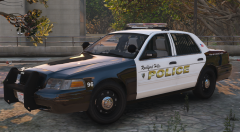
From the album: The WIP's
-
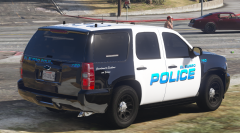
From the album: The WIP's
-
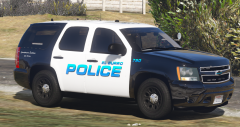
From the album: The WIP's
-
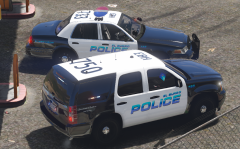
From the album: The WIP's
-
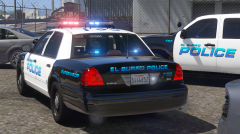
From the album: The WIP's
-
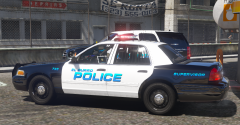
From the album: The WIP's
-
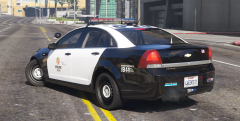
From the album: The WIP's
-
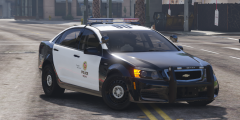
From the album: The WIP's
-
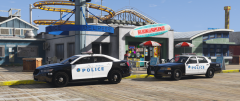
From the album: The WIP's
-
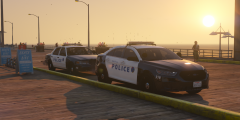
From the album: The WIP's
-
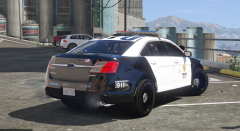
From the album: The WIP's
-
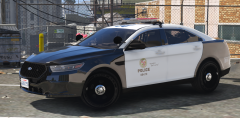
From the album: The WIP's
-
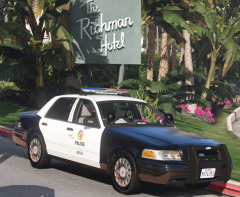 That would be awesome! With the dev wheels will you be able to drop those into the game files and replace a vanilla wheel like buggs pack? I'd like to be able to use the dev tauras wheels that are on here like that too.
 -
Oh I know lol I've owned 4 of these over the years and they are my all time favorite car. I know every difference between each year. It bugs me that they get released on here as 2011 cars but they have 98-02 door panels. The steel 17 inch wheels that carparino has made are the most accurate ones I've seen and I won't use the car if it doesn't have them anymore lol unfortunately the models that use those wheels won't work with the 17 full wheel covers in buggs cvpi wheel pack.
-
I wanted to use the 17 inch wheel covers but they don't fit this model right, the tires are too narrow and are set in too far. I thought these added something a little different even though they don't match the 2011 model lol
-
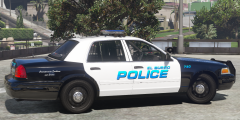
From the album: The WIP's


