




ISPfan12
Members
-
Joined
-
Last visited
Everything posted by ISPfan12
-
From the album: The WIP's
-
From the album: The WIP's
-
-
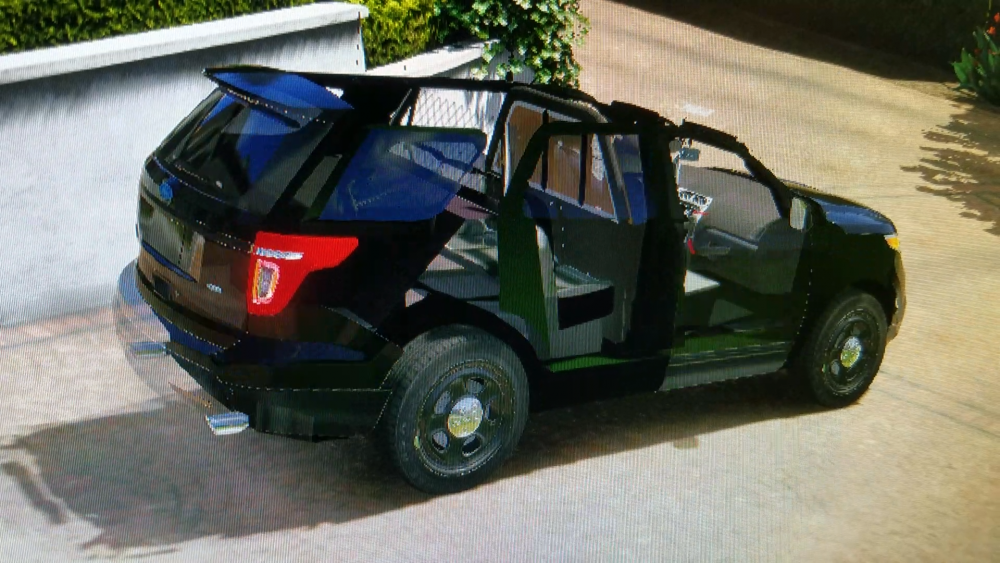
I'm having an issue where I have made a car in z3, I got the lights installed and everything works great. The problem? When I get to adding other part, I added 3 antennas and tested in game. Everything is good. I add a center console and I get what is picoted below. I removed the console thinking that was the problem, I installed a partition and I does the same thing. When I remove the partition so the antennas are the only addon and it works. It seems like the issue is that there are too many parts and the file is too big but I don't know.
-
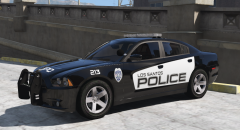 thank you sir! its just the beginning of the pack and I think its going to be a good one lol
 -
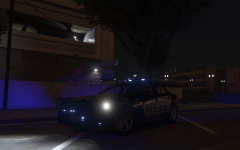
From the album: The WIP's
-
-
From the album: The WIP's
-
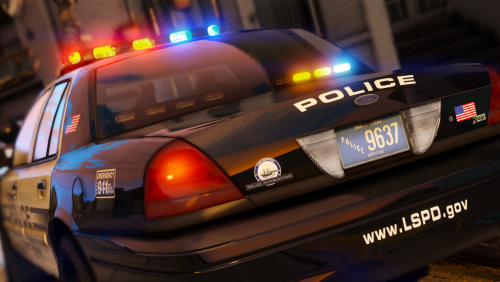 @Thehurk amazing work my man! One issue I noticed is the lf wheel is either too big or the rest are too small. Some thing is off with the scale of the wheels from wheel to wheel. Also the rear of the vehicle seems to be riding a bit high, but that may be because of the scale issue with the wheels. Other then that its an amazing car and I can not wait for the dev model to become available.
- 32 comments
- 34 reviews
-
-

- 4
-
-
From the album: The WIP's
-
From the album: The WIP's
-
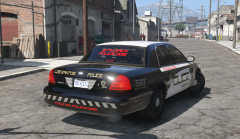
From the album: The WIP's
-
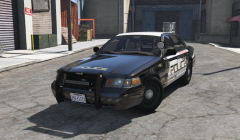
From the album: The WIP's
-
I just tried moving it to the desktop, starting the game, then putting it back in and that didn't work. I guess ill try rebuilding it. Ive never had to do that with any other update tho which is weird.
-
all the files in the mods folder are exactly the same as it was before the update with the exception of the update.rpf and didn't romove or add anything or copy and past. everything stayed right where it was
-
no, it was working just fine before the update. the only thing in the mods folder I changed is the update.rpf file
-
I have done that, both asi loader and openiv.asi are installed and are in the main gta directory
-
yes I updated it, then tried deleting it and reinstalling it.
-
after updating my game, newest ragehook, newest scripthook, and updated the rpf file in openiv but my mods folder wont load in game. alos verified openiv asi loader file is in my main gta folder
-
He said he doesn't have one anymore
-
as the title suggests I'm looking for a 2014 dodge charger dev model
-
Because it's just the light emissive mesh there are no dummies. I attached the emissive meshes together using the attach tool so all the lights I want to flash as extra 1 are attached together, there are only one level lods at the moment and after watching some videos and reading the els user guide I understood it that with els you don't need dummies.
-
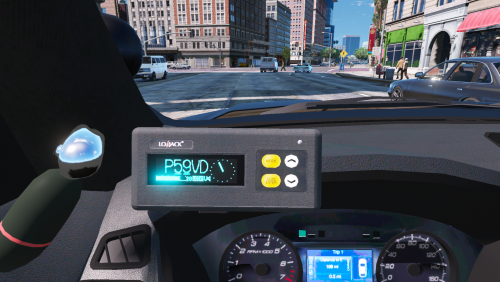 No kidding? Hahaha never mind then, my fault sir!
 -
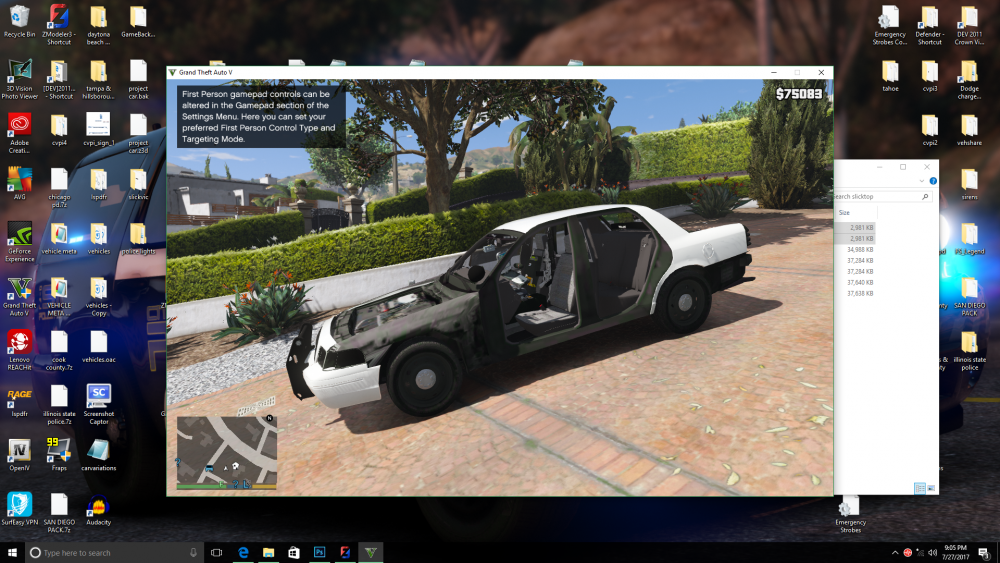
I cant figure this shit out! the missing parts falsh with the els lights, some of the lights don't work and some are on all the time. idk what I'm doing wrong!
-
yes I do


