



GTA 5 Jedi Master
Members
-
Joined
-
Last visited
Everything posted by GTA 5 Jedi Master
-
 Great work right here!
 -
 Dig it! Excellent work you've been pumping out! Thank you!
 -
 Excellent work!!!!!!!!!
 -
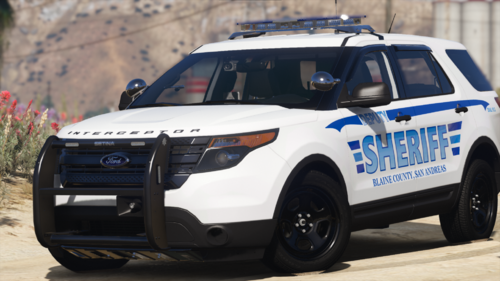 Simple and beautiful pack. Love it like all of your work, brother! LOVING the Arjent too. Thank you for releasing this!
 -
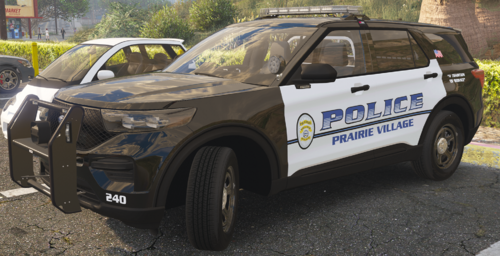 GREAT PACK!!!!! Absolutely love the different lighting equipment. Nothing typical about this pack!
 -
 Yeah brother, I spawn it with a trainer and then repair the vehicle with no luck. Its not spawning by Extras in the trainer either. It's all good, brother! No Worries.
 -
Love it as usual! I couldn't get the push bumper to spawn no matter what I tried. User error on my end? Thanks for the beautiful work you do, brother!
-
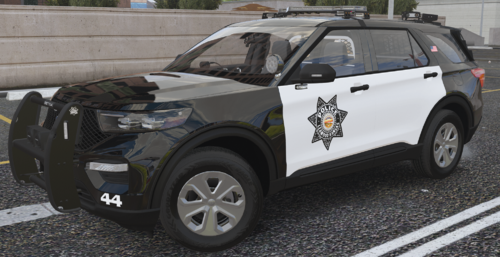 GREAT fucking pack, my brother! You did great work with this one. Thank you!
 -
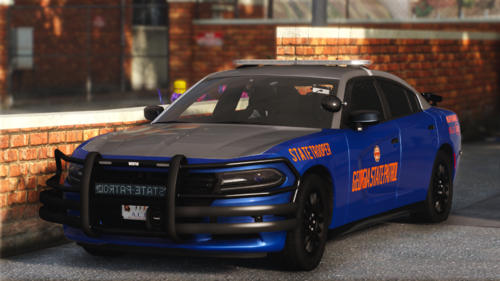 Thank you as usual for this AMAZING set of cars, CHEEF!!!!!!!!!!!! For me car 222 displays STATE PATROL from the message board in rear drivers windows facing forward not outward. Is it on my end? Thank you again, brother!
 -
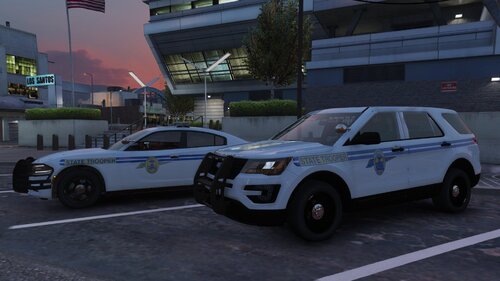 Digging all of your hard work!!! Excellent usual! Thank you for busting out all of these vehicles for us all!!!!
 -
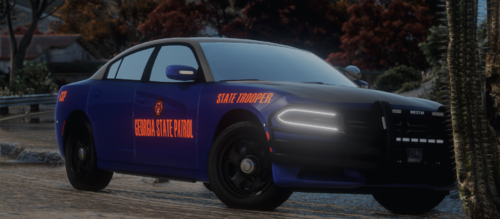 Nice fucking Update! Bad ass car! Dude, I got giddy excited when I saw the Rontan Winglux Lightbar textures in the .ytd.....maybe next time. The ELS file seems to have error though. <Extra01 IsElsControlled="true" AllowEnvLight="true" Color="true" OffsetX="-0.70" OffsetY="-0.20" OffsetZ="0.50" /> Here's a fixed file for the lazy or anyone else who cares to grab it. The Wiwang siren controller is named incorrectly in the .ytd. It needs to be named "siren box" with a space. Shit happens though. GREAT WORK AS USUAL, homie!!!! police2.xml
 -
Digging it! Nice build my man!
-
 This is fucking tits!! Dude, you never cease to amaze us normals!!!!!!
 -
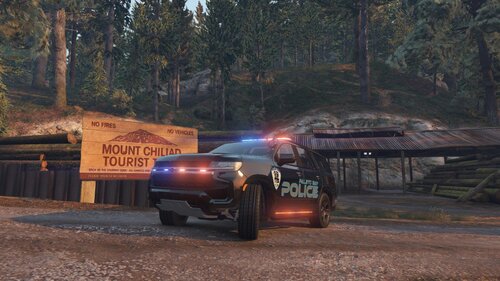 Great Vehicle, bro!
 -
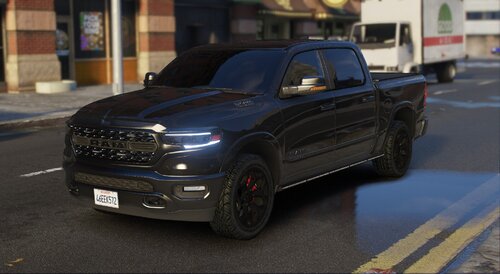 Great vehicle as usual! Cencom2 needs to be renamed to Cencom in the .YTD for anyone wanting the overhead control head to show. Thanks, ED! for the release!!!
 -
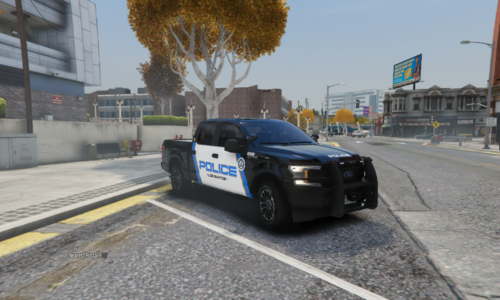 Great truck! It is missing the radar unit texture from the .YTD. Here it is if anyone wants to drop it in the file. Nice job, homie!
 -
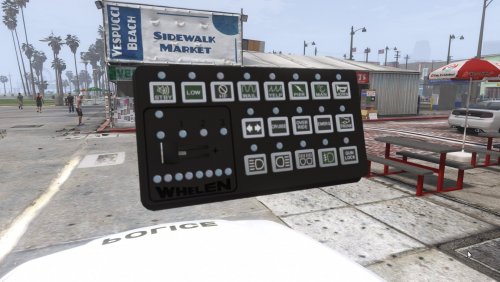 Love it!!
 -
Shit, sorry man! I feel your pain for sure. I wish you luck!!!!!!!!!
-
This has happened to me when my EUP got too large in size for OpenIV. It worked fine if I dragged and dropped a smaller backup file in but then corrupted when I opened OpenIV back up the next time.
-
.thumb.PNG.725dd149ea9589e98db404d858618b8c.PNG) That's freaking awesome! Love it!!!!!
That's freaking awesome! Love it!!!!! -
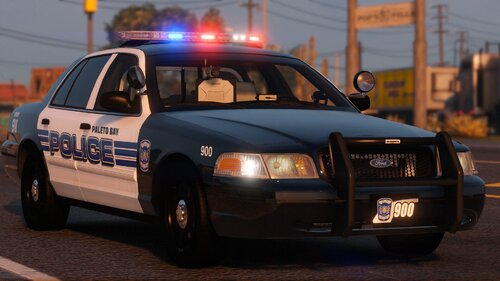
 Freaking LOVE it! Thank you for releasing this!!!! Exceptional!
 -
 Right on, man. Thank you for the quick ass response! Excellent work as usual!!!! Thank you for releasing these for us all!
 -
Great pack as usual! The only issue I've found is the taillight texture is missing for the F250. I checked both the add on and the replace vehicles and both are the same. Great work though, brother!
-
 LemonUI.SHVDN3.dll goes here: C:\Program Files (x86)\Steam\steamapps\common\Grand Theft Auto V\scripts All the files but the TEXTURES goes inside of the SCRIPTS folder not the main GTA folder. You do have " LemonUI " installed already right?
- 541 comments
- 26 reviews
-
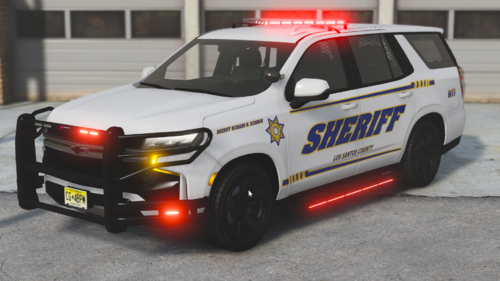 Love the radar addition! Can't wait for more releases from you.




.thumb.PNG.725dd149ea9589e98db404d858618b8c.PNG)
