



GTA 5 Jedi Master
Members
-
Joined
-
Last visited
Everything posted by GTA 5 Jedi Master
-
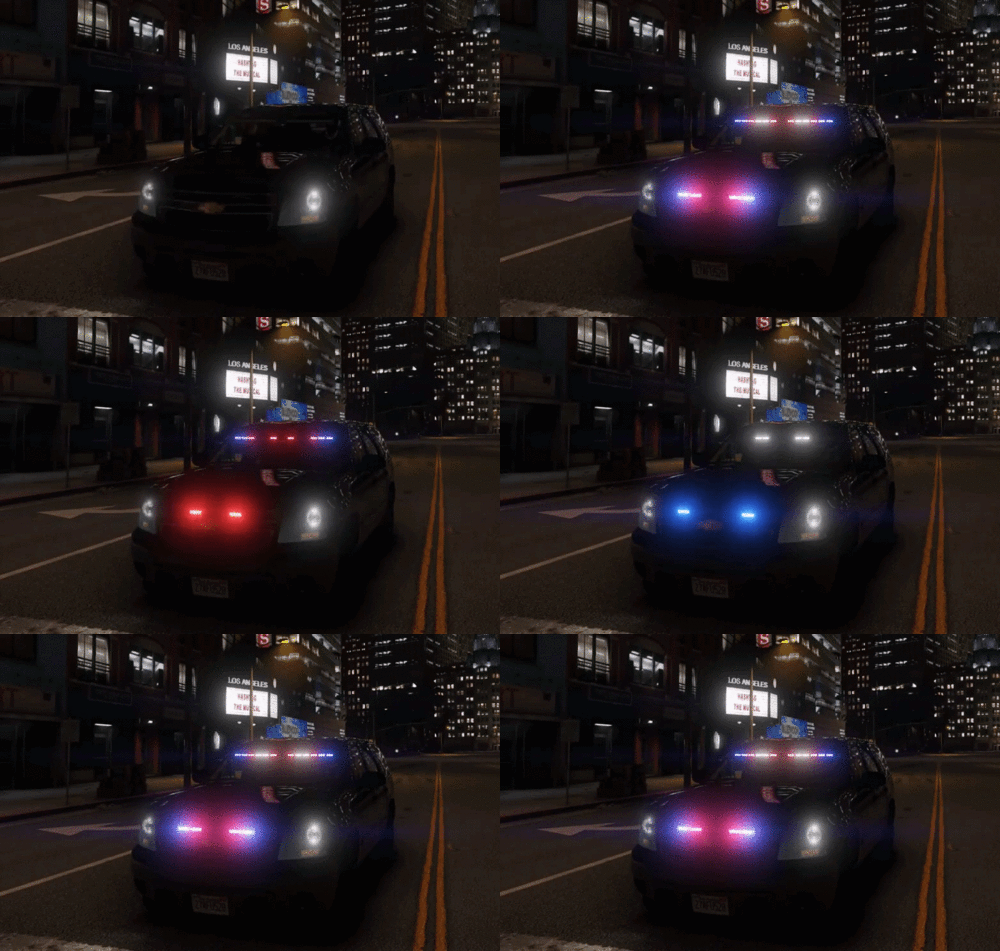 Very nice work! Looks awesome!
 -
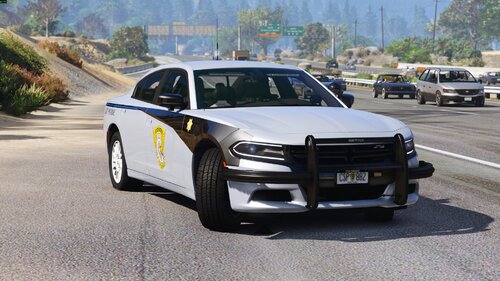 Dude, great job! Very accurate, too. LOVE SEEING THESE!
 -
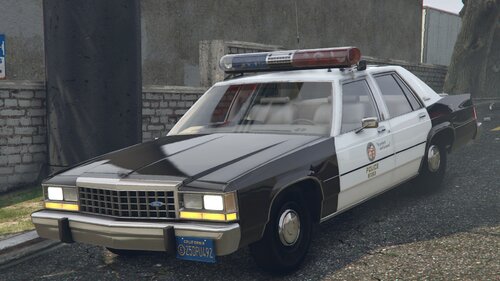 WOW! Much anticipated release right here! The attention to detail and accuracy of the build is SPECTACULAR! AMAZING WORK!
 -
 Try taking out all of the ELS .xml files you have in the "pack_default" folder, then try launching again. If it loads, then you just narrow down which .xml is bad. You can load up plain story mode without running Rage to load up quicker to check. I've had bad XML files cause exactly what you are describing.
- 2,677 comments
- 235 reviews
-
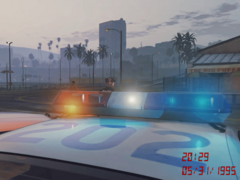 Looks AMAZING! Great job!
 -
 Do you have the "pack file limit adjuster" installed? That might be some of the error, if not all. GTA5-Mods.comPackfile Limit AdjusterNote: This was never meant for public use since it's a horrible hack but due to high demand I've decided to upload it so I don't get asked for it all the time. About This ASI plugin doubles the am
- 552 comments
- 26 reviews
-
-

- 1
-
-
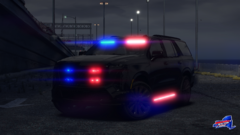 Fuck, that looks amazing! Love the 2026 model!
 -
-
 Good shit! ALL OF IT! Excellent work, brother!
 -
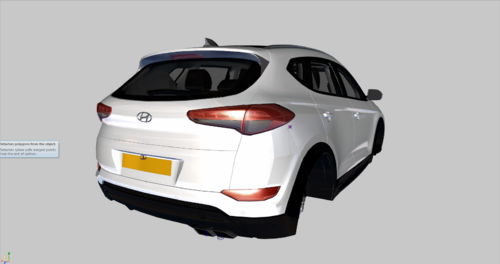 Sweet! Thank you for releasing this to us!
 -
-
I was able to replicate the error but only with ELS & DLS V2 installed while running RAGEpluginhook. Removed DLS and the error disappeared. Food for thought.....Both used to work together for me.
- 2,677 comments
- 235 reviews
-
 Very nice! Loving the rain effects. Is that a graphical mod?
 -
-
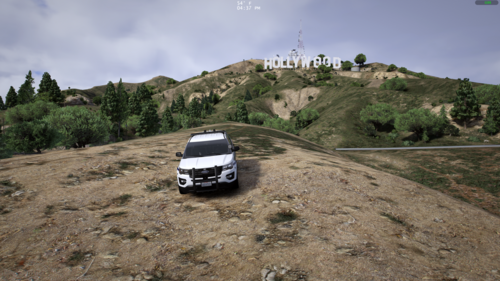 Blender is just not my thing yet. I've made wires that weren't horrible using Zmod so I'll stick with that. To be honest, I'm not sure what the technical name for what I'm trying to say is. Creating a dummy and then in Polygon mode setting the dummy as a light source in the Scene Nodes Browser. It's nothing big, but I was playing with light sources for ALPR's and interior lighting that are always on type scenarios. The Light#1 was just a common example I've seen of what people have named theirs. It's just a normal dummy that you assign as a light using the Properties Tab in the Scene Node Browser. Here's a pic if that helps at all explain what the hell I'm trying to say...
 -
-
Dude, EXCELLENT QUALITY as usual! You never disappoint, that's for sure. What are you using to make your wires/cables? Blender or ? Have you done any experimenting with Light dummies in Zmod? Like, Light#1 etc.? I've got a whole bunch saved to a .z3d if you're interested. Loving that lightbar, too!
-
-
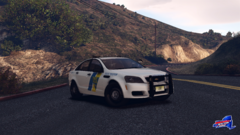 Very badass! Car looks EXCELLENT!
 -
 Yeah, baby! We old asses remember these relics!
 -
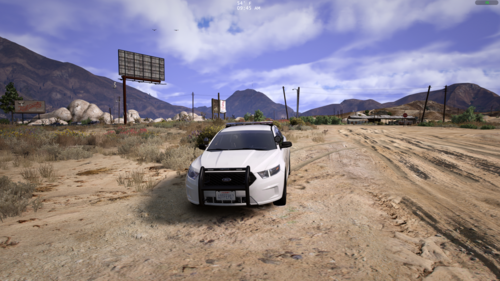 Yeah, man, SOLID work as usual! She's a sexy FPIS!
 -
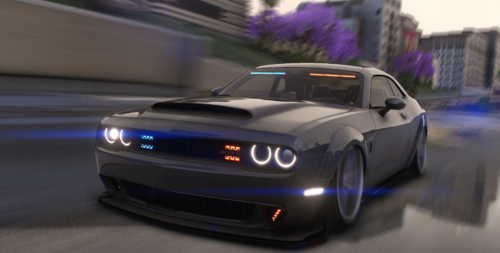 Very nice car. I love that base model, too!
 -
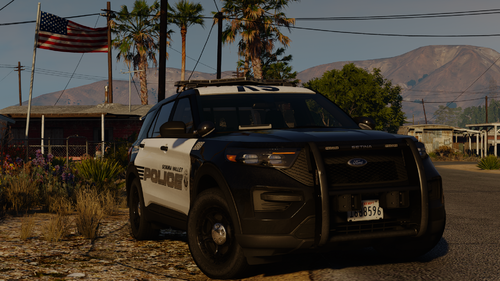 Great pack as usual, dude!
 -
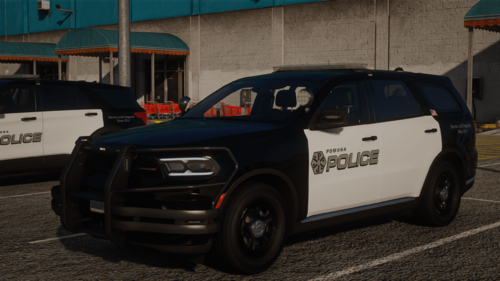 Great pack, homie! Excellence as usual.
 -
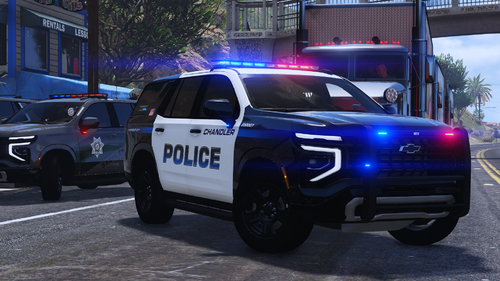 Wow, dude! Especially appreciating the parts you created! Great job!








