


GreenAid
Members
-
Joined
-
Last visited
Everything posted by GreenAid
-
Too dark. I'd suggest you to DL for example one of Cj's NYSP cars & get the same colours as his lightbar.
-
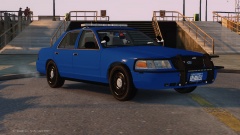 FYI, that dirt-bug on your lightbar is not for ENB.
 -
Lighter colours maybe, but opacity looks ok.
-
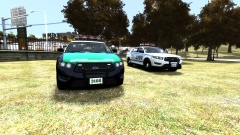 Loool those green steelies!
 -
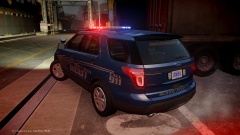 What ENB this time? & lovely skin!!
 -
Regarding your last part's bug you are talking of, that's known & it's how it was mapped (wrong), so if you want to fix you either you do it on your own or you use DSF.
-
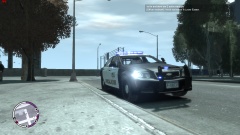 That rambar looks weird positioned.
 -
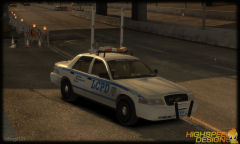 Derp level, over 9000!
 -
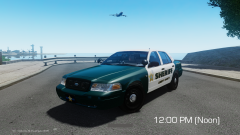 What model is it?
 -
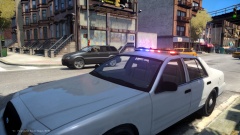 (y)
(y) -
He doesn't need the key code, he can just use the default els.ini.
-
Use default?
-
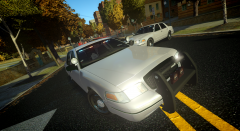 Use Cj's? It has many bug fixes.
 -
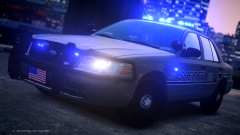 :DDD Looks awesome!! PACK! PACK! PACK! PACK!
 -
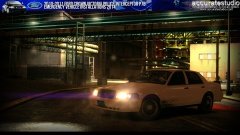 Finally some dirt that's not like a mud-dress!
 -
-
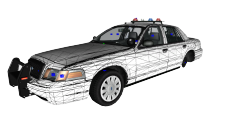 ... lol. It was meat to use drot from ELS V8, it's only one static lights with the beacon rotating around it.
 -
Because they are two separate things, look for Liberty City police first then for Ambulances & etc.
-
This part.... just.... I dunno.... What Yard1 said... & it's better you choose a skin pack you like & use whatever car you like, so they still fit :) Yeah mayb reading the readmes is of some use afterall.
-
Delete savegames & Settings folders. The first is in this root if you use xlive: C:Users*DocumentsRockstar GamesGTA IVsavegames; while the 2nd is here: C:Users***AppDataLocalRockstar GamesGTA IVSettings
-
Probs his car in the DL section.
-
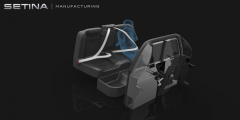 Yeah, but look closer at his elbows...
 -
what's happening with his arms?.. LOL
-
-
He didn't remove anything, he just uses lower values for them so they are not very visible.

