GreenAid
Members
-
Joined
-
Last visited
Everything posted by GreenAid
-
 LOL mate you are really fanatic with Halifax or RCMP.... xD
 -
 Wish it was on the Bugs' model :C
 -
 ? it looks correct to me.
 -
Mate, it's not really that nobody wants to do it, it's just a thing called console. We will need pc version & tools.
-
Not fully sure but it looks like standard G4V's but darker?
-
DL section if you want it.
-
Well, OP says besides Bugs' so...
-
Ok I'm going to say this a last time, AA works by multiplying your resolution THEN squeezing it on your 1920 monitor, that's why you don't see edges. He's no way using a 4k monitor, lol.... From enbseries.ini: ForceDisplaySize=false ForceAntialiasing=false AntialiasingQuality=0 DisplayWidth=1920 DisplayHeight=1080
-
That's always by Bugs...
-
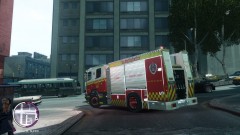 It was a WIP last time I heard of it.
 -
ELS looks nothing different, it's just AA....
-
@strike: That's just super sampling resolution, you can do it with all graphics if you want. Problem is, say bye to fps even if you got a cannon GRAM. (works by doubling a number of times the resolution of the game depending on what quality you choose: 2 is lowest & 4k (1920x2 almost) 1 is 6k 0 is 8k if I'm not wrong, but they are mostly good for screens as it lags you down). Another downer for LCPDFR players is that it gets you Police Helper out of screen unless you set it in its .ini & also Policing Script get's big.
-
-
You need lights on them lol, plus they won't pull over to normal cars.
-
Edits peds.ide, find its line & edit the move line to move_rifle.
-
-
-
-
-
2400 0.363 85 0.0 0.0 -0.2 0.5 4 0.124 5.0 260 0.4 0.55 0.6 33 1.5 0.9 11 0.12 0.48 3.0 1.7 1.7 0.1 -0.08 -0.025 0.42 2.0 1.0 2.0 2.4 0.0 50000 440010 0 0 optimized for bugz's 2008 Chevrolet Silverado 1500 Tried this?
-
-
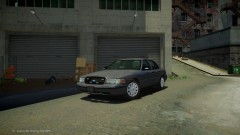 Tell reboot to map the trim too plz! D:
 -
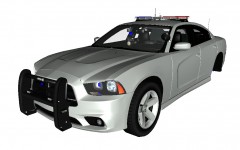 You're no Nutt, lol
 -
-