


GreenAid
Members
-
Joined
-
Last visited
Everything posted by GreenAid
-
It is a bit weird that you use High poly Charger & LQ CVPI :D
-
 Now even cars have to be for different patches?? LOL xD
 -
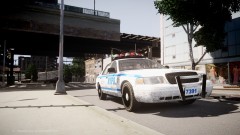 I delete them all :p
 -
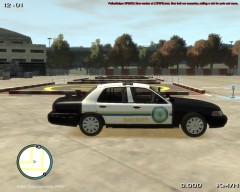 LOL hahaha I watch that too!!
 -
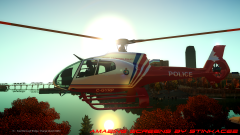 Heh, Canadian Helis look awesome!
 -
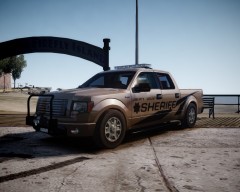 Wow! That's very cool!
 -
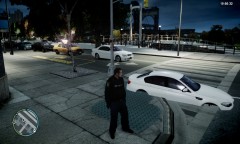 Game cannot read the handling line. So either you edited wrong the vehicle.ide or handling.dat is missing the line.
 -
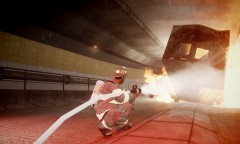 You mean you can't believe he's using a fire hose? Then I'm sorry...
 -
Ingame -> f3 -> Options -> number 8 on numpad til you reach Disable Keybindings, put yes with 5 -> press 4 then go to save settings to trainer.ini -> done.
-
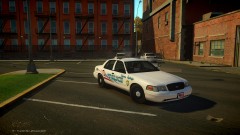 It's his & he's not sharing.
 -
-
-
Make sure it's at the start of the line & not right after one... Might happen when you copy/paste it.
-
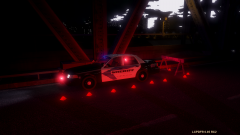 Maybe with PoliceHelper?
 -
-
Really? Where?
-
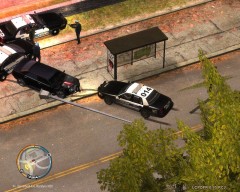 Hahahaha thanks for letting me notice that!! XD so dumb.
 -
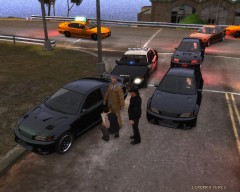 So much noise.
 -
 I think he means the skin.
 -
Oh... that's.. awkward...
-
Ok then, I kinda thought that: http://www.gta4-mods.com/player/t-shirt-mod-f23842
-
-
What's a singlet? :s
-
![Unmarked Tahoe [WIP]](//s3-gallery.int-cdn.lcpdfrusercontent.com/gallery/album_1264/sml_gallery_16132_1264_275728.png) Bugs released some like a Suburban or Silverado (both old version) that has similar rims. Look into TUNES' pics to see the on the Tahoe.
Bugs released some like a Suburban or Silverado (both old version) that has similar rims. Look into TUNES' pics to see the on the Tahoe. -
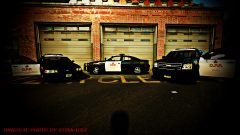 Schaefft's have different light textures (even if I changed them), plus it's wider & less boxy PLUS I'm used to it so I can say :p


![Unmarked Tahoe [WIP]](http://s3-gallery.int-cdn.lcpdfrusercontent.com/gallery/album_1264/sml_gallery_16132_1264_275728.png)
