


SuperPyroManiac
Community Team
-
Joined
-
Last visited
Everything posted by SuperPyroManiac
-
.thumb.png.96fdaaa4b4b2b56706a407df1ae1b3ae.png) They are correct when they say you have no vehicle information. There are many packs with the same year make and model, but with different texture formats. Best if you link the actual model in the description.
They are correct when they say you have no vehicle information. There are many packs with the same year make and model, but with different texture formats. Best if you link the actual model in the description. -
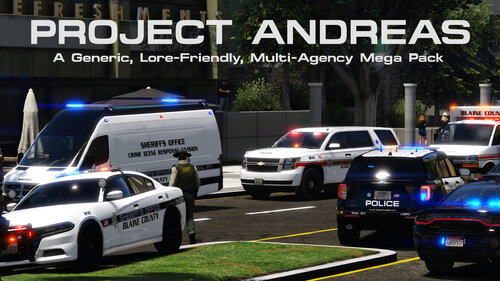 File moved to vehicle skins section!
 -
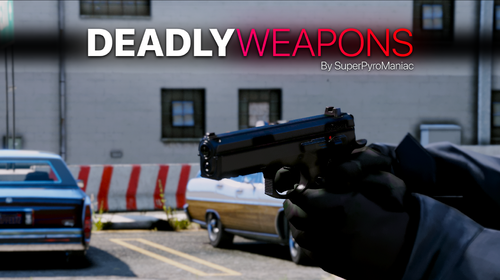 I currently dont change any values from melee weapons but I could look into this.
- 633 comments
- 56 reviews
-
-

- 1
-
-
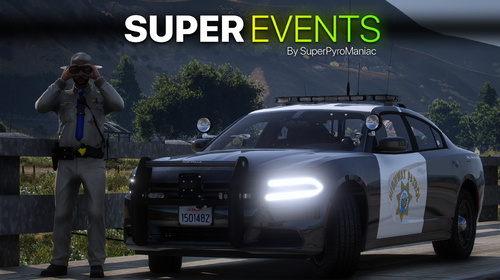 Looks like it was while LSPDFR was down as the plugin itself checks for a difference on the site. If the site is down it returns nothing. In the future ill add a failsafe for that.
- 219 comments
- 22 reviews
-
-
- 1
-
-
 Your assembly version does not match the LSPDFR version. This makes it hard for people to tell if they are on the latest version or not.
- 174 comments
- 46 reviews
-
-
- 1
-
-
Wherever you installed it. You can join the discord linked up top for help with that issue.
- 633 comments
- 56 reviews
-
-
- 1
-
-
You have an invalid weapon mod. Exception message: Cannot load an invalid weapon asset.
- 633 comments
- 56 reviews
-
 Ill be honest, I don't have a clue what you mean. Could try uploading a video showing it.
- 1,024 comments
- 63 reviews
-
-
- 1
-
-
-
Callouts do not automatically end so things don't despawn prematurely. You can end the callout in the Y menu, or by hitting 'END' on your keybind.
- 1,024 comments
- 63 reviews
-
-
- 2
-
-
-
-
You installed it wrong. Please read the readme.txt Not sure why this would only happen to you. You can hit the END key as well
- 1,024 comments
- 63 reviews
-
-
- 1
-
-
 File has been moved. In the future you may simply just report the file and we can fix it for you.
 -
They're all included. I also have a Readme.txt file that explains where they all go. Frankly just dragging and dropping the contents into your main GTA folder will also correctly place everything.
- 1,024 comments
- 63 reviews
-
-
- 1
-
-
-
-
-
-
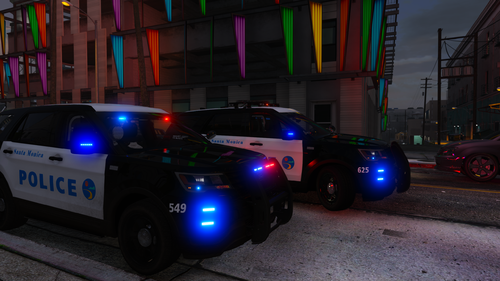 I'd recommend adding a link to the original models for users to easily find. Great work!
 -
-
Website seems to be running a little slowly for me as well, just give it an hour or so and I imagine it'll be up to peak performance again. You can also check the status here.
-
Sorry for double update! There was a critical bug during loading in the last version!
- 219 comments
- 22 reviews
-
Sorry for double update! There was a critical bug during loading in the last version!
- 633 comments
- 56 reviews
-
Sorry for double update! There was a critical bug during loading in the last version!
- 1,024 comments
- 63 reviews
-
-
- 1
-

.thumb.png.96fdaaa4b4b2b56706a407df1ae1b3ae.png)




