


thegreathah
Friends of LSPDFR
-
Joined
Everything posted by thegreathah
-
 No problem, for me I just look at the ram bar. BlackJesus's have that sweet wraparound.
 -
Looks more like Black Jesus's CVPI than Virzza's although the Explorer is his.
-
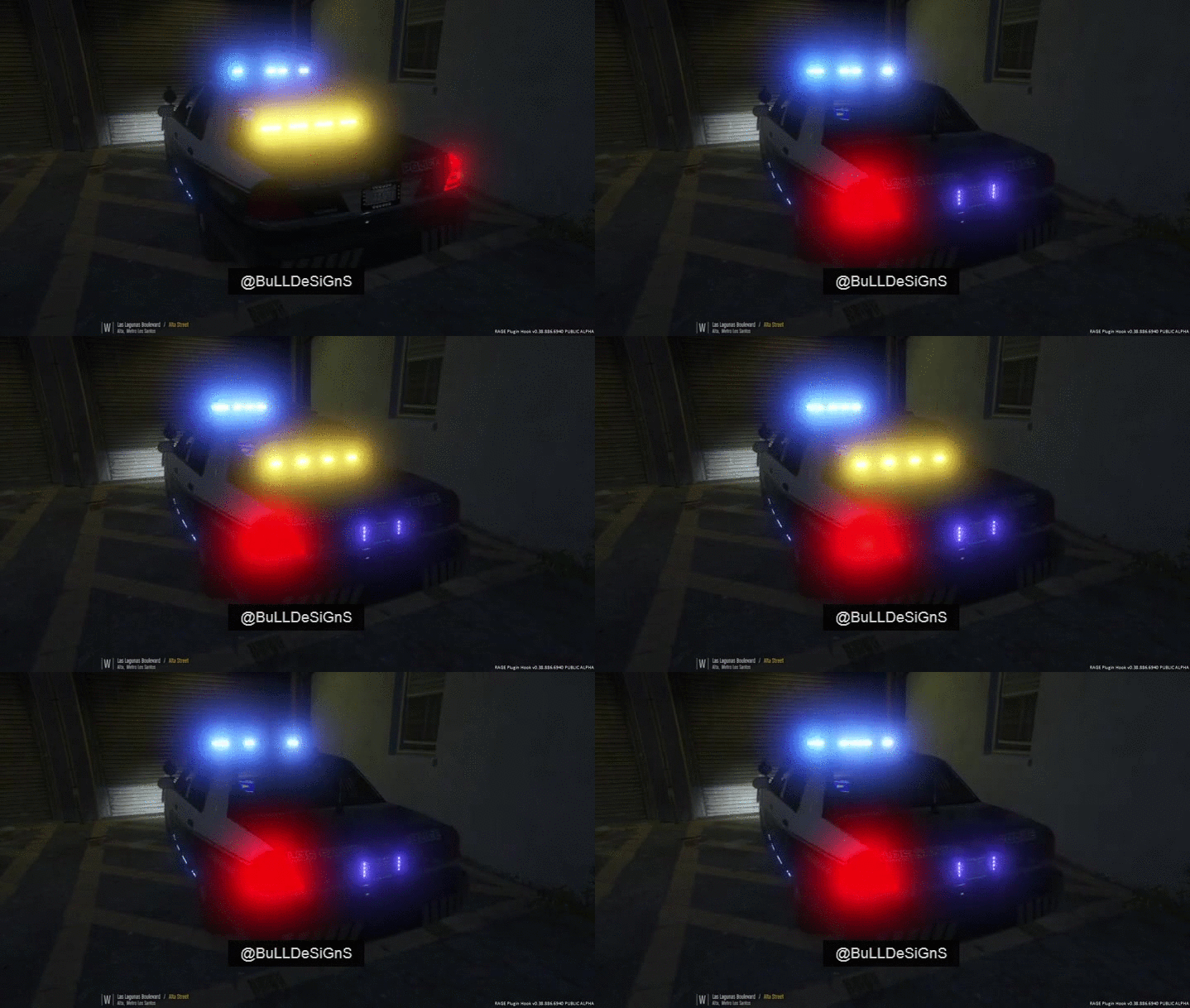 Looks crazy good. Can't wait for release.
 -
 sounds good
 -
Really awesome! Is there a way to make the side runners extras?
-
 Ha, alright, yeah, I meant no offense man. hope I didn't seem too aggressive lol.
 -
No, it's not your fault at all bud! It's just kind of annoying when we all see many others making videos and pictures of cars that just never get released. Don't worry about taking the photos down, because the car looks freaking amazing, however I just wanted you and others to know how the rest of us, who aren't best friends with Bxbugs or Carper, feel when we see High quality models that we can't have.
-
Always good to see cars that everyone else won't get for months :)
-
 Yass, pretty much everything you have, I want, and I'm sure others would like them as well.
 -
-
 ELS confirmed? LOL glad the team has made this progress! I was watching videos from back in September, and the progress is astonishing. really awesome!
 -
 Oooh hello there! Beautiful shot bud.
 -
Really awesome progress. The grill certainly looks much better!
-
.thumb.png.84adb823f7f653b8d654f1ab13098851.png) It doesn't matter, the files you place there will overwrite any previous files.
It doesn't matter, the files you place there will overwrite any previous files.- 89 comments
- 44 reviews
-
-

- 1
-
-
 bootyful
 -
This thread needs to be shut down asap
-
Looking fantastic. Cannot wait. Glad such a great and well respected team is working hard on this, and we will get something stable and usable.
-
10
-
.png.706069c1e963b096363f147a7326afb9.png) Love that lightbar. hawt
Love that lightbar. hawt -
I'll be getting the 1070. I'd wait around for that if I were you.
-
It looks like you may have development mode either turned on or installed. First, unless you are developing your own callouts, do not use the SDK folder that comes with the install Second, go into your settings (Press shift as ragehook is loading, or hit the gear on the the "Rage" logo) and make sure developer mode is off. If it is still crashing after that post another crash report, because that is the only problem I can see at the moment.
-
.png.e4c718080f92425228db4410ba3687c1.png) Finally, new awesome peds. These look fantastic. Can't wait to use 'em
Finally, new awesome peds. These look fantastic. Can't wait to use 'em -
-
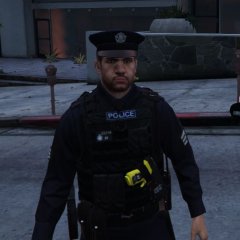 Woah. Sexy af
 -
 Exactly what I was waiting for in this game! Awesome work!


.thumb.png.84adb823f7f653b8d654f1ab13098851.png)
.png.706069c1e963b096363f147a7326afb9.png)
.png.e4c718080f92425228db4410ba3687c1.png)

