



Gelse16
Members
-
Joined
Everything posted by Gelse16
-
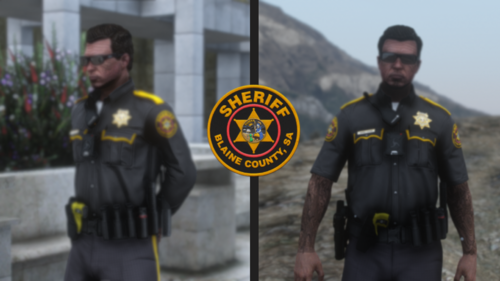 looks good! any hopes for adding female also?
 -
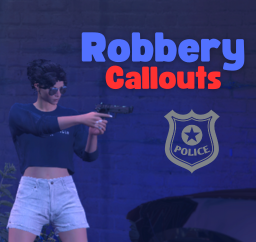 a lot of weird things are happening with clones appearing and disappearing, nothing at markers and other stuff which leads to more problems. sometimes the situation is just weird, sometimes chaotic and sometimes it crashes BTD without any log. so most of this plugin is not working for me. as i'm using a lot of other olugins which are fine while playing hours i couldn't recommend this one after testing it without any other callout packs and 3 different versions. there was no performance lost on my side though. i still hope it will get some improvements in future to work as it should. good luck!
- 19 comments
- 3 reviews
-
-

- 1
-
-
 uuhh, nice one. gonna try this one out today!
 -
 just saying, no need to hurry. i'm already happy to get some variety into gameplay. your packs have always been amazing.
- 200 comments
- 27 reviews
-
very nice to see you back working on your packs! but it's always a goodi dea to have an ini file to enable and disable callouts. you shouldn't skip that.
- 200 comments
- 27 reviews
-
-
- 2
-
-
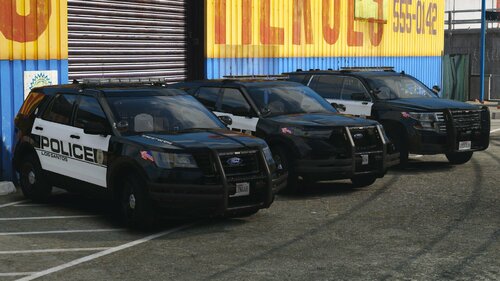 will definitely try this pack!
 -
 great job and awesome pack. the only thing i would dislike on this is the environment lighting of the emergency lights. when the blues are on, environment shows red lights and vice versa. i have to change it on every single light and every car which is a little annoying. besides that i love it!
 -
-
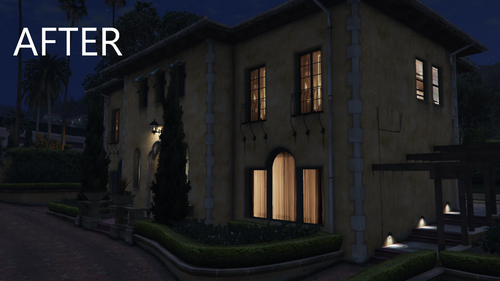 any news for the paleto bay gas station?
 -
sadly too buggy for me. i've tried the previous version and also the new one from today. callouts are still ending automatically which seems to create some problems resulting either in a btd crash or in weird situations (clones appearing and disappearing). on the new callout, money transporter requires help, there's no money transporter or staff at the marker. or they are invisible, i don't know. i hope this will develop in future and makes me come back!
- 19 comments
- 3 reviews
-
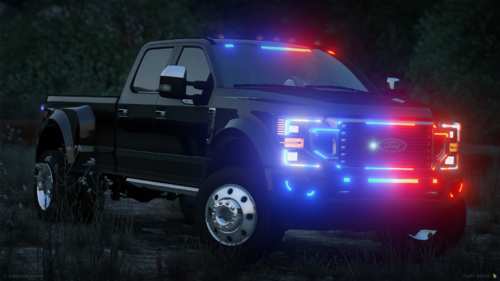 delete
 -
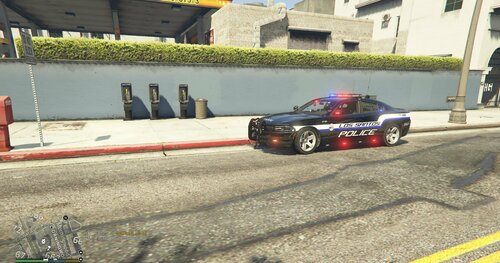 they're looking real good, i like this skins. good job! 👍
 -
 just subtract -1 from the eup nr and the eup texture also. f.e: if you wanna use glasses which have id 10 and texture 1 you have to put it into PoliceMenu like this: ID 9 and texture 0. that's how to use it for ALL items of eup menu. it's just great to play with this plugin. simple to use and a lot of features without any performance loss or other game impacts. very nice job!
- 713 comments
- 33 reviews
-
.thumb.png.b9e18d9931090871b064059f2c315cf8.png) ricy vasco has done a great on this one. i just like how simple it is to use. very nice addition to the gameplay i can only highly recommend this plugin! 👍
ricy vasco has done a great on this one. i just like how simple it is to use. very nice addition to the gameplay i can only highly recommend this plugin! 👍- 703 comments
- 24 reviews
-
-
-
did i understand right? these callouts do not trigger automatic i have to trigger them manually?
- 19 comments
- 3 reviews
-
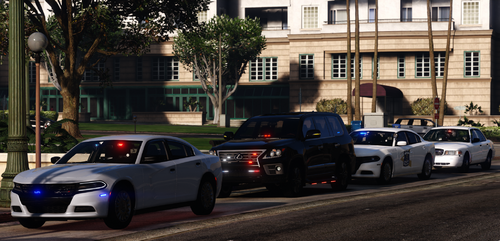 by the way: just create an els file with the right name, set it to auto or euro and disable all extras and you will be able to use stage 3 lightning and sirens via els. never had a problem to do so.
 -
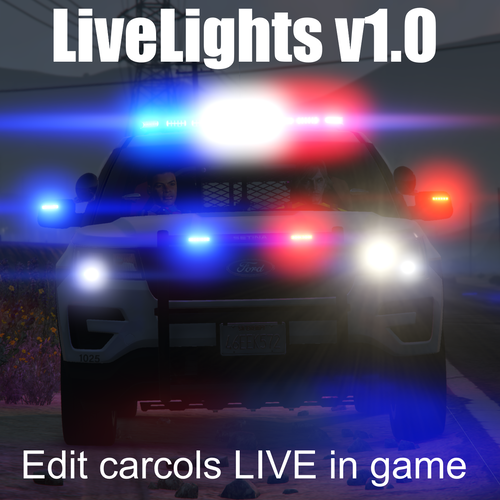 still working fine. since it's first release i've never done carcols without it. outstanding timesaver! 10⭐
- 39 comments
- 4 reviews
-
- rph
- open source
- legacy
- rph
-
Tagged with:
-
i'm, sure i've rated this one already - where have all the reviews gone to???? very easy and selfexplaining tool. it's very simple so you wouldn't experience any performance impact at all. why you should use it? because you don't have to play around with carcols forever. just open it while in car and edit the lights to your own likings, adapt it to your graphic settings, everything what's possible in gta. it saves you sooooo much time and you'll see how affect changes instantly during gameplay and take further changes if it doesn't fit to you. i'm using it from the very beginning and i have never been disappointed. you just couldn't adjust emergency lights easier. especially when you got 5m or replace cars to change in dlc cars. save it and you can literally copy and paste and have your carcols file ready to go. outstanding and amazing job when i think about how much time it has already saved for me. keep up the good work and thx for sharing!!👍 i love it! 😍 edit: in sept 2025 still a must have
- 39 comments
- 4 reviews
-
-

- 1
-
-
- rph
- open source
- legacy
- rph
-
Tagged with:
-
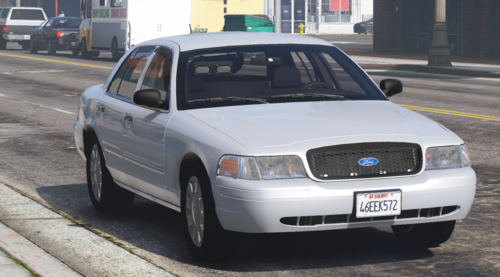 i'm really enjoying this low profile car, amazing job! 😍👍
 -
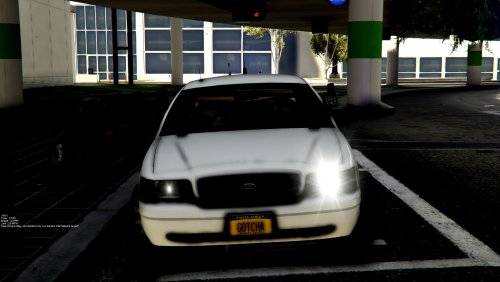 great vehicle. lowpro and without spotlight. the only issue: there's no environment lightning at all from the bluelights in front. so the greatest lights of the vehicle aren't reflected while the small dots in the back are shining too bright in the back. that's weird. also i can't see any secondary lights at all.
- 19 comments
- 7 reviews
-
exactly what i was searching for. well not 100% but almost. i was looking for a construction year 96 or 97 crown vic with low profile but it seems tit doesn't exist yet. besides of that everything about this car is just great. minimal bluelights (fully functional in environment lightning), no searchlight, no rambar, no mass of antennas. very simple and very rare at the same time. 1st person view? sure! everything is functional inside, dashbord, speedometer, indicators. this is one amazing car! great job and thx for sharing!! 👍
-
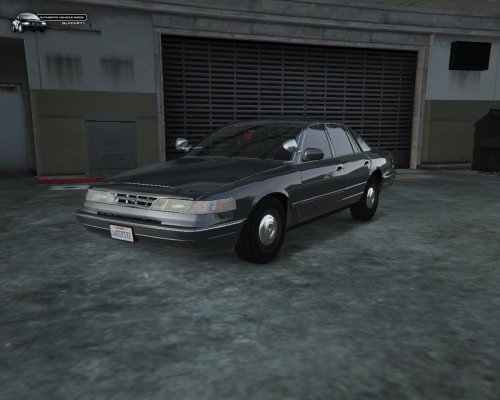 the big light issue never has been solved by the author. emergency lights are much too bright but headlights and taillights are also steady burns and much brighter. don't even think about using this car at night - you'll get blind and you'll see nothing but excessive bright car lights. therefor it's sadly useless ingame.
- 21 comments
- 10 reviews
-
nice car but all it's lights are making me blind and i don't like the steady burn. a proper version of this lowpro vic would be nice.
- 21 comments
- 10 reviews

.thumb.png.b9e18d9931090871b064059f2c315cf8.png)

