



Gelse16
Members
-
Joined
Everything posted by Gelse16
-
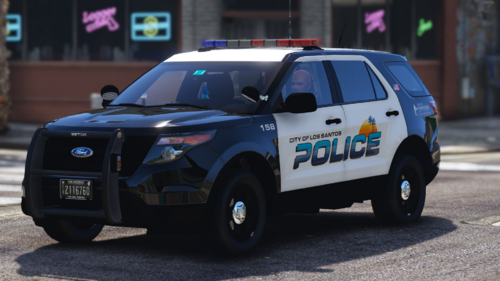 ridiculous next level packs. just absolutely amazing top quality, every single car. thx for sharing! 👍
 -
-
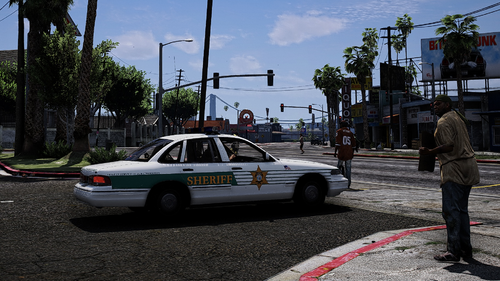 would like to see the lightbar in action. any vid?
 -
thx for responding. 👍 that makes sense. i'll update my .rpf as suggested. everything else is up to date. i'll see next time if it worked.
-
hi there, after the last RS update i've checked the files. some new DLC came with it. so i have put them into the dlc.xml in my mods file. <Item>dlcpacks:/mp2026_01/</Item> <Item>dlcpacks:/mp2026_01_g9ec/</Item> <Item>dlcpacks:/patch2026_01/</Item> after that, this crashed my gta everytime when it tried to change the ped model. like that: always starting gta without loaded plugins into the same savegame and Trevor as ped model. if using "reloadallplugins": crash only loading eup menu and trie to open it: crash no plugin loaded and tried to change to mp_m_freemode or the female version via trainer: crash after deleting the 3 items from the dlc list, everything works fine again. so it seems to be an issue with the streamed ped model or something like that? i haven't found any workaround yet.
-
 nice pack but definitely needs some polish. while in sandy shores i'm receiving calls located in murieta highs or somewhere else in los santos city. scene spawning needs some work also. f.e: drugs posession, abandoned car: cars spawn in the middle of the street, very unrealistic. abandoned car wouldn't stay for days there. the drug guy is standing in the roof of his car. if i search the car with STP there's nothing to find. just your callout tells me by pressing Y that there are drugs, but not which kind of. so it's hard to stick at roleplay when i can't charge the guy for real. these things and others are almost throughout all calls. i hope it gets some polish because the idea is great. keep it up! no review at this point of early development.
 -
-
 still one of my all-time-favorites. great pack, great expansion, great work! thx for updating and sharing! 👍
- 197 comments
- 37 reviews
-
-

- 1
-
-
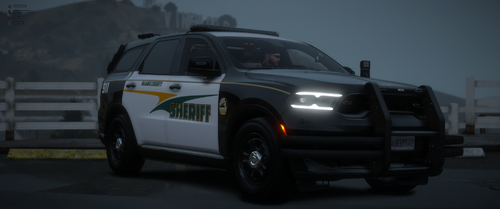 great car! lots of options to customize the lighting to your liking. the interior is fantastic, and the exterior is just as beautiful. i love the non-rambar version of this car. great work, thanks for sharing! 👍
- 50 comments
- 5 reviews
-
-
- 1
-
-
 i know about the functions of the game. but that's why i wanted to change it in the ini. callouts i don't want to play shouldn't be generated at all because it's wasting time and ressources. players don't want to sit around waiting for the right callout to generate. in the pool should only be callouts the player wants to have generated. 10 callout packs, almost every modder builds a pursuit and a store robbery, if you don't like these two you have you will have 20 callouts triggered which are you are not interested in. if every pack has this ini option to disable, you can use all 10 packs and never have to mess around by refusing assignments. it saves time, nerves and ressources. that's why players want this and it makes absolutely sense.
- 34 comments
- 5 reviews
-
-

- 3
-
-
-
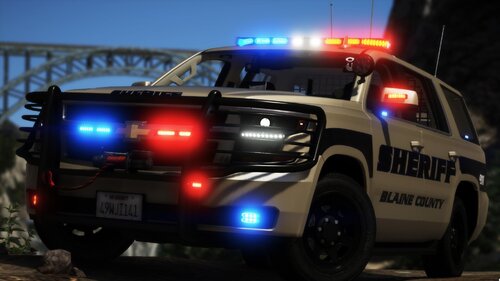 turned into an addon, set up some nice els sequences and enjoying it on blaine county patrols. great car, thx for sharing 👍
- 41 comments
- 8 reviews
-
 hi yasd, i do have a question - is it possible to implement the ability to deactivate callouts via the ini file? that would be great. thanks for bringing back some oldies.
- 21 comments
- 1 review
-
-
-
- 2
-
-
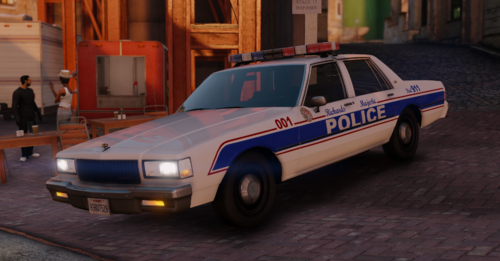 update after 2 years? that's awesome! i'm gonna test this as addon soon and will leave you a review. thx for your effort and sharing retro cars! 👍
 -
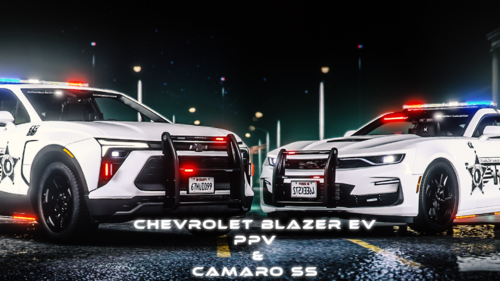 amazing cars and interior. i especially love the blazer. good job! 👍
 -
-
-
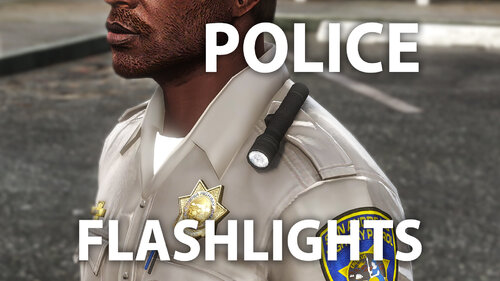 looks nice ingame. good job! 👍
 -
they no longer light up; only a dark color can be seen. but next time playing, I will take screenshots and show them here.
-
as long as your emergency lights are not running at stage 3 they will fade out, as soon as you get out of the car when it's daytime and normal weather. is there any way to prevent this? lspdfr function as well as simple trainer "keep engine running" do not help. sometimes i like to use stage 2, but it looks ugly when it''s kind of faded out. at nightime all works perfectly though. suggestions to solve this issue are very welcome!
-
 You know, I didn't even consider that. Yes, I will see about adding controller support, especially for the voice recognition. I got you. that would be awesome and it would only really necessary for this one function (Keybind, ModifierKey). i'm fine with using the keyboard for anything else. 👍
- 322 comments
- 16 reviews
-
-
- 1
-
-
any chance for controller support? primary a custom keybind to activate the voice recognition.
- 322 comments
- 16 reviews
-
-
-
 Hey bray. Unfortunately no I don’t at the moment sorry. well, if you want to translate it, you can send me all your text you want to have translated into german and i will do it for you. as soon as i've done with it i'll send you everything back. i don't use discord but that shouldn't be any problem.
- 158 comments
- 8 reviews
-
-
- 1
-




