
Gelse16
Members
-
Joined
Everything posted by Gelse16
-
.thumb.png.b9e18d9931090871b064059f2c315cf8.png) when i press Y to enter the station i'm still falling through the ground and can't do anything. happens since the last 2 versions. sadly can't use this plugin anymore.
when i press Y to enter the station i'm still falling through the ground and can't do anything. happens since the last 2 versions. sadly can't use this plugin anymore.- 670 comments
- 19 reviews
-
same here first time in 10 years. nothing helps so far, got stuck in an endless loading screen of rph at the desktop.
-
we have to wait for the new version of scripthook again...
-
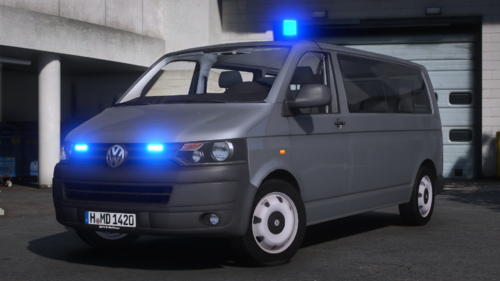 tolles auto! innen und aussen funtkioniert alles, lackierung nach lust und laune und insgesamt schön gemacht.
- 1 comment
- 2 reviews
-
 but ini settings for callouts still don't work for me at all. set to false and still triggers the callout.
- 352 comments
- 25 reviews
-
-
geht ja gar nicht. das sind nur die standard-ped uniformen, darum erscheinen diese auch nur in der wache. dann müsstest du via trainer als spielcharakter den cop auswählen. uniformen für deinen eigenen charakter musst du via eup auswählen, doch dafür benötigst du natürlich auch ein richtiges eup für österreich. da helfen dir die umbemalten standard npc peds gar nichts.
-
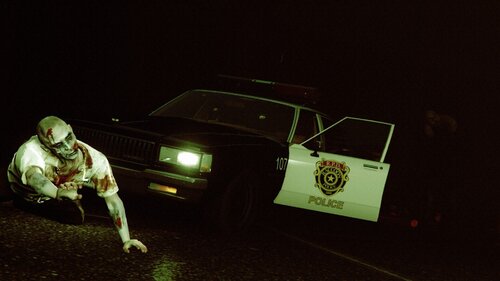 another retro car. this one looks amazing, great job!! 😍
 -
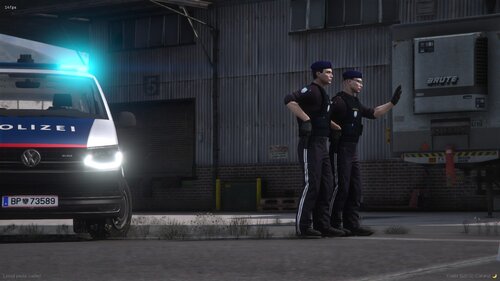 ich hoffe immer noch auf mehr 😉
 -
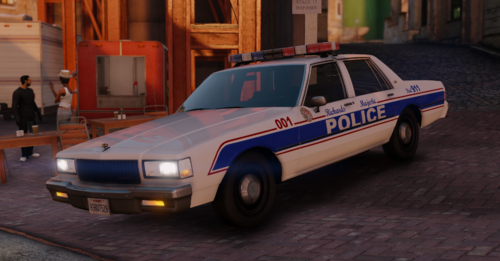 beautiful car. retro stuff is always very welcome! great job!👍
 -
 by reading the comment above yours.
 -
i also have the issue with flying through the map. no matter if i try to enter the station in los santos, sandy or elsewhere. i've never had that issue with this mod before.
- 670 comments
- 19 reviews
-
-
thank you, i'm glad you like it!
-
-
-
i see. yeah police lights are looking awesome with it and there is finally a need to use flashlights. that's why i've made this one. enjoy your nightshifts! 😀
-
this is a really nice screenshot and comparison! 👍 thx i'm glad you like it! i would appreciate a rating too 😉
-
i have no idea what you're talking about. there's nothing like "more orange" in this files and lights could not even be modded in this files. sorry but you are apparently messing with other files around.
-
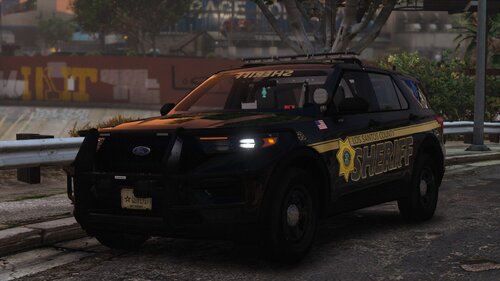 nice car but unfortunately there is no way to change patterns of the red and blue lights at stage 3. kind of disappointing.
 -
i don't know what to do with that to be honest. it's the same in the original files but the moon is much more hidden behind fog and the yellowish part overall which i have reduced. playing around with the settings of sunrise/sunset doesn't help at all. i do see this in real life too but not all through the year. i'm afraid you have to live with that autumn/winter impression. 🙂 anyways i'm glad you like the dark side of the game!
-
i do not see any reason for this since visualsettings.dat is adressing completely different aspects. for myself i'm using a visualsettings.dat which i've heavy modded to my likings.
-
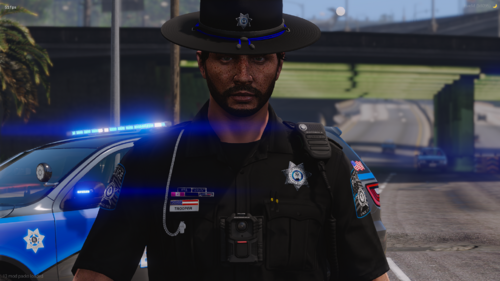 looks interesting. definitely gonna try this out in sp!
 -
it's hard for me to reproduce as i'm not using any graphic mods at all. so if there are graphic mods used you could run into some issues for sure. i'm still wondering since an older version seems to work fine for you. i'll have a look into this but it may take some time.
-
that's weird, i don't have any issues now. you're welcome, thx for trying! new version 1.4 should work now if you wanna give it a try.

.thumb.png.b9e18d9931090871b064059f2c315cf8.png)