


nh1256
Members
-
Joined
-
Last visited
Everything posted by nh1256
-
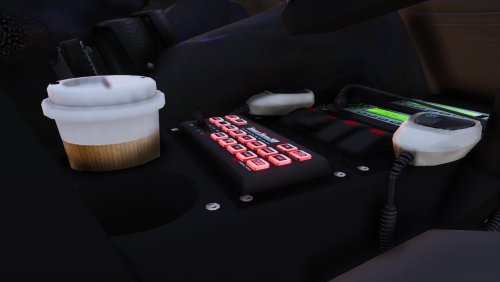 This siren sounds great! Any chance of adding a Hi-Lo to it? I know Beverly Hills PD uses this siren, but with a Hi-Lo as well.
- 83 comments
- 19 reviews
-
-

- 1
-
-
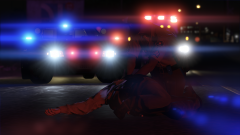 Oh it looks great so far. I love simple light set-ups like that
 -
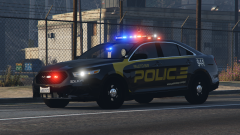 Yes that's part of that model
 -
is this part of the LSPD pack? because it looks extremely similar to a slicktop CVPI from Spokane County Sheriff, judging by the lighting
-
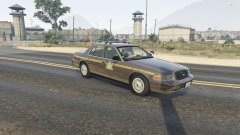
From the album: W.I.P.
Finished the '98 CVPI. Having some trouble with the '02 Wheels, and I got the Bronco template, but one side of the template is backwards, so I have to try and fix those issues. Have some minor bugs to fix on the cars, and I have to correct the skins slightly. Still not sure if I will create any other vehicles for this pack or not. -
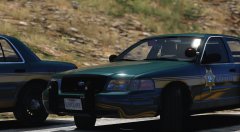 Beautiful
 -
This is what happens
.thumb.png.4ba13a0107c187545c0b9372fcd3e2e5.png)
-
This is the material I am using and all of the properties. What should I assign to the adapt? It's currently set as an emmissive.
.thumb.png.2d1df473c4dcfc674119a821c6ec5480.png)
.thumb.png.3c7271da6f55f4277cdb1077addefdac.png)
.thumb.png.c1db60d73ee885279a400921907263b6.png)
.thumb.png.0ddf69033249984eea99e6814e72ebef.png)
.thumb.png.8c2ddbf7afc7c7886238dadc679c0b0e.png)
-
When I change it, it changes the texture of the glass itself
-
yes I'll post some screenshots. it's a glowing white color. Here they are. And by the way, i am aware that three out of the four wheels on the one car are missing, that's my next focus.
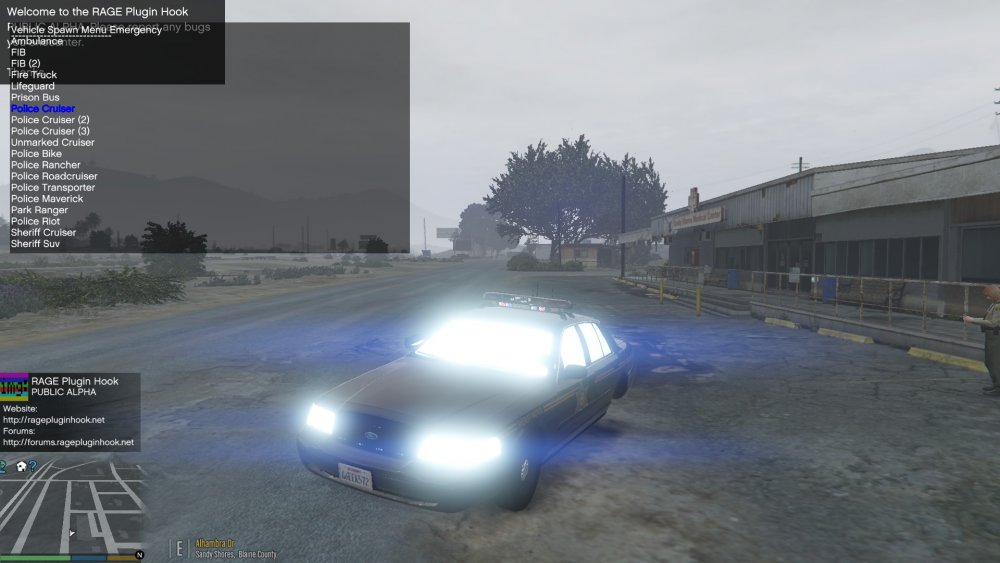
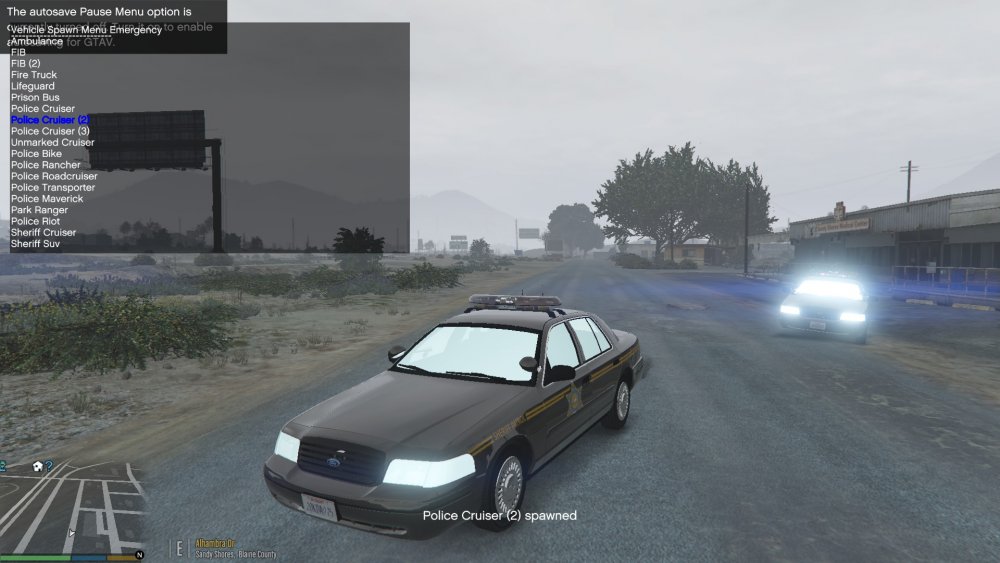
-
-
I am testing two new vehicles I am creating... but the glass on them glows. It's not the lightbar glass, just the headlight glass, and the windows (front, back, and all four side windows) please help me!
-
-
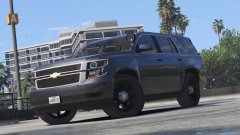 Car looks amazing! You might need to scale down that spotlight though lol
 -
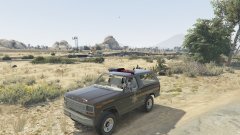
From the album: W.I.P.
I've decided to start a pack loosely based off of the Henry County Sheriff Dept. in Illinois. The pack will (hopefully) feature this bronco, and two or three CVPIs (a 98-99, 02, and 06 CVPI, even though the department does not use 06 CVPIs as far as I know) and also possibly a Tahoe, even though the department also does not use them as far as I know. Let me know what you guys think. -
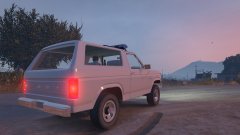
From the album: W.I.P.
Started working on this earlier this morning. The base model didn't come with a template, so even if I do release this, I would have to wait for the template, unless someone else can create it. Let me know what you guys think! -
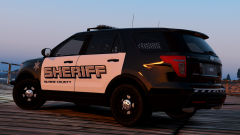 This skin looks really great
 -
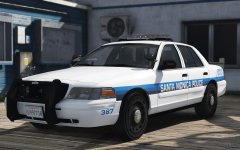 Oh wow. I am excited for this.
 -
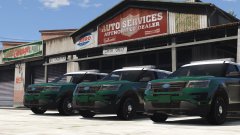 Looks great so far Black Jesus. Can't wait to see the finished product.
 -
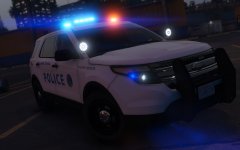 Good to hear even more will be added onto it. Loving the legitimate Cali steady burns on that Valor. And I agree, those probably are the only two SMPD owns.
 -
Didn't know Santa Monica had FPIU's. It's been a couple years since I've been there. Nice work!
-
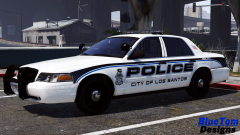 No longer available for download. Carper released it on GPM, but it is no longer there, as far as I know.
 -
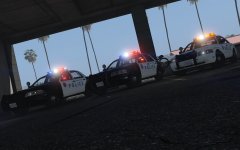 Great. Thank you, and great work.
 -
Would there be a chance of these ever getting released? I love Santa Monica PD!
-
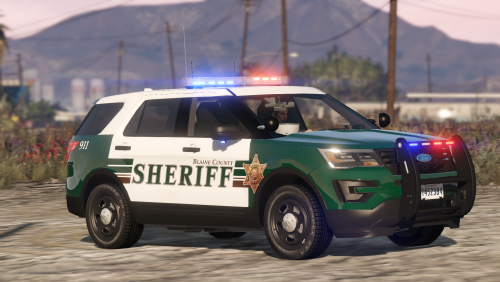
.thumb.jpg.6c80ecc7060134b39a0d153a8d09ac1f.jpg) I had checked my patchdays but I more than likely missed one. I'll check again, thanks!
I had checked my patchdays but I more than likely missed one. I'll check again, thanks!- 107 comments
- 24 reviews
.png.e356cdb655177415c297e8775bfb016e.png)
.png.4bebbaccc2466d624dd4ccb8872da92a.png)
.png.2b91ba899b514fd662705de09ee9b4cf.png)
.png.7ddeedcf04971354ef6594fefb7fe9e5.png)
.png.b9b13a6effd67737c53c2620443f9671.png)
.png.22bfdac200d0682ac562b441fe22cb86.png)


.thumb.jpg.6c80ecc7060134b39a0d153a8d09ac1f.jpg)