nh1256
Members
-
Joined
-
Last visited
Everything posted by nh1256
-
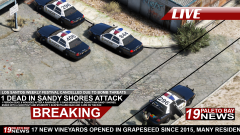 Cars looking good.
 -
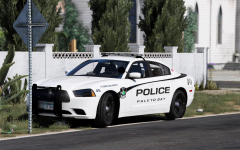 No doubt some of your best work yet.
 -
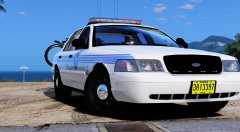 That's a shame to hear, it is an anticipated pack for many, but of course if you don't have the motivation to make it, then there's nothing we can do. Still looking forward to the MPD 2.6 update and your future releases. Keep up the good work.
 -
How come you would discontinue the LA pack? It looks so good from the screenshots, and there is not too many well made accurate LA cars out right now.
-
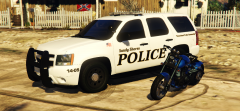 This skin really fits well on that Tahoe.
 -
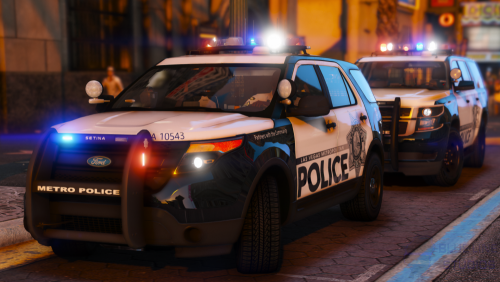 i installed these and for whatever reason it corrupted my vehicles.rpf file. i perfectly understand how to install vehicles and i was using a mods folder.
- 67 comments
- 25 reviews
-
 Who's vehicle is that?
 -
 Looks great
 -
-
.jpg.26c42ec5bdb809337219e6ce08f30b30.jpg) What an absolutely beautiful model, can't wait to see the others that come out of this design
What an absolutely beautiful model, can't wait to see the others that come out of this design -
-
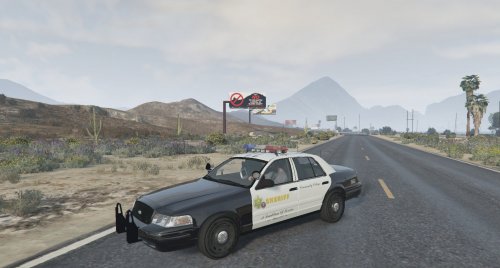 Whenever I am able to find the time to learn how to convert the lightbar to ELS. I will probably end up uploading it as an entirely separate file rather than an uodate to this one.
- 30 comments
- 7 reviews
-
-

- 1
-
-
If I get a chance to learn how to configure DROT, then I will convert this model to ELS. ELS is the main reason why I have not updated this model in quite some time.
- 30 comments
- 7 reviews
-
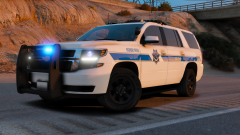 this looks amazing
 -
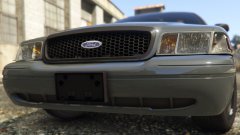 I was just wondering if it's the same standard vic template that every one uses or if it was a new template.
 -
-
-
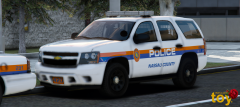 That seems great. Good luck with this project. Can't wait to see the finished product.
 -
May I ask what vehicles you plan on adding?
-
Oh ok that's great lol
-
I understand this is based off of Nassau County Police in New York, which means no blues in the front, however will this include red/blues? These are beautiful cars, and I use a red/blue set up and was just wondering. can't wait to see the finished pack!
-
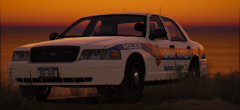 Lundy made one a while back. Ask him if you could use it because he took it down for some reason.
 -
-
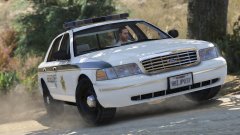 Hmm, that's a shame. I'll ask Lundy about it.
 -
Looking very good, excited to see this progress. I think a good third slot vehicle would be another early year CVPI, perhaps an '03? As far as I know, I am the only person who has released an '03 CVPI on this site, and it would complete the old look well, IMO.
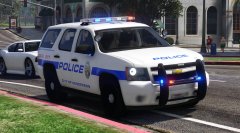
.jpg.26c42ec5bdb809337219e6ce08f30b30.jpg)
.thumb.png.debb2e8fd42b234303e9e2473fb894e8.png)