nh1256
Members
-
Joined
-
Last visited
Everything posted by nh1256
-
.png.8d5e2092f69edc426b501986bdc8e72b.png) Wow Izick this looks fantastic
Wow Izick this looks fantastic -
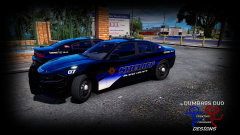 Lightbar is probably all black because of the in game window tint, which as I'm sure you know can be changed via a trainer. Model looks great though, I love it!
 -
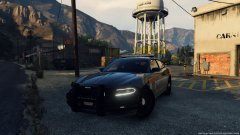 I know what you are talking about with the inverse suspension physics. You can't use police2 handling line with it. I use FBI2 handling line with it usually, but I have a handling mod so it changes the way it feels to use an SUV handling line. Ablaze, this car looks very good, I like the lights next to the plate in the back. I'd like to see what happens with this car, keep it up.
 -
 Great to hear!
 -
these skins look so good
-
-
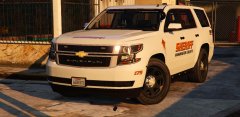 this is purely amazing youve made me speechless with your work as always bud
 -
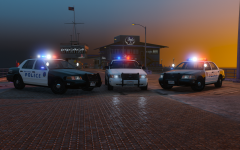 Will you be updating the Santa Monica pack for ELS?
 -
-
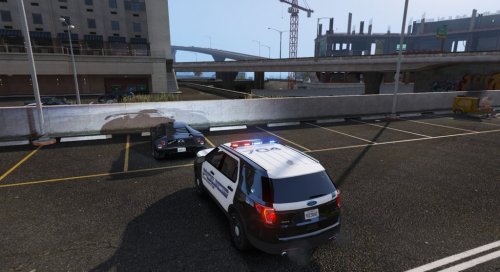 Third car put out for ELS with simple lighting by the same person in the matter of like a day. I like the balance between not too much lighting, but also each car you released has similar lighting, making it easy to use as one department. good job
- 18 comments
- 5 reviews
-
-

- 1
-
-
-
Good car, but the top of the description is about your dodge charger, just a heads up
- 18 comments
- 5 reviews
-
-
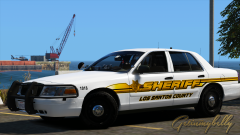 They look beautiful, I hope you release them I'd love to use them.
 -
will this design be released?
-
Thank you for those links, I really appreciate it.
-
I use add-on cars, but with the new update, of course, comes a new gameconfig file that only allows 4-5 add-on cars. Does anyone have one that works for the new update, or can tell me how to make it? I'd really appreciate it as I don't want to have to stop using add-on cars.
-
 Ok I thought so, it didn't look like there was a Inner Edge in there or anything. Thank you
 -
This looks nice. What is the interior lightbar you're using?
-
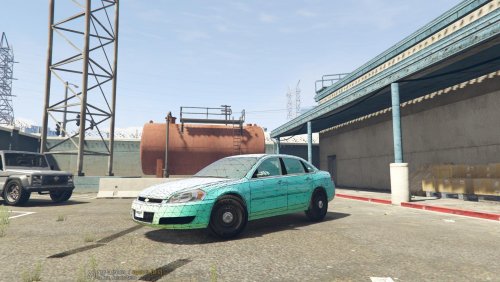 Ok. Thank you, and great model, it looks like you put a lot of work into it.
 -
I know that. I meant like where it's just a clear or slightly tinted color.
-
Do you have the standard windows (not templated version) for this as well as your 2015-16 charger?
-
 This turned out perfect man
 -
-
Looks great Five0!
.png.8d5e2092f69edc426b501986bdc8e72b.png)